English
- 70 -
User Manual - Thermo X
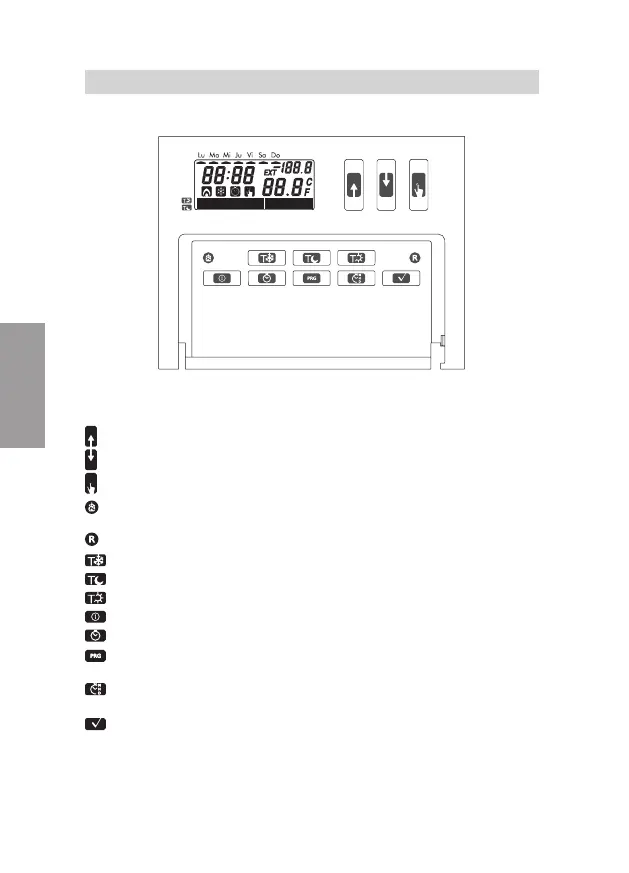
DEVICE DESCRIPTION
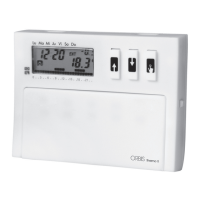
FRONT VIEW
0
3 6 9 12 15 18
21
.. .. .. .. .. .. .. ..
FUNCTIONS OF KEYS
Value up
Value down
Manual operation
WINTER-HEATING mode
SUMMER-AIR CONDITIONING mode (only accessible using a sharp tool)
Reset (only accessible using a sharp tool)
To set T0 for Automatic operation
To set T1 for Automatic operation
To set T2 for Automatic operation
System off
Timer-controlled operation
Hourly programming for automatic operation;
hold it down for 3 sec. to enter advanced programming
To set the time and date;
hold it down for 3 secs. to enable or change the solar/daylight saving time
To confi rm the settings


 To Next Page