18
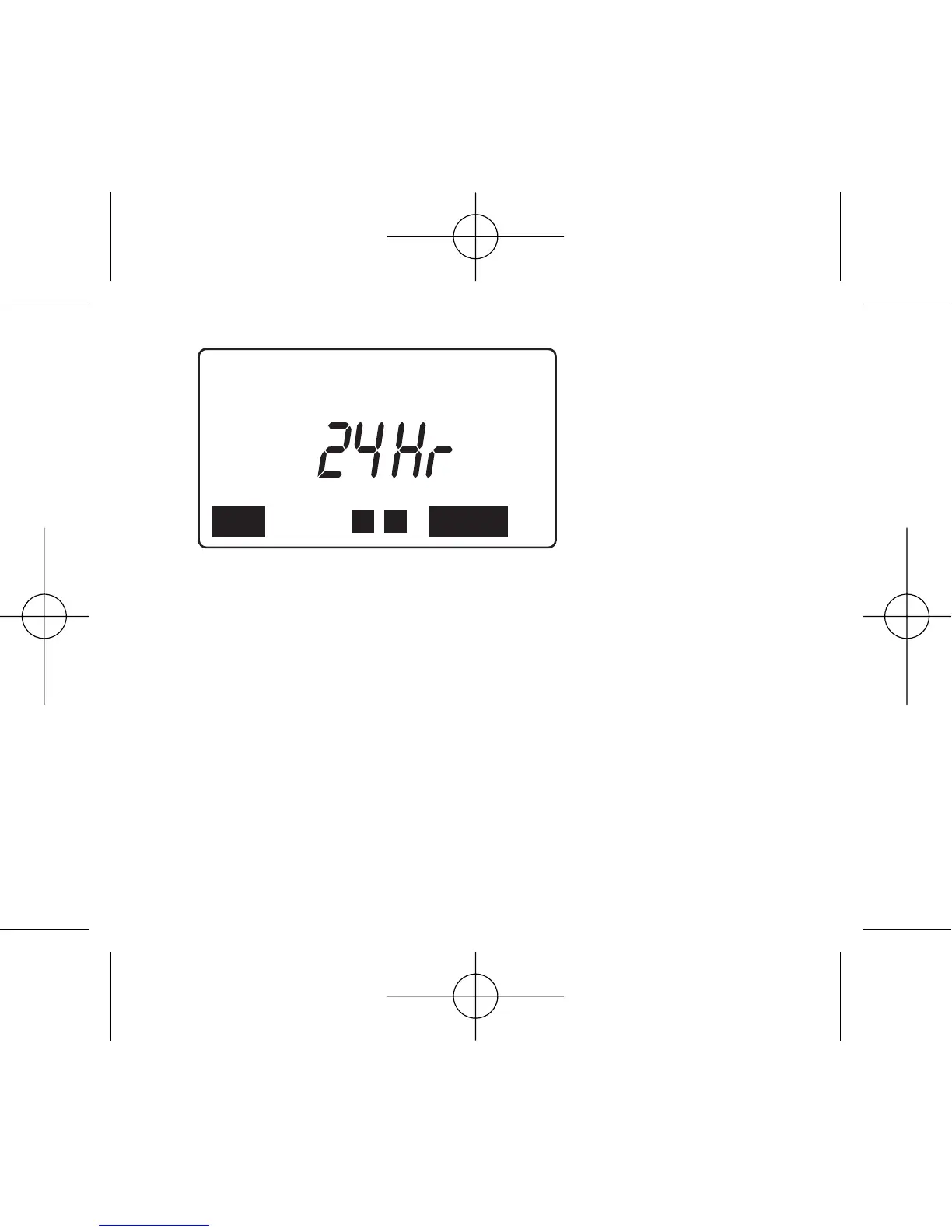
Push + or – button to change the hour delay within 10 sec-
onds after pushing CONFIRM button to begin delay mode.
Otherwise, "24 Hr" and the current day and time will alter-
nately blink and the timer will not accept a delay hour
change. If this occurs, repeat the previous three instructions.
Push CONFIRM button to confirm the delay mode for the
desired time.
LEFT will appear to indicate the time remaining on delay.
To discontinue delay watering, push MODE button.



 To Next Page