EasyManua.ls Logo

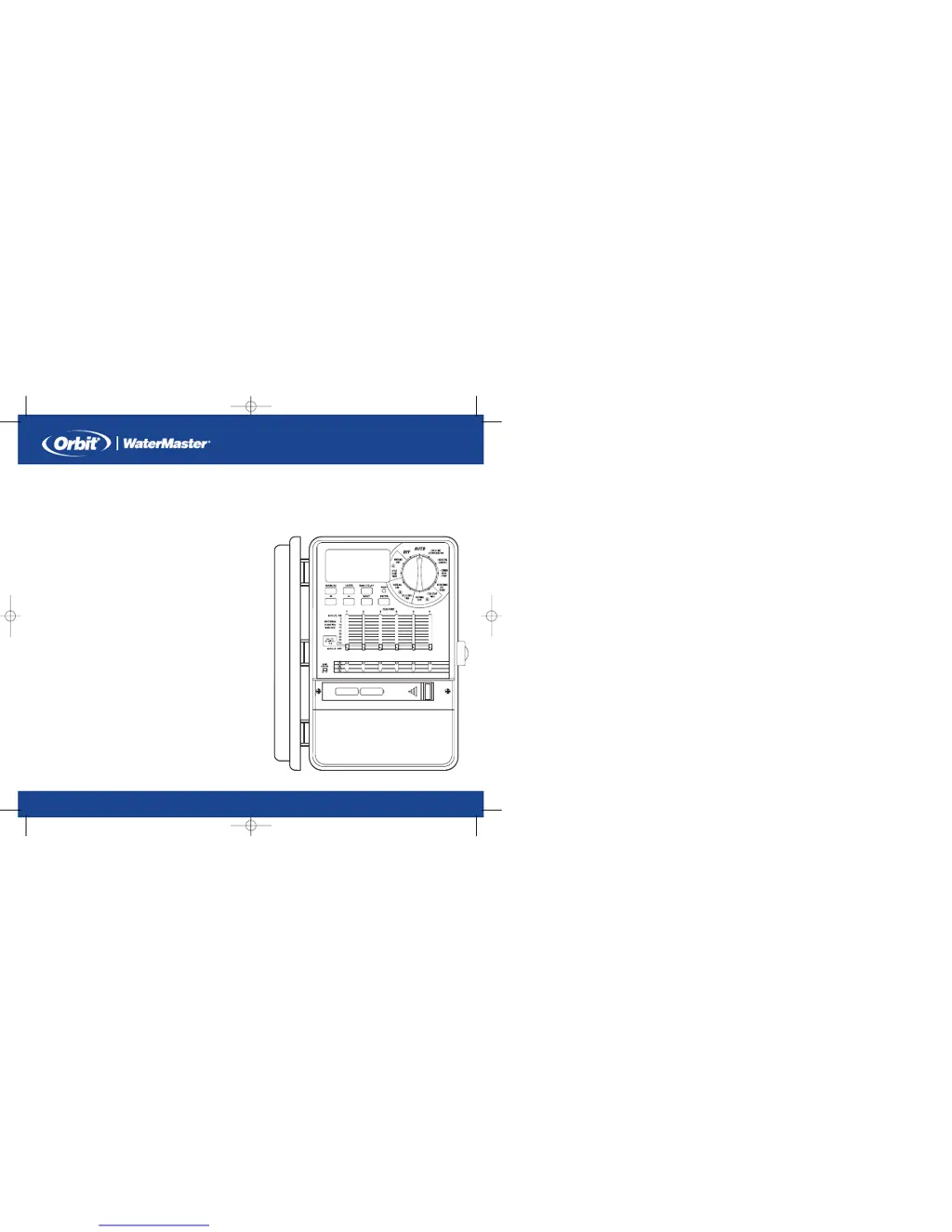
Orbit Watermaster 57004 - User Manual

Orbit Watermaster 57004
24 pages
Print Icon
To Next Page IconTo Next Page
Loading...
PN 57004-24 Rev J
MODELS:
57004, 57006, 57008, 57012, 57122, 57254, 57256, 57258, 57252,
57292, 57294, 57296, 57606, 57332, 57344, 57346, 57348, 57342,
57334, 57336, 57338, 57298, 57392, 57396, 57384, 57386, 57388,
57382, 91024, 91026, 91028, 91016, 91012, 94004, 94006, 94008,
94002, 94024, 94026, 94028, 94022
INSTALLATION MANUAL/USER’S MANUAL
Sprinkler Timers by Orbit
®
MANUAL DE INSTALACIÓN / MANUAL DEL USUARIO
Controladores para sistemas de aspersión Orbit
®
07WTM002887 57004-24 rJ.qxd 2/13/07 11:51 AM Page 1

Questions and Answers

  • D
    Deanna JonesAug 2, 2025
    Why is the LCD display not working on my Orbit Timer?
    • K
      Kathleen SimpsonAug 2, 2025
      If your Orbit Timer's LCD is not displaying correctly, it might be due to a missing or low battery along with a lack of AC power. Try replacing the batteries and ensuring AC power is available. In some cases, the reset button may need to be pushed; if so, push it and re-enter your programs. Other possible causes include a power surge, faulty solenoid, short in the sprinkler wire (including the wire going to the pump), transformer not plugged in (for indoor models), permanent wiring issues (for outdoor models), or a main residential power outage. Check each of these to resolve the issue.
  • B
    Bryan SmithAug 9, 2025
    Why is my Orbit Watermaster 57004 Timer not watering properly?
    • T
      Tracy WestAug 9, 2025
      If your Orbit Timer is causing watering problems, ensure that the rotary dial is set to "Auto." Also, make sure the main valve is turned on to supply water. Check the flow control stem on the valve to ensure it is not turned off. Verify that the Program Slide Switch is on the correct program (A, B, C) and that the sprinkler wire is properly connected to both the timer and the valve. Excessive water pressure can also cause issues, so consider installing a pressure reducer.
  • J
    Jeffrey WrightAug 17, 2025
    What to do if LCD screen on Orbit Watermaster 57004 is blank due to wiring issues?
    • S
      Shelly PalmerAug 17, 2025
      If your Orbit Timer is displaying a blank LCD screen, it may be due to a short in the sprinkler wire. Check the wire connections to resolve this. Also, if the sprinkler wire going to the pump is shorted, look for cuts in the wire or replace it.
  • S
    Shane WilsonAug 25, 2025
    What to do if the Orbit Watermaster 57004 Timer LCD is not working because of a faulty solenoid?
    • A
      andre84Aug 25, 2025
      If your Orbit Timer's LCD screen is not working, a faulty solenoid could be the cause. In this case, the suggested solution is to replace the faulty solenoid.

Summary

Section 2: Getting Started

Installing the Batteries

Instructions for inserting AA alkaline batteries for memory retention.

Set the Time of Day and Date

Steps to set the current time and date on the sprinkler timer.

Section 3: Programming

Start Times for Program A, B, or C

Setting initial watering start times for different programs.

Selecting the Watering Frequency

Options for setting watering frequency: Days of Week, Interval, or Odd/Even.

Set Watering Durations

Section 4: Automatic Operation and Commonly Used Features

Rain Delay Function

How to temporarily suspend scheduled watering for a set period.

Water Budgeting

Section 5: Manual Operation

Section 6: Additional Features

Section 7: Installation of Indoor Mount Sprinkler Timer

Connecting the Transformer

Wiring the 24VAC transformer to power the sprinkler timer.

Section 8: Wiring Valves, Sprinkler Timer, Pump Start and Master Valves

Wiring the Electric Valves

Connecting the sprinkler timer to individual electric valves.

Connecting Valve Wires to the Sprinkler Timer

Pump Start & Master Valve

Section 9: Diagnostics Circuit Breaker

Section 10: Trouble Shooting

Appendix A: Installation of Indoor-Outdoor Sprinkler Timers

Connecting Electrical Power

Connecting the timer to the power source, including model-specific instructions.

Appendix B: Rain Sensor and the Rain Sensor Bypass Switch

Connecting a Rain Sensor

Instructions for connecting a rain sensor to the timer's terminals.

Orbit Watermaster 57004 Specifications

General IconGeneral
Model57004
BrandOrbit
Number of Zones4
Power SourceBattery
Watering Programs3
Rain DelayYes
Manual WateringYes
MaterialPlastic
Battery RequiredYes
Watering Duration1 to 240 minutes
Watering FrequencyEvery 6 hours to every 7 days

Related product manuals