1
EN
CONTENTS
Contents ................................................................... 1
Introduction ............................................................. 2
Product Overview .................................................... 2
Front View .............................................................. 2
Back View ............................................................... 2
LCD Display ............................................................ 3
Remote Sensor (THN122N) ................................... 3
Getting Started ........................................................ 4
Batteries ................................................................. 4
Change Settings ..................................................... 4
Table Stand or Wall Mount ..................................... 4
Remote Sensor (THN122N) ..................................... 5
Setup Sensor .......................................................... 5
Data Transmission .................................................. 5
Search for Sensor ................................................... 5
Clock ......................................................................... 6
Turn Clock ON / OFF .............................................. 6
Set Clock / Calendar................................................ 6
Switch Clock Display .............................................. 6
Alarms .......................................................................6
View Alarm Settings ................................................ 6
Set Alarm ................................................................ 6
Activate Alarm ......................................................... 6
Silence Alarm.......................................................... 6
Weather Forecast .................................................... 7
Temperature ............................................................ 7
Select Temperature Unit ......................................... 7
Select Channel Number ......................................... 7
Minimum / Maximum Records ................................ 7
Moon Phase ............................................................. 7
Reset System ........................................................... 7
Safety and Care ....................................................... 7
Warnings .................................................................. 8
Troubleshooting ...................................................... 8
Specifications .......................................................... 8
Main Unit Dimensions ............................................ 8
Remote Sensor Dimensions .................................. 8
Temperature ........................................................... 8
Weather Forecast ................................................... 8
Remote Sensor (THN122N) ................................... 8
Clock ...................................................................... 9
Power ..................................................................... 9
About Oregon Scientific ......................................... 9
EC-Declaration of Conformity ................................ 9
INTRODUCTION
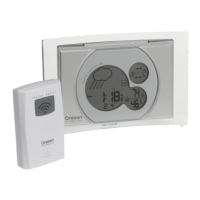
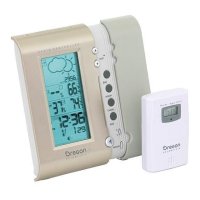
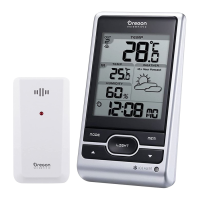
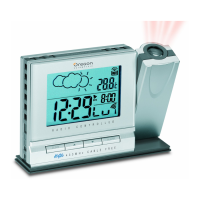
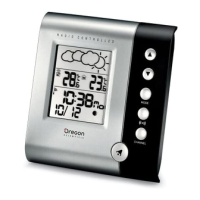
Thank you for selecting the Oregon Scientific“
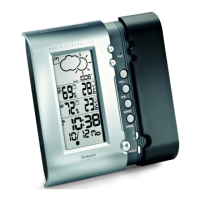
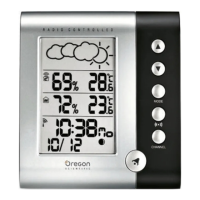
Weather Station (BAR626 / BAR626U). This device
bundles precise time keeping, weather forecast, and
indoor and outdoor temperature monitoring features into
a single tool you can use from the convenience of your
home.
In this box, you will find:
¥ Main unit
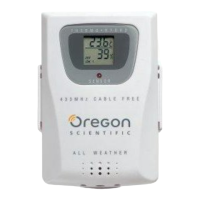
¥ Remote sensor (THN122N)
¥ Main unit batteries, 3 x UM-3 (AA) 1.5V
¥ Remote sensor batteries, 2 x UM-4 (AAA) 1.5V
Keep this manual handy as you use your new product.
It contains practical step-by-step instructions, as well
as technical specifications and warnings you should
know.
Weather Station
Model:BAR626 / BAR626U
User Manual

 To Next Page

 General