1
EN
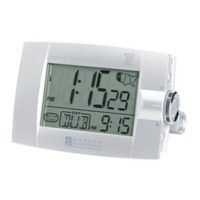
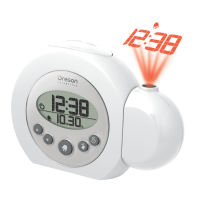
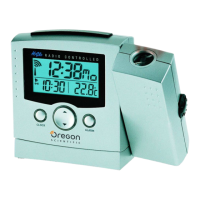
Radio-Controlled Projection Clock with
Indoor Temperature
(Model #: RM988P / RM988PU)
User Manual
TABLE OF CONTENTS
About this guide .................................................................2
Product overview ................................................................2
Getting started ...................................................................4
Batteries ........................................................................4
AC power adapter ...........................................................4
Change settings ............................................................. 4
Clock ..................................................................................5
Alarm .................................................................................. 5
Temperature ........................................................................6
Backlight ............................................................................6
Projector .............................................................................6
Reset system .....................................................................7
Safety and care .................................................................. 7
Warnings ............................................................................7
Additional resources ...........................................................8
Troubleshooting ..................................................................8
Specifications .....................................................................8



 To Next Page
 General