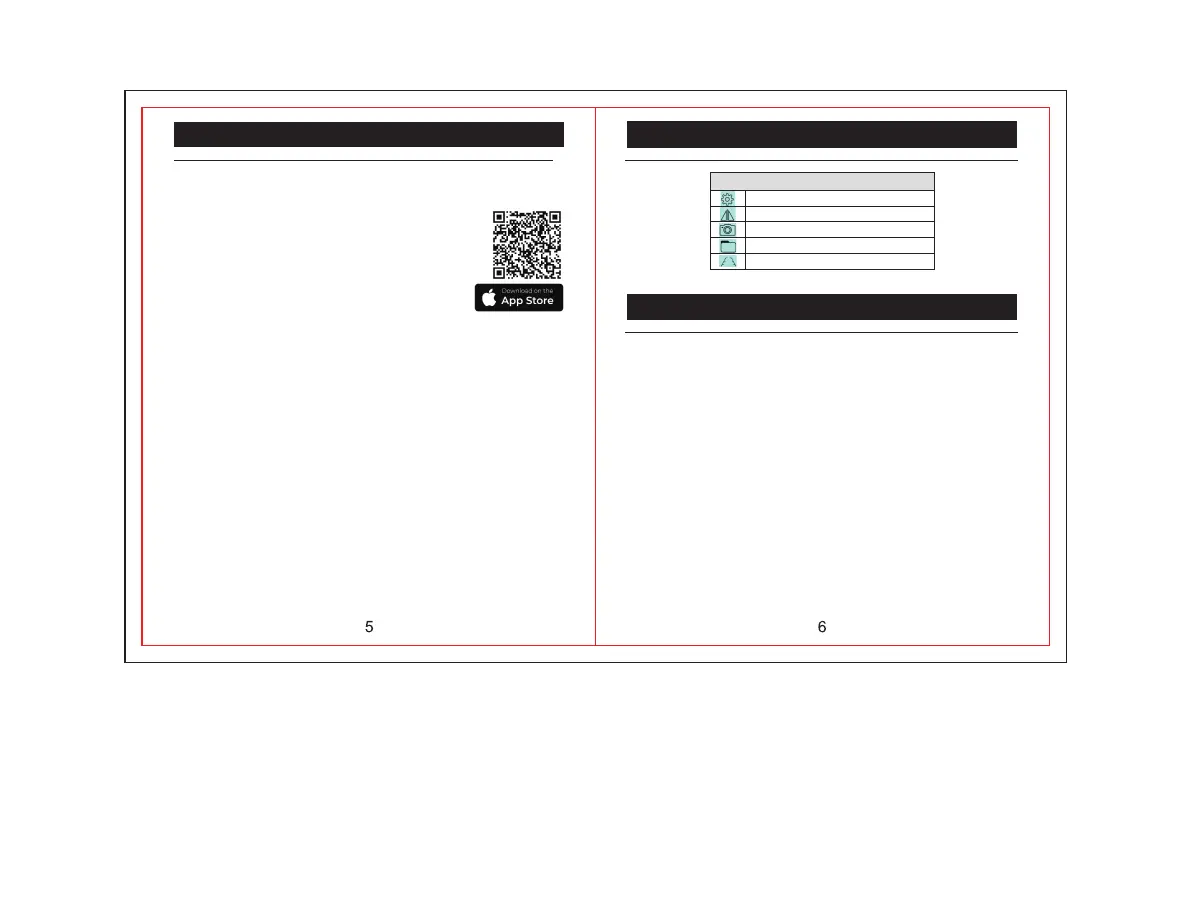
To use the WRC001 Wireless Camera on your Apple
iOS powered smart device, scan the below QR code,
or search: safetyeye
Instructions for using the safetyeye App:
NOTE: If connection between the wireless camera and
the smart device has been successful, you will now see
the camera feed on screen.
A full recharge will take approximately 4.5 hours.
To charge the camera, connect the supplied charging
cable to a suitable 5V Power Adaptor. When connected
and charging, a RED LED will illuminate to show charge
in process.
Apple iOS App Store Instructions
Scan here to download App from
Apple iOS App store
1) Once the installation of the app has occured on your
smart device, the ON/OFF Button on the camera can
now be pressed to turn the device on.
2) Once powered on, the blue light on the front of the
camera will illuminate.
Once you have seen the blue light, open the Wi-Fi
settings and locate *SONIX***" to connect to the
Wireless camera. After you have connected, open the
App.
Apple iOS App Store Instructions
Icons displayed in the App KEY
Wi-Fi set up
Flip image right and left
Click here to take a picture
Saved images
Turn on/ off grid distance lines
Mounting Bracket Installation
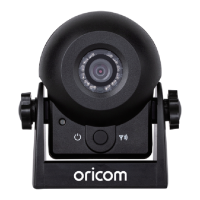
This camera includes flexible mounting options, and a
user can choose to use either the magnetic mounting
base for simple installation, or the included Velcro for
an installation where magnetic surface is not apparent.
The viewing angle can be altered using the gimbal
screws supplied with the bracket. Simply place the
wireless camera between the bracket arms, and
tighten the gimbal screws until they are secure in the
preferred mounting option.
NOTE: There is an example mounting suggestion on
the rear side of the WRC001 giftbox supplied with the
product.


 To Next Page