17
ENGLISH
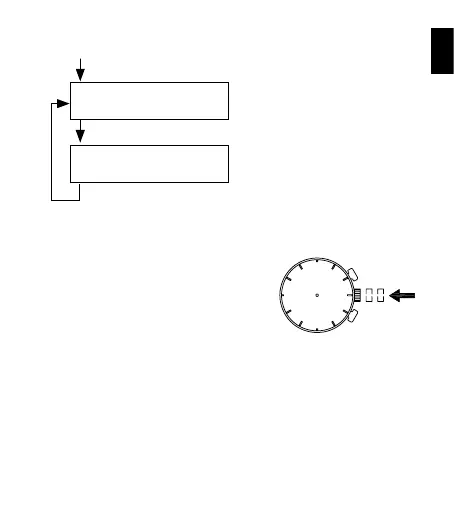
(4) You can redo adjustments that have already been made by completing
the steps in the order given.
Press button A for 2 seconds.
Adjusting the stopwatch minute
hand to “0” position
Press button A for 2 seconds.
Adjusting the stopwatch second
hand to “0” position
Press button A for 2 seconds.
* Adjustments can be redone any number of times.
(5) After all the adjustments are completed,
push the crown back in to the normal
position.
The stopwatch minute hand turns a
full circle to indicate that it is ready for
adjustment. Press button B to reset it to
“0” position.
The stopwatch second hand turns a
full circle to indicate that it is ready for
adjustment. Press button B to reset it to
“0” position.



 To Next Page