38
C.2
C.2
C.2
C.2 Date
Date
Date
Date and
and
and
and Time
Time
Time
Time
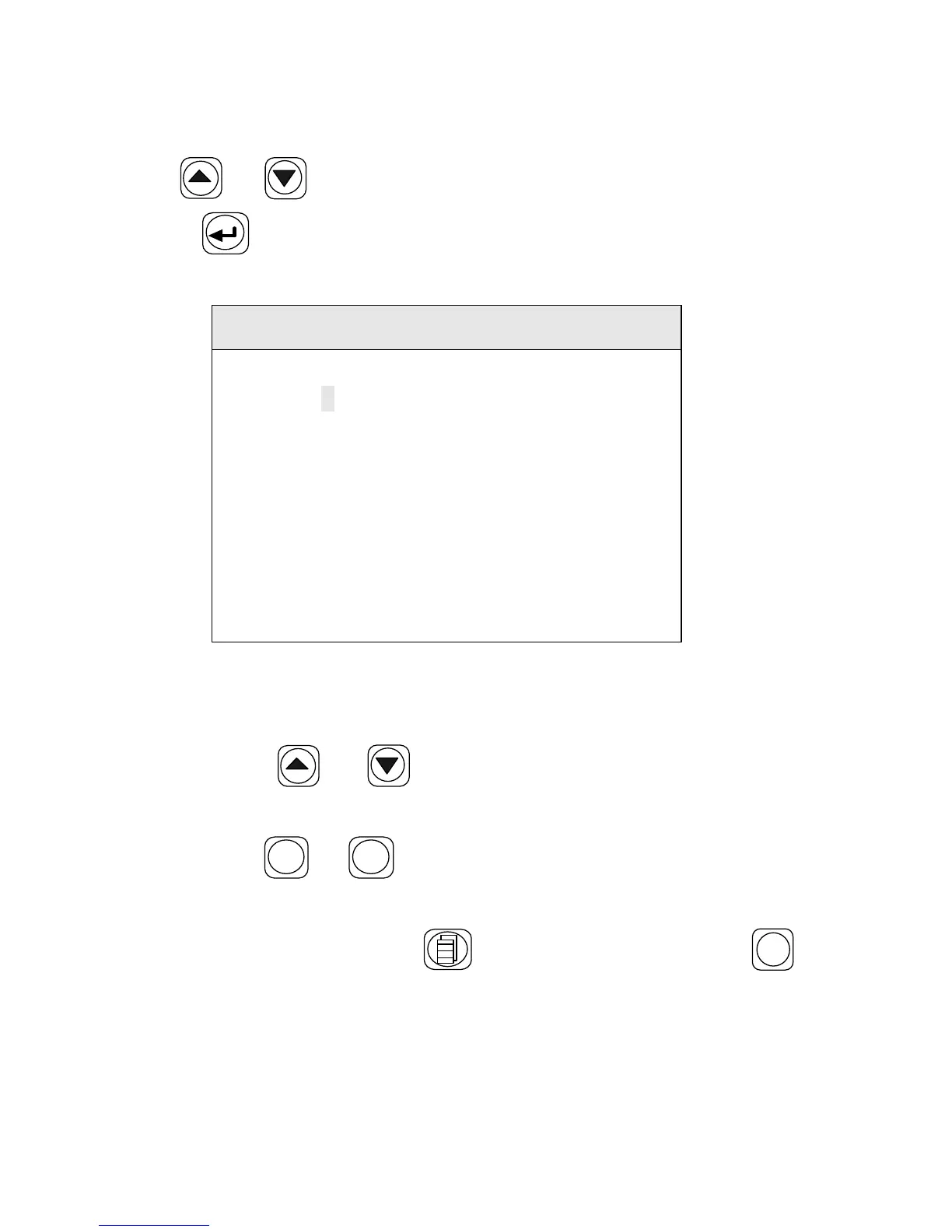
Use the or key to move the cursor to
“
T ime Setting ” , and
press the key to enter , t he screen displays as shown in Figure
C-2
Date and Time
20 0
–
02
–
26
11
:
41
:
43
1
Year Month Date
Hour Min Sec
Figure C-2
Set time in the following steps:
1. Use the or key to move the cursor to the item
which you want to change,
2. Use the
X - Y / -
or
ARC
/+
key to modify the number
3. After the date and time are calibrated, new time will be
remembered. Press the key to return. or press the
RESET
key to return to the "READY" status.


 To Next Page