EasyManua.ls Logo

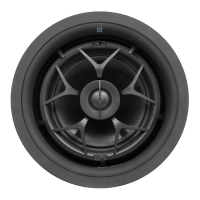
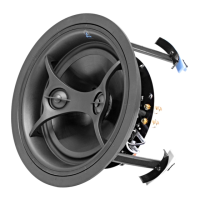
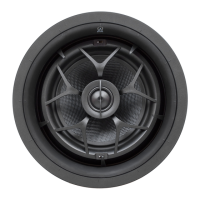
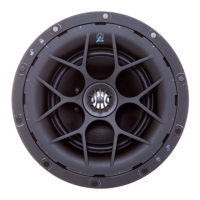
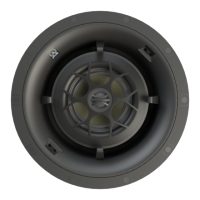
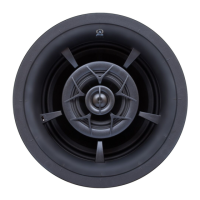
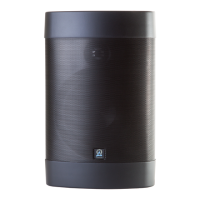
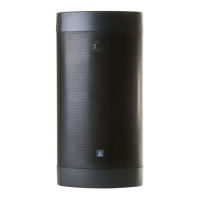
Origin Acoustics D60 - User Manual

Origin Acoustics D60
20 pages
Print Icon
To Next Page IconTo Next Page
Loading...
Installation Manual
D60 Series
Director Collection
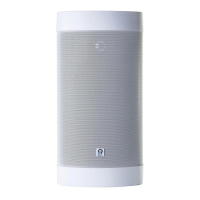
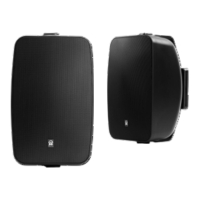
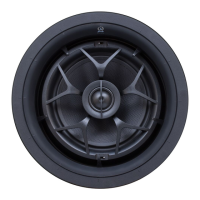
D68, D66, D64, D62DT/SUR, D62, D60DT, D60

Questions and Answers

  • G
    gphamAug 9, 2025
    What to do if Origin Acoustics D60 Speakers have no sound?
    • M
      Mark FuentesAug 9, 2025
      If your Origin Acoustics Speakers aren't producing sound, start by checking the volume levels on your amplifier, television, computer, or CD player to ensure they aren't muted or set too low. Verify that the correct source is selected on your amplifier or receiver. Inspect the cord connecting the amplifier to the source for any damage or incorrect connections. Also, examine the wires connecting the amplifier to the speakers, ensuring they are properly connected and undamaged.
  • M
    Mark NavarroAug 25, 2025
    Why do my Origin Acoustics Speakers have poor sound quality?
    • B
      Barbara WhiteAug 25, 2025
      Poor sound quality from your Origin Acoustics Speakers, such as static or intermittent sound, can often be traced to a few common issues. First, inspect the audio cables for faults or loose connections, especially if the problem worsens when a cable is moved. Secondly, ensure that the volume on all devices is not exceeding 80%. Finally, try different audio sources to rule out a poor-quality recording as the cause.

Origin Acoustics D60 Specifications

General IconGeneral
BrandOrigin Acoustics
ModelD60
CategorySpeakers
LanguageEnglish

Related product manuals