EasyManua.ls Logo

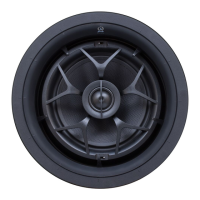
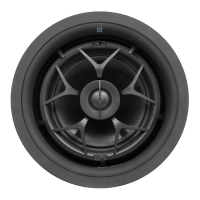
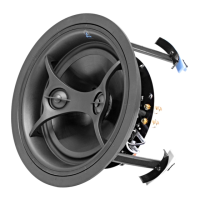
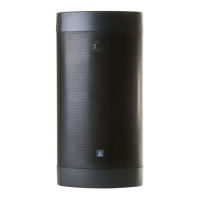
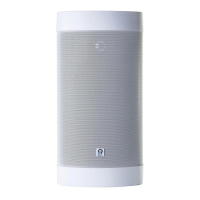
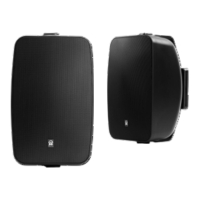
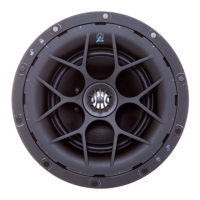
Origin Acoustics Director D62 DT/SUR - User Manual

Origin Acoustics Director D62 DT/SUR
11 pages
Print Icon
To Next Page IconTo Next Page
Loading...
Installation Manual
D62 DT/SUR
D62
D64
D66
D68
Director 60 Series
Models:

Questions and Answers

  • M
    Melissa JimenezAug 10, 2025
    Why do my Origin Acoustics Speakers have no sound?
    • M
      Mr. Alexander PerkinsAug 10, 2025
      If your Origin Acoustics Speakers aren't producing sound, it might be due to several reasons. First, ensure the volume isn't muted or set too low on your amplifier, television, computer, or CD player. Also, verify that the correct source is selected on your amplifier or receiver. Inspect the cord connecting the amplifier to the source for any damage or incorrect connections. Finally, check the speaker wires for proper and undamaged connections to the amplifier.
  • C
    Christina WilsonAug 25, 2025
    What to do if Origin Acoustics Speakers have poor sound quality?
    • A
      Ann NielsenAug 25, 2025
      If your Origin Acoustics Speakers are producing poor sound quality, like static or cutting in and out, start by checking the audio cables. If moving a cable worsens the problem, the cable is likely faulty or not properly connected. Also, ensure that the volume on all devices is not exceeding 80%. Trying different sources can help determine if the issue is with the recording itself.

Origin Acoustics Director D62 DT/SUR Specifications

General IconGeneral
Speaker TypeIn-Ceiling
Configuration2-way
Woofer Size6.5 inches
Frequency Response45Hz - 20kHz
Impedance8 Ohms
Sensitivity89 dB
Power Handling (RMS)100 Watts
Depth4.5 inches
FinishWhite
Tweeter TypeSilk Dome
GrilleMagnetic

Related product manuals