11
Operating the EZ Finder II reflex finder
The EZ Finder II reflex finder (Figure 6) works by projecting a
tiny red dot onto a lens mounted in the front of the unit. When
you look through the EZ Finder II, the red dot will appear to float
in space, helping you locate even the faintest of deep space
objects. The red dot is produced by a light-emitting diode (LED),
not a laser beam, near the rear of the sight. A replaceable 3-volt
lithium battery provides the power for the diode.
To use the EZ Finder II, turn the power knob clockwise until you
hear a “click” indicating that power has been turned on. With
your eyes positioned a comfortable distance from the back of the
sight, look through the back of the reflex sight with both eyes
open to see the red dot. The intensity of the dot can be adjusted
by turning the power knob. For best results when stargazing, use
the dimmest possible setting that allows you to see the dot with-
out difficulty. Typically, a dim setting is used under dark skies and
a bright setting is used under light-polluted skies or in daylight.
At the end of your observing session, be sure to turn the power
knob counterclockwise until it clicks off. When the two white dots
on the EZ Finder II’s rail and power knob are lined up, the EZ
Finder II is turned off.
Aligning the EZ Finder II
When the EZ Finder II is properly aligned with the telescope, an
object that is centered on the EZ Finder II’s red dot should also
appear in the center of the field of view of the telescope’s eye-
piece. Alignment of the EZ Finder II is easiest during daylight,
before observing at night. Aim the telescope at a distant object
at least 1/4 mile away, such as a telephone pole or chimney and
center it in the telescope’s eyepiece. Now, turn the EZ Finder II
on and look through it. The object will appear in the field of view
near the red dot.
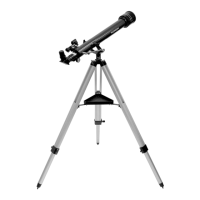
Note: The image in the eyepiece of the Observer 60 will be
reversed from left-to-right. This is normal for a refractor tele-
scope using mirror star diagonal.
Without moving the telescope, use the EZ Finder II’s azimuth
(left/right) and altitude (up/down) adjustment wheels to position
the red dot on the object in the eyepiece.
When the red dot is centered on the distant object, check to
make sure that the object is still centered in the telescope’s field
of view. If not, recenter it and adjust the EZ Finder II’s alignment
again. When the object is centered in the eyepiece and on the
red dot, the EZ Finder II is properly aligned with the telescope.
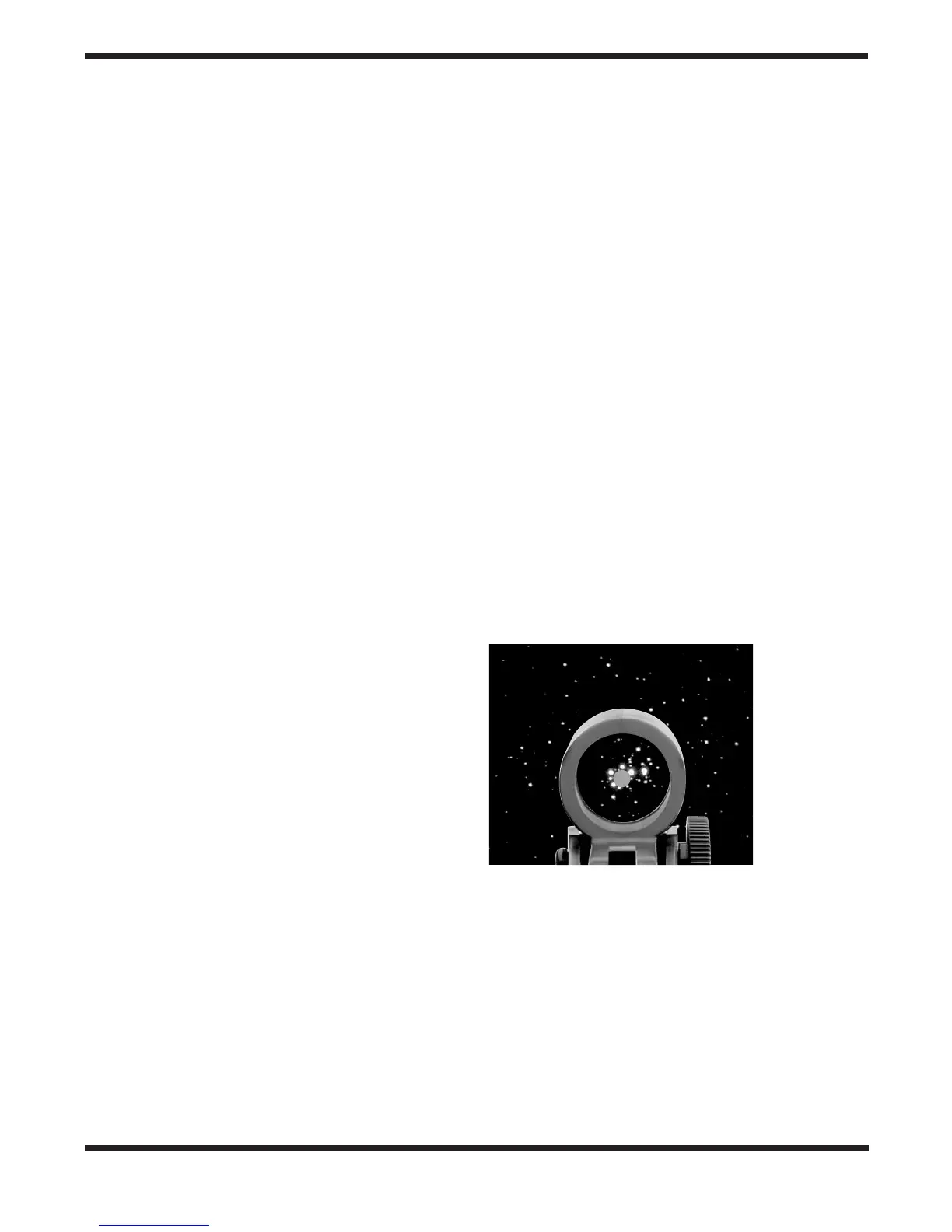
Figure 7 shows how the view through the EZ Finder may look
while you are aligning it.
Once aligned, EZ Finder II will usually hold its alignment even
after being removed and remounted. Otherwise, only minimal
realignment will be needed.
Replacing the EZ Finder II Battery
Should the battery ever die, replacement 3-volt lithium bat-
teries are available from many retail outlets. Remove the old
battery by inserting a small flat-head screwdriver into the slot
on the battery cover (Figure 6) and gently prying open the
cover. Then carefully pull back on the retaining clip and remove
the old battery. Do not overbend the retaining clip. Then slide
the new battery under the battery lead with the positive (+)
side facing down and replace the battery cover.
Figure 7.
EZ Finder II
superimposes a
tiny red dot on
the sky, showing
right where the
telescope is
pointed.




 To Next Page