- 5 -
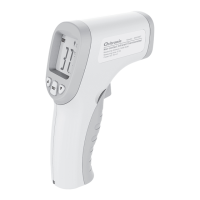
Measurement distance 3 - 5CM
Power supply: 2 pieces of AAA 1.5V batteries
Operating Instructions
1. Install the battery:
The thermometer is in off status after the battery is installed.
2. Start up:
Press the "Measuring key" in the off state, then the thermometer
is turned on, waiting for LCD displays for 1S, and the backlight
is turned on to enter the measurement status after 1S.
Before the measurement results appear, the digital part still
shows 888.8. This icon changes to body mode and object
mode. Thermometer default as body mode. Not lit in body
mode, lit in object mode.
Celsius / Fahrenheit Conversion Key & Backlight control key is
with shutdown memory function, backlight icon , surface
temperature icon .
The HOLD and SCAN icons indicate as: press “Measuring
switch “and shows “SCAN” on LCD display, release “Measuring
switch “shows “HOLD “on LCD display. When released, the
buzzer with “bi bi” beeps. If you release the “Measuring switch”
before the measurement result appears, it will not appear “bi bi”
sound, and there will be “bi bi” sound after the measurement
result appears.


 To Next Page