26
-
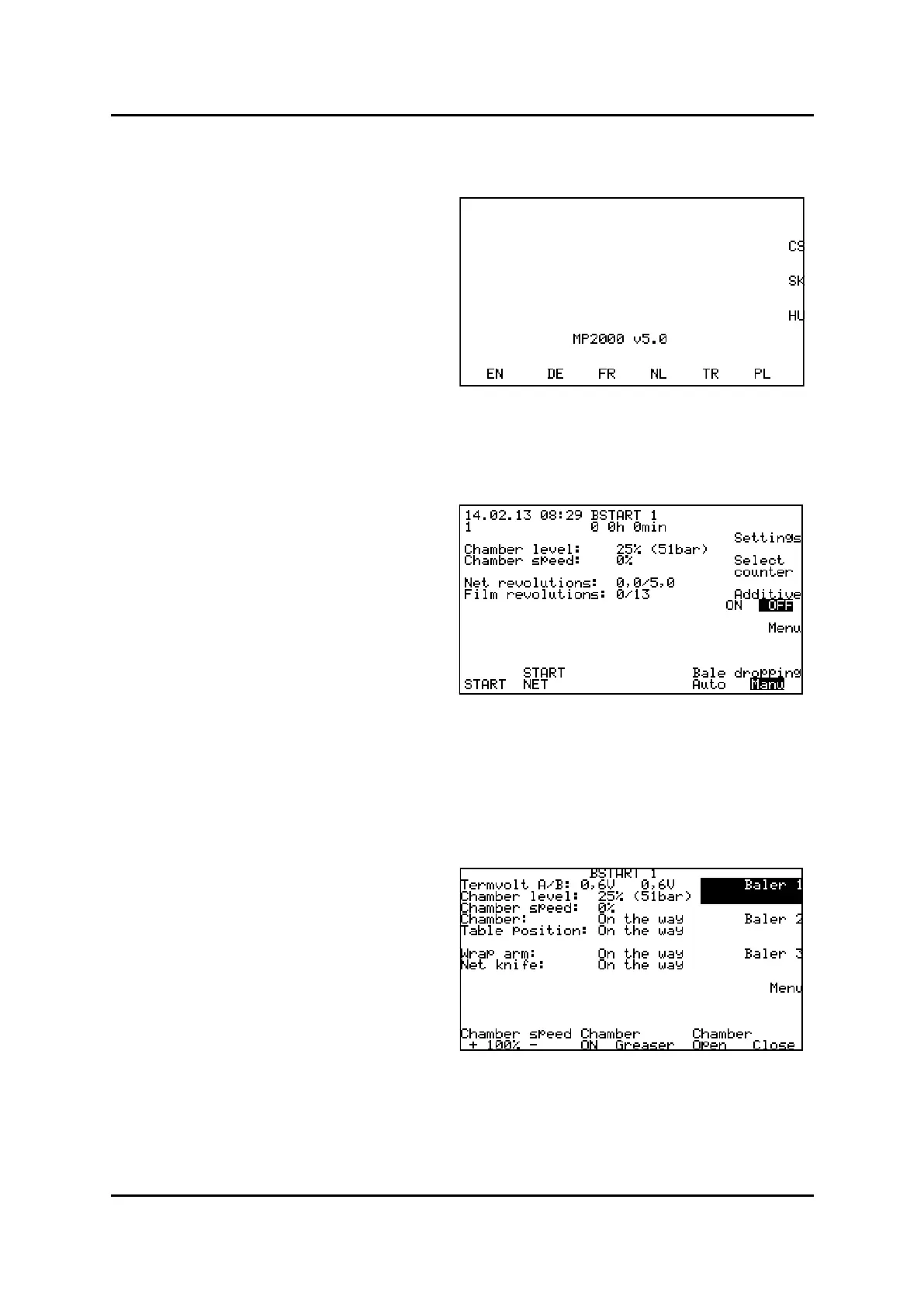
When connecng the box for the rst me, picture to
the right appear on screen. Press immediately the
buon under/side of the language you want. For lat-
er start-up, the control box will remember the lan-
guage your have chosen
EN-English, DE-German
FR-French, NL-Dutch TR-Turkey, PL– Polish, CS-Czech,
SK-Slovak, HU-Hungarian
-
In this screen you get informaon of:
Rao of charge and chamber pressure
Chamber speed
Number of turns of widelm/net
Number of turns of plasc lm (wrapper)
, machine
. Widelm/net in chamber
Manual or Auto, Wrapper table
On or O (Silage addive)
(only if a bale is on the table)
-
Press menu buon to enter menu:
(Tailgate opening speed)
. Manual greasing in progress as
long as the buon is pressed down
, open close. (Tailgate)
Screen Menu, Baler 1
Start-up screen, language
G
Start screen
START
WRAP



 To Next Page