8
SPLIT
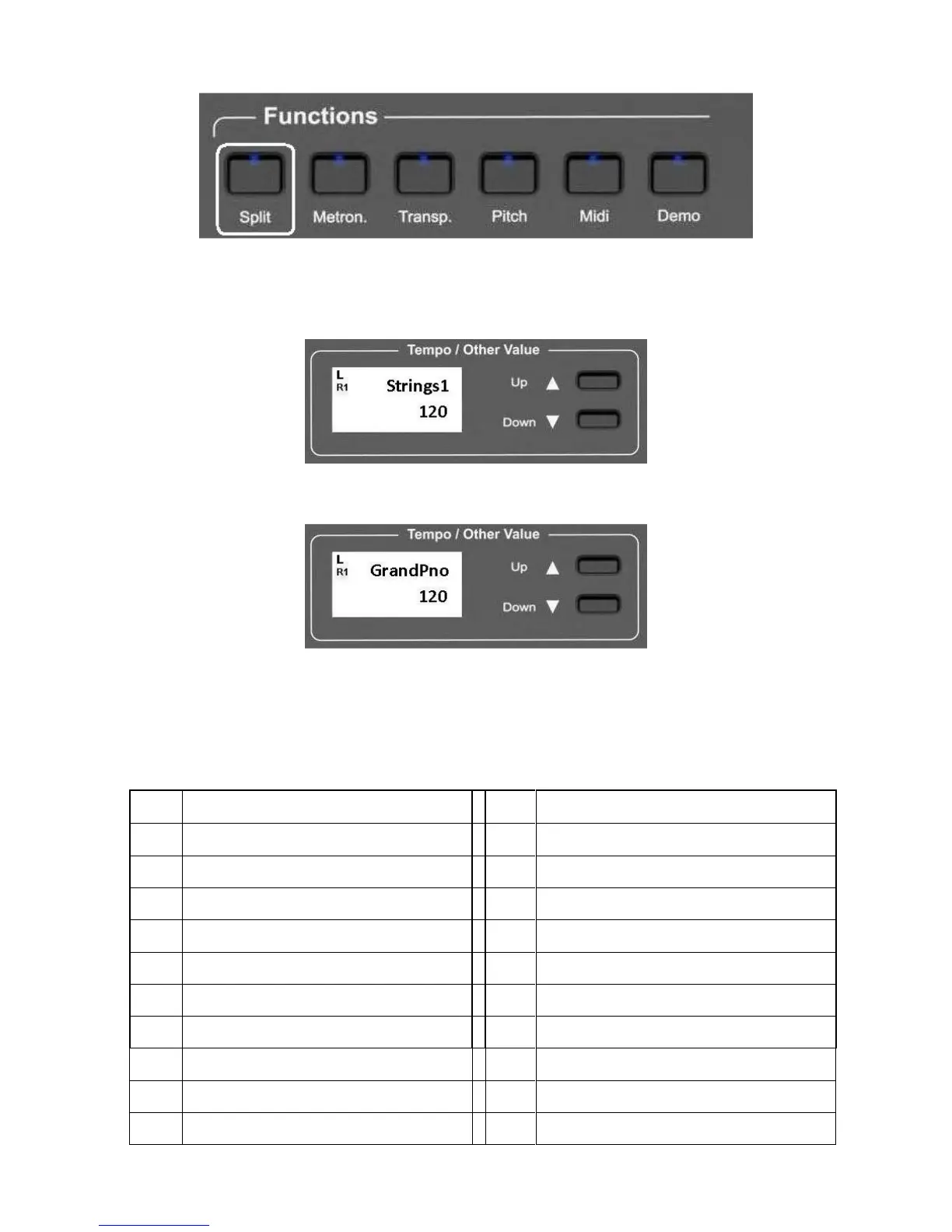
When the SPLIT button is pressed (its Led will start blinking) the instrument automatically splits
the keyboard in two parts and a different sound is automatically selected on the left part of the
keyboard. The STRINGS 1 Sound is automatically selected to the left part of the keyboard and the
display will indicate:
After a few seconds the SPLIT button Led will stop blinking and the display will indicate:
The instrument is now in Split mode with Strings1 on the left and Piano on the Right.
It is possible to select a different sounds for the left section. There are 20 sounds available in the
LEFT SOUND internal library. Press the (\/) Down button and scroll all the available sounds for the
LEFT.



 To Next Page