1. Product Overview
The product is a Smart Socket, which is controlled to on/off via mobile App, to control it
on/off of devices plugged in. The product works with mobile App(HomeMate).
Features
1.1 Use Scope
The products support Great Britain and British colony, India, Malaysia and so on, indoor of
home or office environment.
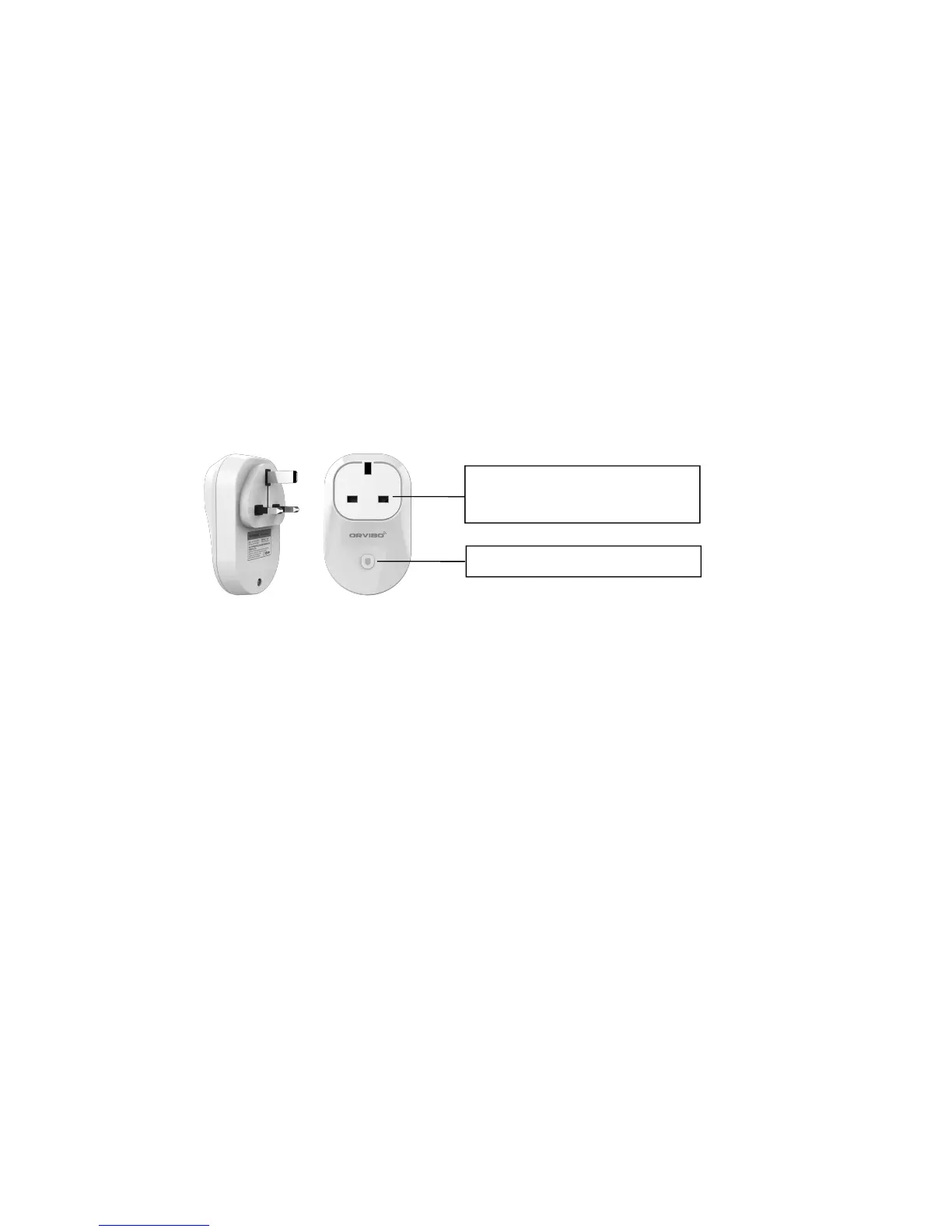
1.2 Product Picture
2. Instructions
2.1 Configuration
1) Install “HomeMate” client into smart phone, download from APP STORE or Google Play
Store.
2) Plug the Socket.
3) Tap “Add by Product”,and click the “Smart Socket” option. Tap “B25UK”, then tap
“next”.
4) Press and hold the ON/OFF button for 6 seconds until you see a rapid flashing RED LED
light.
5) Ensure your smart phone or tablet device and “HomeMate” APP is connected to the
same Wi-Fi network.
6) Select “HomeMate_AP” from network list. Then go back to “HomeMate”, key-in the
password of your router or modem with internet and Wi-Fi access, tap “Connect”.
7) Wait for 60 seconds while the HomeMate APP is searching for your socket.
8) Remember to Tap “ Save ” . Installation completed, you can control your socket via
HomeMate client.


 To Next Page
 Loading...