ID: 993 / ver. 206
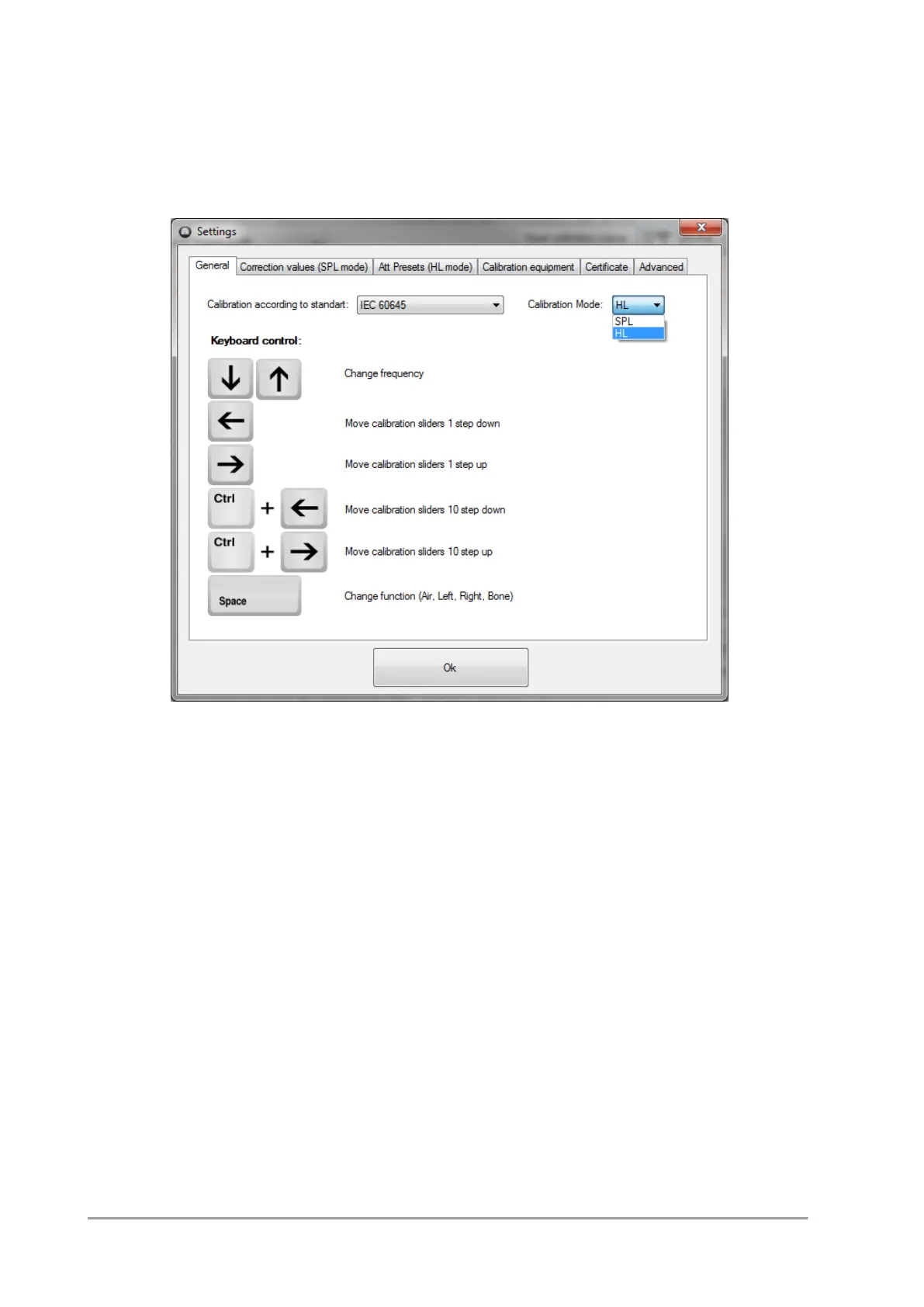
9 SPL or HL calibration mode
The software is set to SPL mode, by default. Open the Settings menu to change the calibration mode
between HL and SPL.
In SPL mode, all corrections and RETSPL values are included automatically, i.e. 80 SPL in the calibration
software results in a read out of 80 SPL on the level meter, assuming microphone and mastoid corrections
are entered in the software correctly.
In HL mode, you have to calculate your own target for each frequency.
The next two sections shows examples of HL and SPL calibrations.


 To Next Page