10
EN
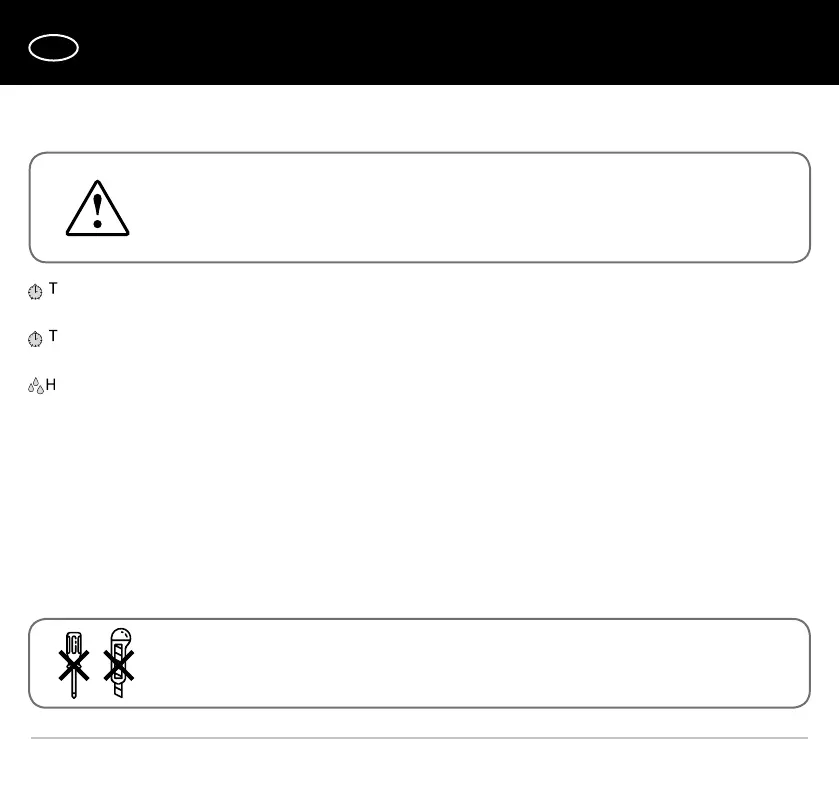
DO NOT USE A METAL SCREWDRIVER, KNIFE, ETC. FOR ADJUSTMENT
OPERATIONS NOT TO DAMAGE THE CIRCUIT BOARD.
THE TIMER CIRCUIT IS LIVE.
MAKE SURE THE FAN IS DISCONNECTED FROM POWER SUPPLY.
FAN OPERATION SETUP
on — To adjust the fan turn-on delay time, turn the control knob T
on
clockwise to increase and counter-clockwise to
decrease the turn-on delay time respectively, adjustable from 0 up to 2 minutes.
o — To adjust the fan turn-off delay time, turn the control knob T
o
clockwise to increase and counter-clockwise to
decrease the turn-off delay time respectively, adjustable from 2 up to 30 minutes.
— To adjust the humidity set point, turn the control knob H clockwise to increase and counter-clockwise to decrease the
humidity sensor set point, adjustable from 60 % up to 90 %.
The fan delivery set includes a specially designed plastic screwdriver for fan settings adjustments. Use it to change the turn-
on and turn-off delay time and the humidity set point.


 To Next Page