14
Memory
At the end of a measurement, uCheck Smart automatically
stores each result.
Manual operation
Viewing stored values
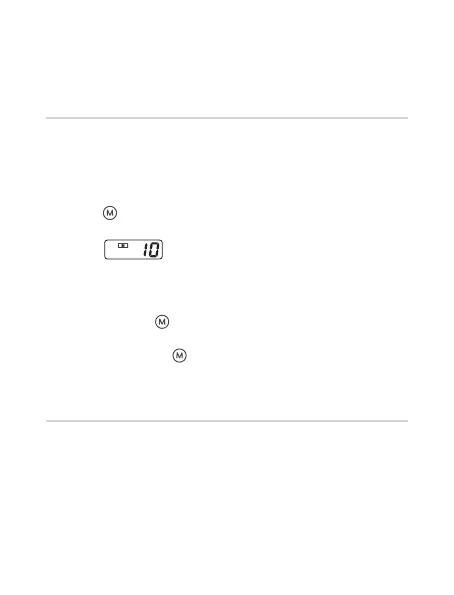
• When the uCheck Smart is switched off, press and release
the [ ] ‘Memory’ button to view the
stored values in the uCheck Smart.
e.g: ‘
’ means that there are 10 measurement
values stored in the uCheck Smart’s memory.
Memory capacity
The uCheck Smart can store up to 60 measurements. Once
memory is full, the latest recorded measurement will override
the previous measurement.
• Pressing the [ ] ‘Memory’ button again displays the
previous value. All individual measurements can be viewed
by pressing the [ ] ‘Memory’ button repeatedly.


 To Next Page