10
Caution
Preparation before use
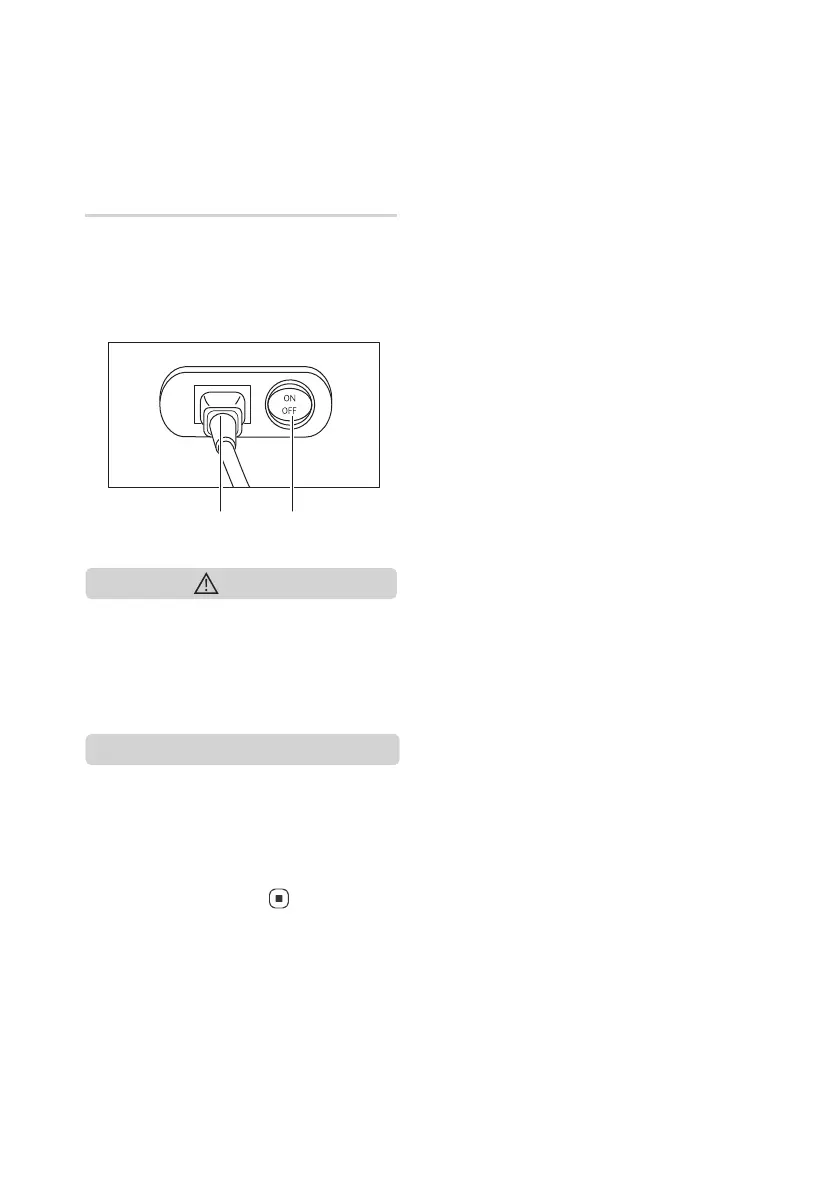
Power On/Off
• Connect the power plug to the
electrical outlet.
• Turn ON/OFF the main switch located
at the lower back of the uDiva 3 Plus.
• Make sure all switches are turned off
(including the main power switch)
before the power plug is connected to
an electrical outlet.
Note
• When the uDiva 3 Plus is turned on for
the first time upon unpacking from the
carton box, the rollers will gradually
move to their default position before
any adjustments can be made (except
for the Stop button [
]).
Power inlet
Main power switch


 To Next Page