15
App Download
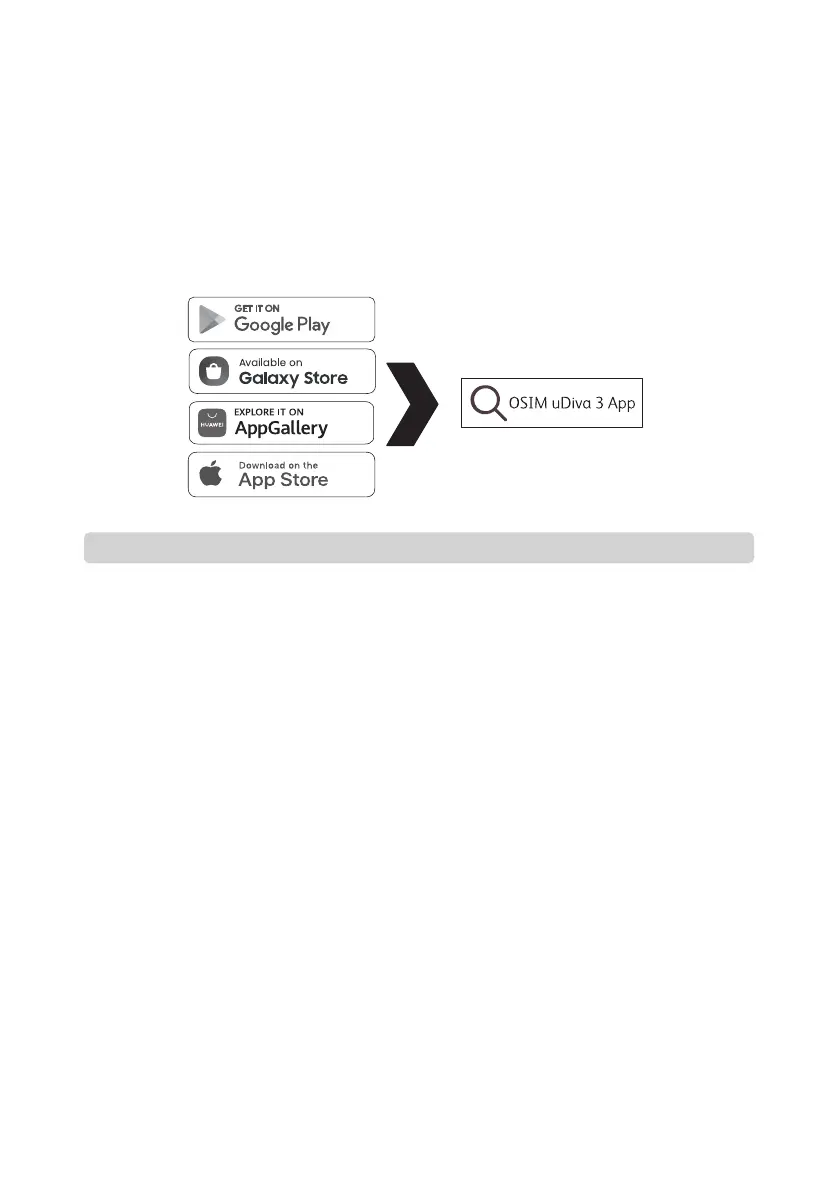
Method 3 :
Go to the respective App stores (depending on your operating system and region), search for
“OSIM uDiva 3 App” to download and install App.
• Please check the NFC location on your smart device before using this feature as it varies
for different models.
• You may need to remove the cover on your smart device for better sensitivity.
Functionality of OSIM uDiva 3 App
• You are able to control the product through the OSIM uDiva 3 App.
• New features will be highlighted and made available in the App, so that the product can
stay up-to-date with the latest features.
Compatibility of OSIM uDiva 3 App
• Due to variations in operating systems, non-compatibility could occur. We recommend
updating your mobile operating system whenever a new version is available to enjoy the
new App features. The minimum requirements for mobile operating system are subjected
to change without notice.
• All smart devices require a compatible wireless connectivity (Wi-Fi or cellular data
networks).
• For updates on OSIM uDiva 3 App, please visit the respective App stores.
• Notifications of App updates are encouraged to be enabled, and it is recommended that
you install all updates to ensure that the App will function correctly and is kept up to date.
Note


 To Next Page