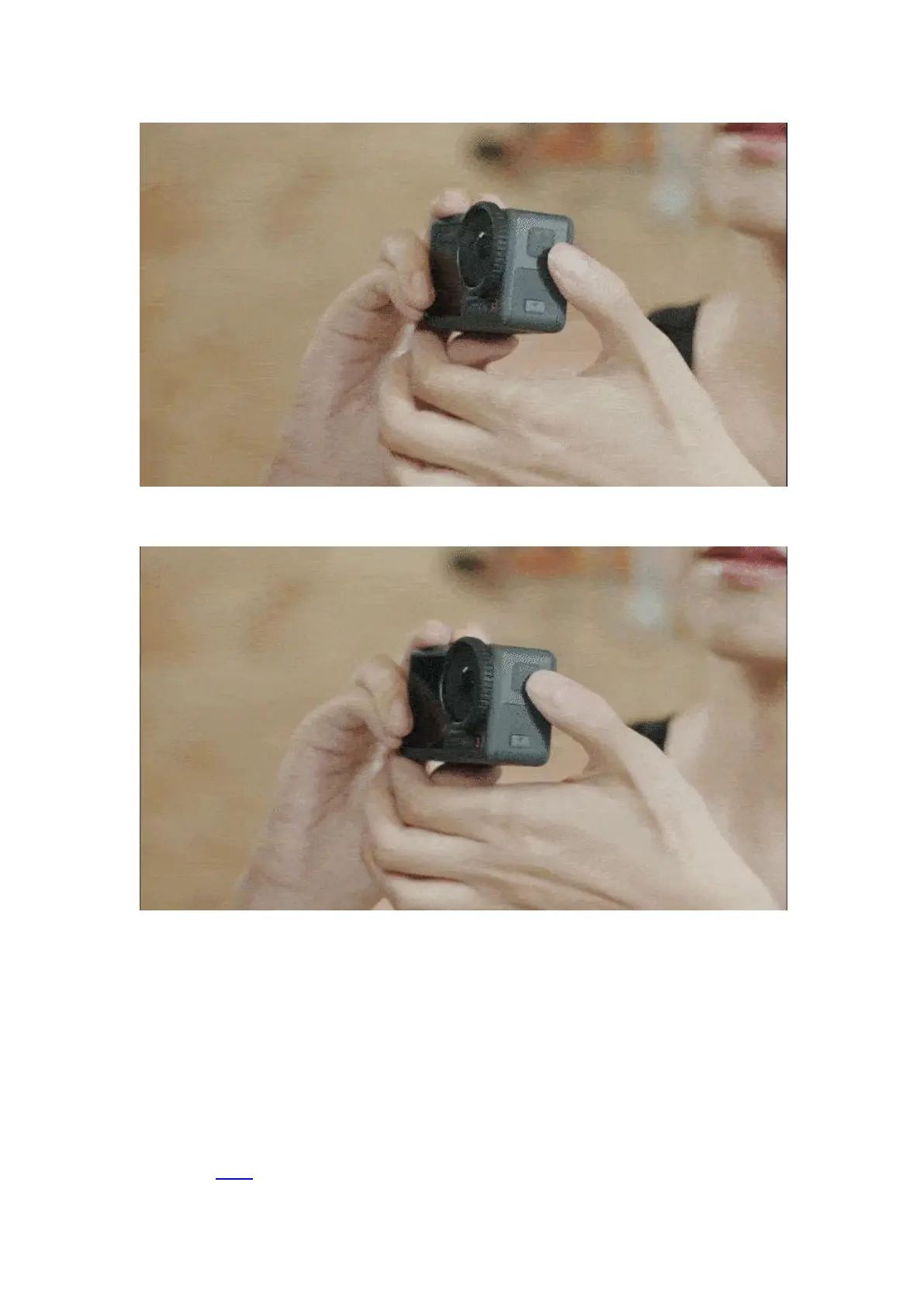
Press and hold to power off the camera.
Connecting Your Device to a Phone
1. Enable Bluetooth and Wi-Fi on your mobile device, and power on Osmo Action 3.
2. Launch DJI Mimo. When it prompts to connect the device, tap "Connect".
3. The phone will automatically pair with Osmo Action 3 via Bluetooth, tap "Pair" to connect your
camera to the device.
Watch this video for the more details.


 To Next Page