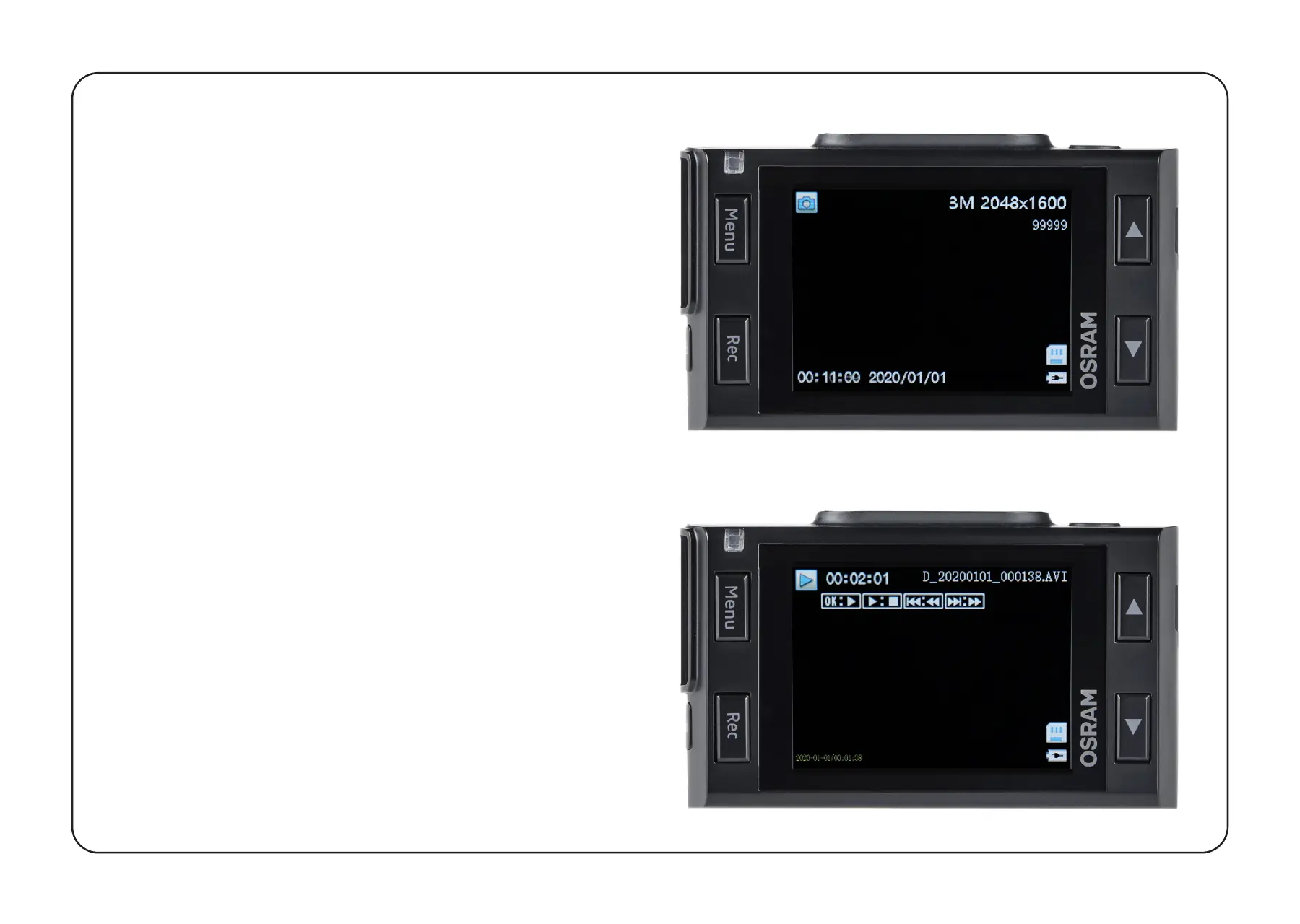
RECORDING PLAYBACK
1
Playback (ensure dashcam recording
has stopped).
•
In the standby mode, press and
hold the MENU button to switch
between Video & Photo.
2
Video & Photo Mode.
•
Select the file to view using the Up /
Down and Confirm buttons.
•
Using the Up / Down buttons,
select the file you need to view and
click the Confirm button to start
playback.


 To Next Page