English-8
BREWING COFFEE LATER
1. You must first set the time for when you would like the coffeemaker to begin brewing
your coffee as described in Setting the Clock and the Delay Brew Timer (p. 5) section.
2.PrepareyourcoffeemakerasdescribedinAddingWaterandGroundCoffeesection.
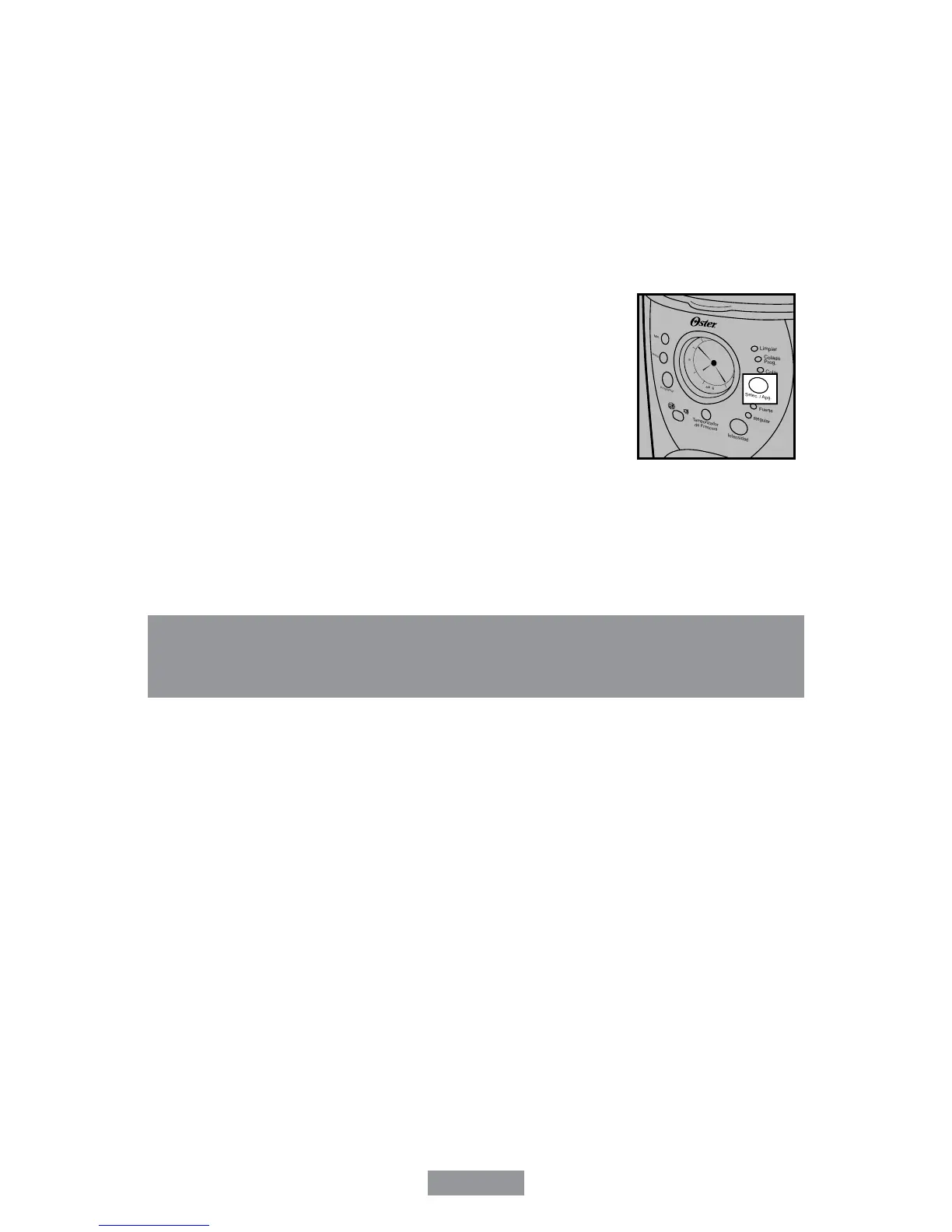
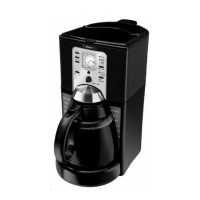
3.ToactivateDelayBrew(COLADOPROG.)andprogramyourcoffeemakertobrew
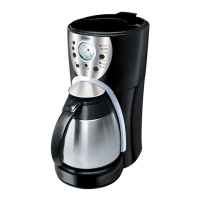
coffeeatalatertime,presstheSelect(SELEC./APG.)buttontwice(Figure10).The
yellowDelayBrew(COLADOPROG.)lightwillturnon.Thecoffeemakerisnowsetto
automatically brew coffee at the pre-set later time. At this time the brew strength light
will turn on. You can select the strength that you desire by pressing the Brew Strength
(INTENSIDAD)button.
4.Atthepre-settime,thegreenBrewNow(COLAR)lightwillturn
onandtheDelayBrew(COLADOPROG.)yellowlightwillturn
off, indicating the brewing has started in the selected brew
strength.TheFreshBrewTimer(TEMPORIZADORDE
FRESCURA)featurewillstart.
5. The coffeemaker decanter plate will turn off at the end of the
brew cycle.
As a safety feature, your coffeemaker will NOT start again
automatically the next day. If you want your coffee to brew at
the same time the following day, simply place the filter, coffee
and water and set Delay Brew (COLADO PROG.), by repeating
Steps 2 and 3 above.
To cancel Delay Brew:
PresstheSelect(SELEC./APG.)buttonuntilalllightsturnoff(Figure10).
Daily Cleaning
Always unplug the coffeemaker and allow it to cool before cleaning. Remove the filter
basket, permanent filter, carafe and carafe lid and wash them in a solution of hot water
andmildliquidsoap.Neveruseabrasivecleansers,steelwoolpadsorotherabrasive
materials. Dishwasher top rack safe parts: thermal carafe and lid, filter basket and
permanent filter.
CAUTION!Neverimmersethecoffeemakeritselfinwater,inanyotherliquidorplacein
the dishwasher.
Figure10
CLEANING AND MAINTAINING
YOUR COFFEEMAKER


 To Next Page