www.oster.com
www.oster.com
6 7
HOW TO:
USING YOUR OSTER® WAFFLE MAKER
Preparing your wae maker for use
1 Open unit by lifting the upper handle.
2 Before using for the rst time, clean cooking plates with cloth
or sponge, dampened with hot, soapy water. DO NOT
IMMERSE UNIT IN WATER. Rinse with dampened cloth or
sponge and wipe dry.
Preparing waes
1 Close unit and plug into outlet. Use only voltage specied on
bottom of unit. The Power indicator (Red) will illuminate
immediately when unit is plugged in. The Ready indicator
(Green) will illuminate when desired cooking temperature is
achieved. NOTE: This Ready indicator will cycle on and o
to provide the best cooking temperatures.
Caution: Touch unit only by handles during use or directly
after use.
2 Temperature Control Dial settings range from min for light
waes to max for dark waes.
3 When the proper baking temperature is reached, the green
light will go on. Once heated up, cycle times will be faster.
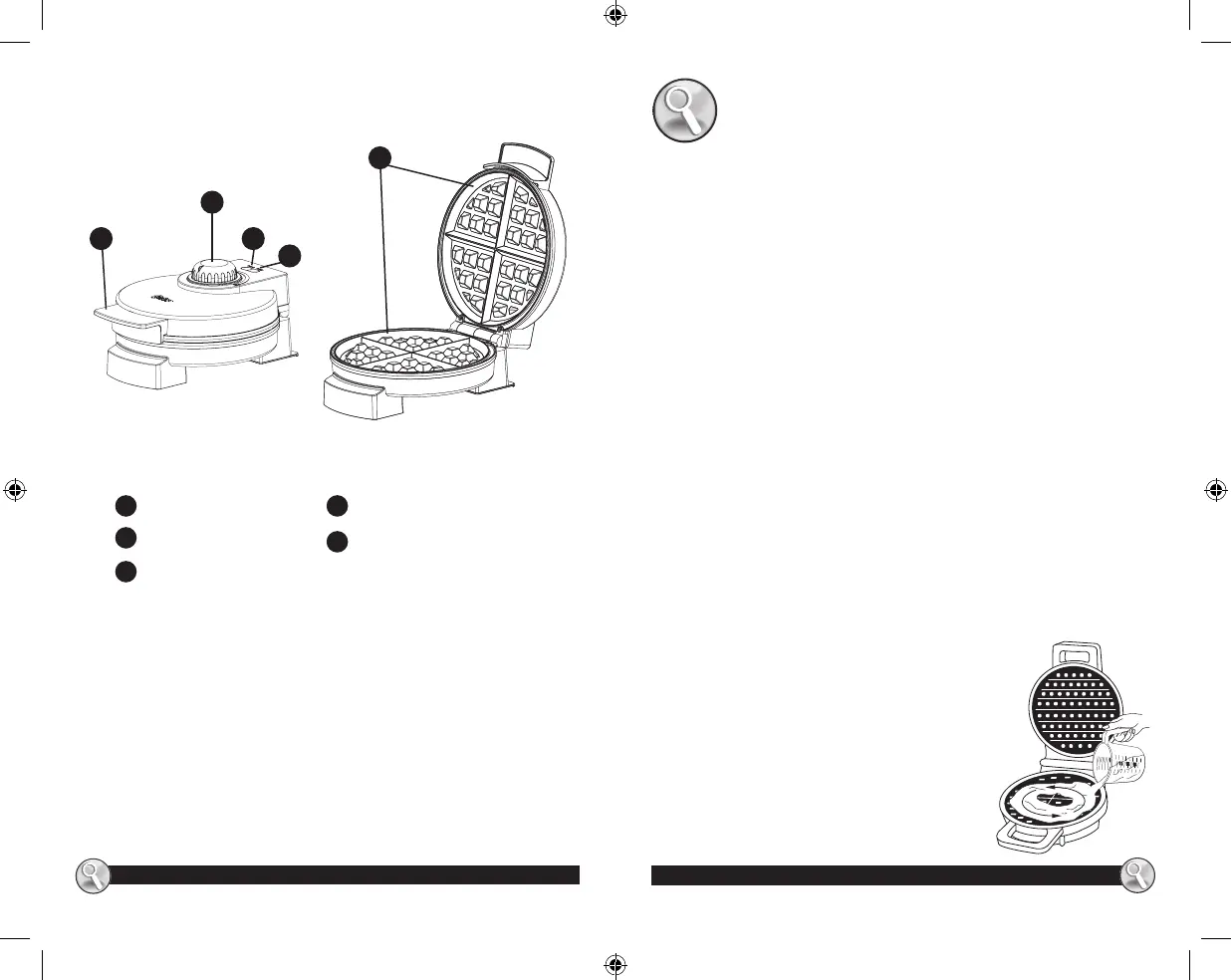
4 Open unit and pour batter onto
bottom grid of wae maker. Ladle just
enough batter to ll lower grid so that
the peak area of the grid is covered. If
necessary, use a spatula to spread the
batter in to the corners of the grid. For
best results, pour batter in a circle
around outer edge of wae maker.
(See Illustration) Close cover. At this
point the green light will go o as the
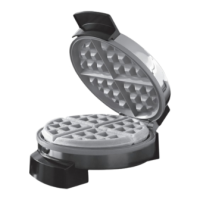
LEARNING ABOUT YOUR WAFFLE MAKER
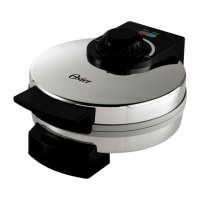
a
Upper Housing Handle
Temp. Control Knob
Red Power Light
Green Ready Light
Non-Stick Cooking Grids
b
c
d
e
e
a
b
c
d


 To Next Page