1 General Scan Tool Information
1. 1 User Interface
The scan tool is designed for easy use.
All menus and lists operate the same
way.
•
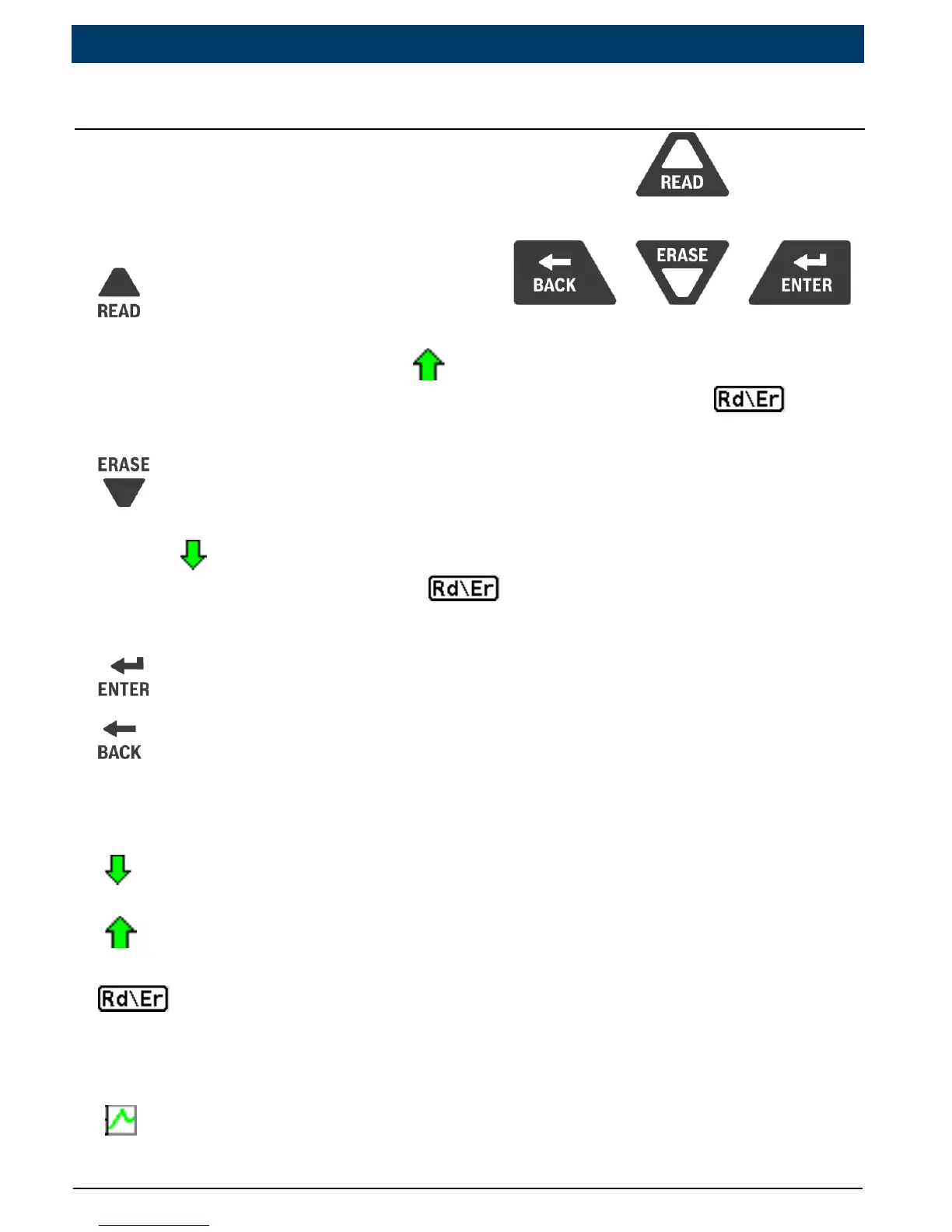
UP/READ key performs the
Read Codes function and scrolls back through the screens. Press
this key when an up arrow (
) appears on the display to scroll
backwards, or press and hold for 2 seconds when the
appears on the display to Read Codes.
• DOWN/ERASE key performs the Erase Codes function and
scrolls forward through the screens. Press this key when a down
arrow (
) appears on the display to scroll forward, or press and
hold for 2 seconds when the
appears on the display to Erase
Codes.
• ENTER key selects item.
•
BACK key returns to previous screen.
1.1.2 Display Icons
•
Indicates additional information is available by scrolling down.
•
Indicates additional information is available by scrolling up.
•
Indicates the UP/READ and DOWN/ERASE hot keys are active.
• √IndicatesdataisavailableforitemsontheReviewDataMenu.
•
Indicates graphical viewing of data items is available in View Data.
4
|
Quick Start Guide
|
OTC3209
|
en
575516 REV A | 05.2015 Bosch Automotive Service Solutions Inc.


 To Next Page