EasyManua.ls Logo

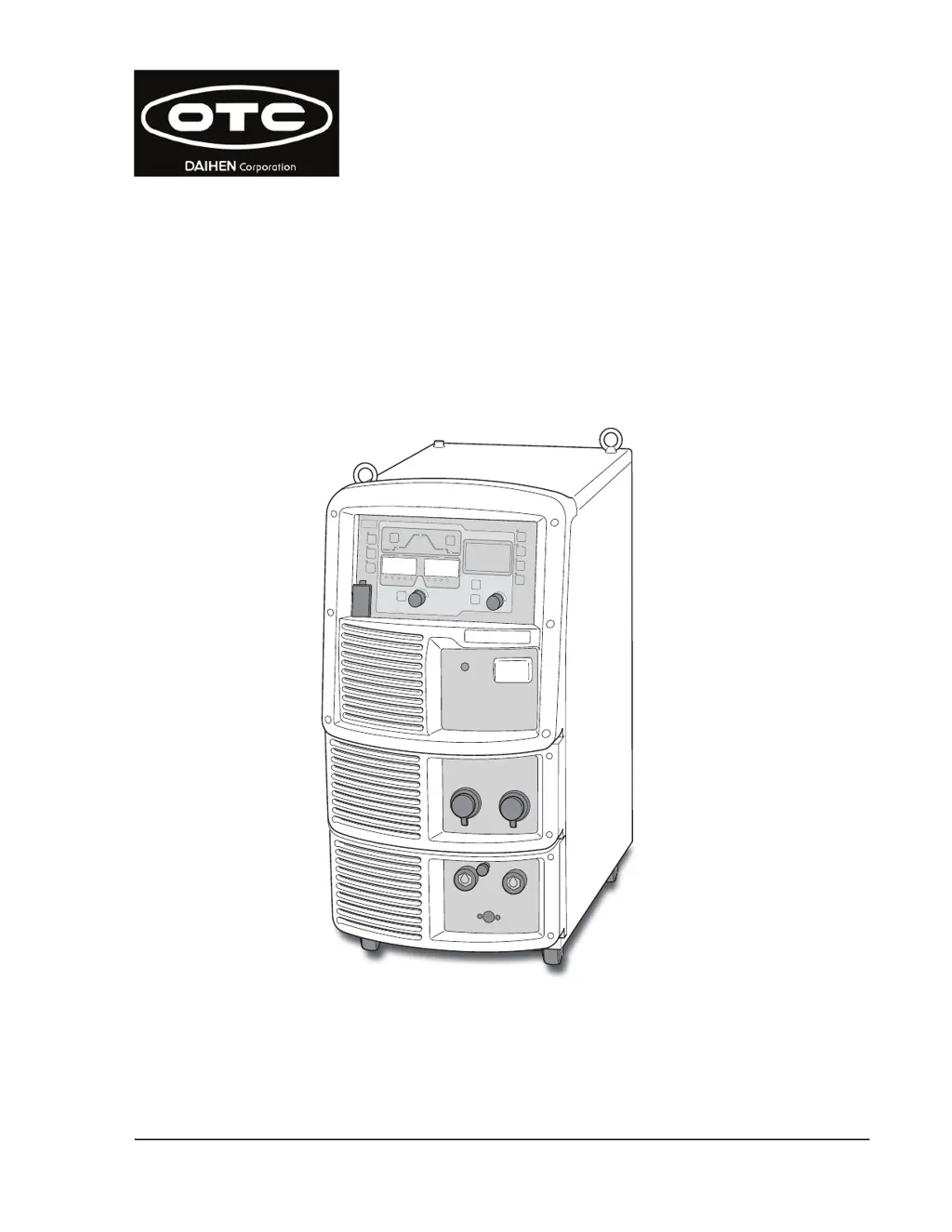
OTC Welbee P400 II - User Manual

OTC Welbee P400 II
155 pages
Print Icon
To Next Page IconTo Next Page
Loading...
DAIHEN Corporation
June, 2021
Manual No. : P30344-1
Welbee P400 II
OWNER'S MANUAL
DAIHEN Corporation

Table of Contents

Questions and Answers

  • C
    clarkdavidAug 18, 2025
    What to do if the OTC Welding System temperature is too high?
    • K
      Krystal ElliottAug 19, 2025
      If the temperature inside the welding power source has exceeded the allowable range, leave the power on and let the cooling fan run for at least 10 minutes before turning the power off. After that, clean any dust inside the welding power source. After recovery, be careful not to exceed the rated duty cycle. Note that the error code will disappear when the power switch is turned off.
  • D
    Dakota CortezAug 21, 2025
    What to do if OTC Welding System detects over current?
    • M
      michaelkellyAug 21, 2025
      If an over current is detected at the output side of the welding power source, verify that the tip of the torch is not touching the base metal. Also, check that the power cables, including those for the base metal and torch, are not short-circuited. The error code will disappear when the power switch is turned off.
  • W
    Wayne GonzalezAug 23, 2025
    Why does my OTC Welding System show an input voltage error?
    • M
      mrodriguezAug 23, 2025
      The input voltage for the primary side might be outside the allowable range. Ensure the input voltage is within 208/230/460 V ±10%. The error code will disappear when the power switch is turned off.
  • T
    Todd FernandezAug 26, 2025
    What to do if arc voltage is not detected in OTC Welding System?
    • N
      Nicole HughesAug 26, 2025
      If the arc voltage was not detected, check that the power cables (cables for base metal side and torch side) and the voltage detection cable are securely connected and not disconnected. The error code will disappear when the power switch is turned off.
  • D
    Derek PenaAug 28, 2025
    What if input voltage for primary side of OTC Welding System is out of range?
    • J
      John BergerAug 28, 2025
      If the input voltage for the primary side is outside the allowable range of 208/230/460 V ±10%, check the input voltage. The error code will disappear when the power switch is turned off.
  • M
    michael70Aug 30, 2025
    How to fix software installation failure on OTC Welding System via USB?
    • C
      Christopher MoranAug 30, 2025
      If installing the software from a USB flash drive failed, check that the USB flash drive is working correctly and is properly connected to the USB connector. Then, try the installation again. The error code will disappear when the power switch is turned off.
  • A
    Alexander GarnerSep 1, 2025
    Why is the OTC Welding System wire feeder motor rotation not detected?
    • L
      Laura LinSep 1, 2025
      If the rotation rate of the motor of wire feeder was not detected, check the cables connecting the wire feeder for disconnections, short circuits, or other issues. Also, inspect the wire feeder itself for any problems. The error code will disappear when the power switch is turned off.
  • M
    Monica WatkinsSep 4, 2025
    What does it mean when the OTC Welding System wire feeder motor current is too high?
    • A
      Andrew CobbSep 4, 2025
      If the current in the wire feeder motor exceeded the warning level, check the welding torch and wire feeder for stuck wires or other abnormalities. The error code will disappear when the power switch is turned off. The "E-820" indication will disappear when any key of the operation panel is pressed.
  • T
    Tommy OrtizSep 6, 2025
    What to do if phase W of input voltage is not connected in OTC Welding System?
    • B
      Brandon WintersSep 6, 2025
      If phase W of the input voltage for the primary side is not connected, check the input voltage for the primary side and the cable wiring for any issues. The error code will disappear when the power switch is turned off.
  • N
    Nicole GreerSep 8, 2025
    Why is there a lack of water pressure in my OTC Welding System?
    • L
      Lisa ColeSep 8, 2025
      If there is a lack of water pressure, check the cooling water hose for leaks and make sure there is enough cooling water available. If using an air-cooled torch, ensure the LED of the TORCH key on the operation panel is off. Also, verify that the condensing water hose is connected to the rear of the welding power source, not the feeding water hose.

Summary

Chapter 1 Safety Information

1.1 Warning Symbols

Explains safety warning symbols and signs used in the manual for proper operation and hazard prevention.

1.2 Safety Precautions

Details safety precautions for operating the welding power source, including general operating, electrical, and environmental safety.

1.3 Principal Safety Standards

Lists principal safety standards and codes relevant to welding equipment and operations.

Chapter 2 Product Specification and Configuration

2.1 Specification

Details the specifications and external dimensions of the welding power source.

2.2 Product Configuration

Explains the standard and optional composition of the welding power source and its parts.

2.3 Part Names

Identifies and explains the different parts of the welding power source, covering front and rear panels.

Chapter 3 Transportation and Installation

3.1 Required Equipment

Details necessary equipment for power supply, installation, and hazard prevention during welding.

3.2 Installation Environment

Describes the recommended installation environment for the welding power source, including safety and operational factors.

3.3 Transportation Procedure

Explains the procedures for safely transporting the welding power source, including with lifting lugs and carts.

Chapter 4 Connection

4.1 Precautions for Connection Procedure and Grounding

Details precautions for safe connection and grounding of the welding power source to prevent injury or fire.

4.2 Connecting the Welding Power Source

Provides step-by-step instructions for connecting the welding power source, including cables and components.

4.3 Grounding and Connection of Input Power Supply

Explains the procedure for grounding and connecting the input power supply to the welding power source.

4.5 Connection of External Equipment

Describes how to connect external equipment like robots and automatic machines to the welding power source.

4.6 Wiring of Voltage Detection Cable at Base Metal Side

Details the wiring procedure for the voltage detection cable at the base metal side for accurate voltage feedback.

Chapter 5 Welding Operation

5.1 Precautions for Welding Operation

Outlines essential safety precautions to be taken during welding operations, including ventilation and protective equipment.

5.2 Check before Welding

Provides a checklist of parameters and environmental conditions to verify before starting the welding operation.

5.5 Check and Setting of Welding Condition

Explains how to check and set welding conditions, including preventing erroneous operations on the panel.

5.6 Performing Welding Operation

Details the procedures for starting, performing, and ending the welding operation, including parameter adjustments.

Chapter 6 Welding Condition

6.1 List of Welding Conditions

Presents a list of settable parameters and functions for welding conditions in the power source.

6.5 Memory Function of Welding Conditions

Explains how to register, read, and delete welding conditions stored in the memory.

6.6 Setting Welding Conditions

Details the process of setting welding conditions, including selecting welding modes and parameters.

6.7 Setting Internal Functions

Describes how to customize and set internal functions for enhanced convenience and performance.

Chapter 7 Administrator Functions

7.1 Protection of Welding Conditions

Explains the password protection function to prevent accidental changes to welding conditions and settings.

7.2 Welding Result Control Function

Details the welding result control function for managing and monitoring welding parameters and outcomes.

7.3 Data Backup (Utilization of data)

Explains how to back up and import data, including welding conditions and internal function settings.

7.6 Calibration Mode

Describes how to calibrate current and voltage values indicated on the digital meter and actual output values.

Chapter 8 Maintenance and Inspection

8.1 Precautions for Maintenance and Inspection

Outlines precautions to ensure safe maintenance and inspection of the welding power source.

8.2 Daily Inspection

Details the daily inspection items for the welding power source to ensure proper functioning and safety.

8.3 Periodical Inspection

Explains the periodical inspection procedures to be performed every three to six months for optimal performance.

8.4 Periodical Replacement Parts

Identifies parts that require periodic replacement, such as circuit boards, fans, and relays.

Chapter 9 Troubleshooting

9.1 Action in Case of Error

Provides guidance on how to identify and address abnormalities and error codes displayed on the operation panel.

9.2 Troubleshooting

Offers solutions for typical problems encountered with the welding power source, their causes, and corrective actions.

Chapter 10 Reference Materials

10.1 Parts List

Lists all the parts of the welding power source, including part numbers and specifications.

10.2 Reference Drawing

Contains the schematic diagram and parts layout drawing of the welding power source for reference.

10.3 Materials for Setting Welding Conditions

Provides reference information for setting welding conditions, including problem-symptom guides and setting samples.

OTC Welbee P400 II Specifications

General IconGeneral
Rated Output Current400 A
Rated Output Voltage36 V
Open Circuit Voltage70 V
Protection ClassIP21S
Insulation ClassH
Cooling MethodForced Air Cooling
Efficiency85%
Welding Current Range400 A
Duty Cycle60% at 400 A
Output Current Range30 - 400 A

Related product manuals