EasyManua.ls Logo

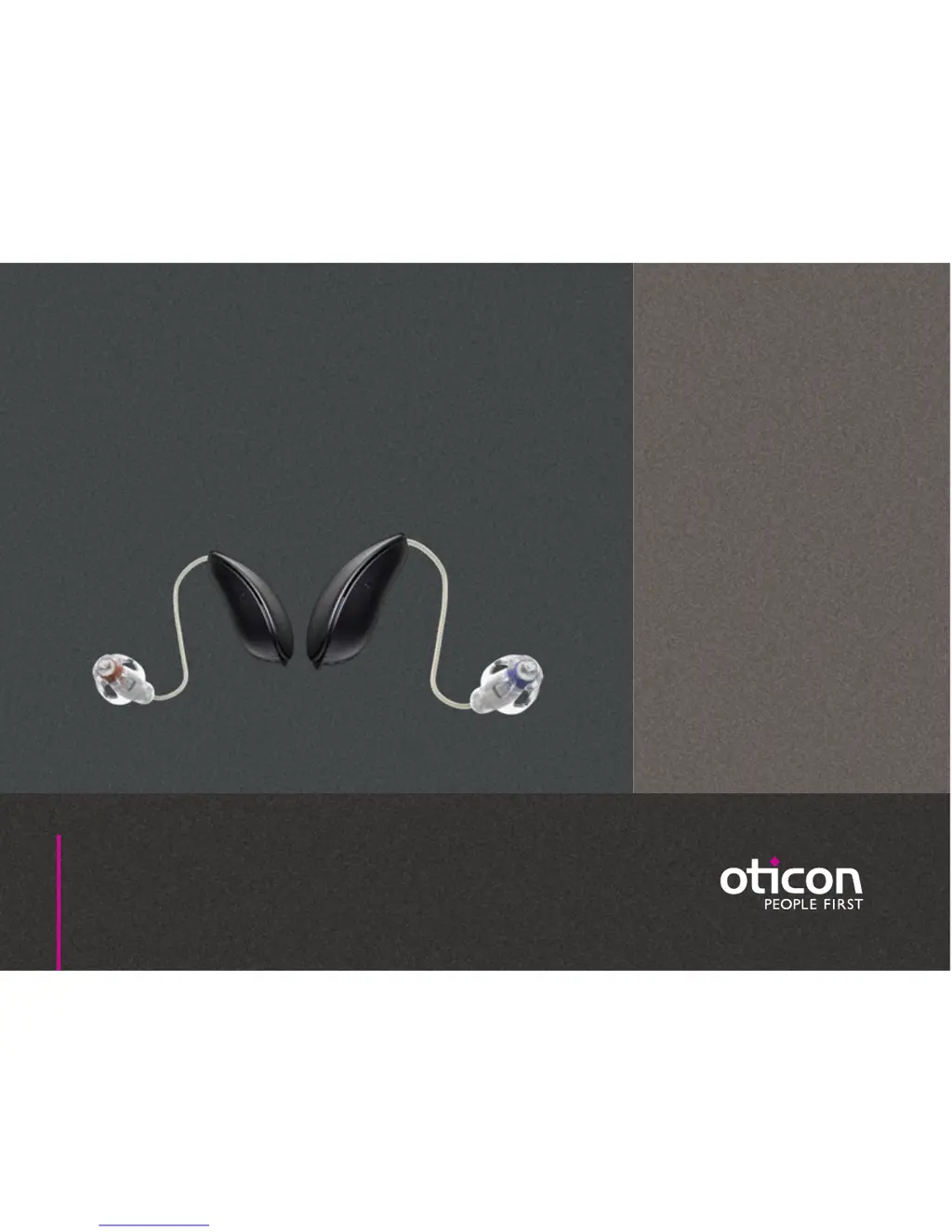
oticon Alta Pro - User Manual

oticon Alta Pro
26 pages
Print Icon
To Next Page IconTo Next Page
Loading...
designRITE
Alta2 Pro
Nera2 Pro
Ria2 Pro
Alta Pro
Nera Pro
Ria Pro
Instructions for use

Questions and Answers

  • C
    Courtney BoyerAug 8, 2025
    Why is there no sound in my Oticon Hearing Aid?
    • M
      Miss Sarah Yoder DVMAug 9, 2025
      If your Oticon Hearing Aid produces no sound, the possible causes include a dead battery, which requires replacement. Alternatively, the speaker or earpieces (dome, Grip Tip, Micro mould or LiteTip) might be clogged, in which case cleaning the mould is advised. Also consider replacing the wax filter, Grip Tip or dome.
  • B
    brandonturnerAug 19, 2025
    What to do if oticon Alta Pro has intermittent sound?
    • S
      Shawn NguyenAug 19, 2025
      If you are experiencing intermittent or reduced sound in your Oticon Hearing Aid, it could be due to a clogged sound outlet, requiring you to clean the mould or replace the wax filter, Grip Tip, or dome. Moisture may also be a factor; try wiping the battery with a dry cloth. Another cause might be a dead battery, so consider replacing it.
  • R
    Rebecca RojasAug 29, 2025
    How to stop oticon Alta Pro from squealing?
    • A
      Adam ShafferAug 29, 2025
      If your Oticon Hearing Aid is making a squealing noise, it might be due to incorrect insertion of the earpiece; try re-inserting the hearing aid. Another possible cause is ear wax accumulated in the ear canal, in that case you should have your ear canal examined by your doctor.

Summary

Intended use

Battery

Turn the hearing aid ON and OFF

When to replace a battery

Replace the battery

Caring for your hearing aid

Put on the hearing aid

Inserting the earpiece

Gently pushing the earpiece into the ear canal for a secure fit.

Replace dome or Grip Tip

Inserting new earpiece

Insert speaker into middle of earpiece for firm attachment.

Securing the earpiece

Push firmly to ensure the earpiece is fastened securely.

Clean the Micro mould or LiteTip

Quick reset

Change programs or volume

Warnings

Usage of hearing aids

Guidelines for correct and safe usage of hearing aids.

Choking hazards and battery risks

Warnings about small parts, batteries, and choking hazards for children.

Battery use warnings

Precautions regarding battery handling, charging, and disposal.

Active implants precautions

Safety advice for users with active implants concerning magnets and devices.

Medical procedures and heat

Warnings about hearing aid use during X-rays, electrotherapy, and exposure to heat/chemicals.

Troubleshooting guide

Settings overview for your hearing aid

oticon Alta Pro Specifications

General IconGeneral
Tinnitus ReliefTinnitus SoundSupport
Battery Type312
Noise ManagementSpeech Guard E with Spatial Sound
Feedback ManagementFeedback Shield
ConnectivityConnectLine

Related product manuals