21
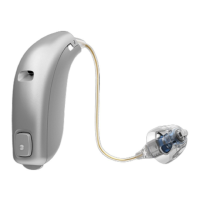
To replace the battery, follow these instructions:
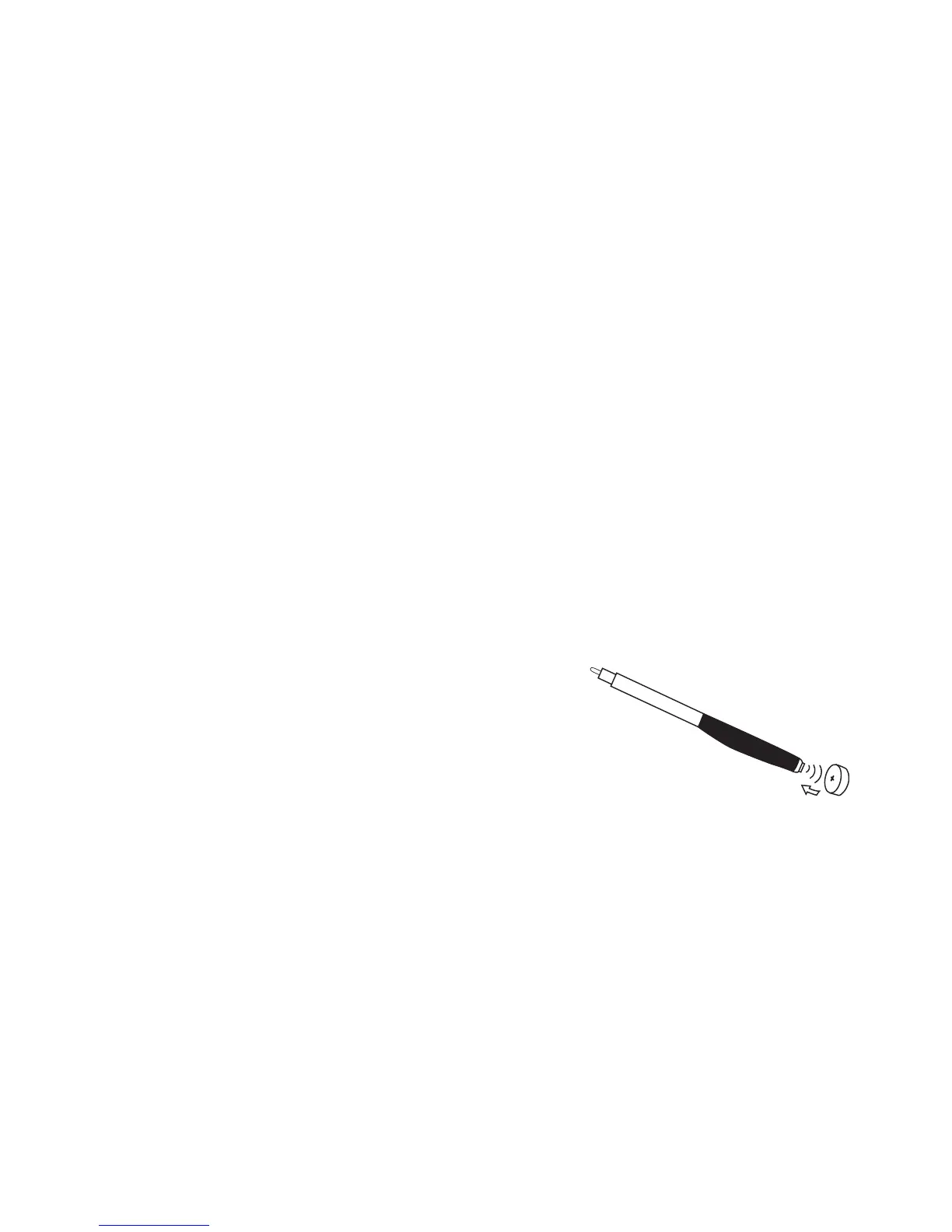
• Open the battery door completely by pushing the raised edge in the bottom of the
instrument. Remove the old battery. To assist with the handling of the batteries,
the magnet at the end of the MultiTool can be used to help you.
• Remove the sticky label from the + side of the new battery.
• The new battery may be inserted by using the magnetic end of the MultiTool.
Ensure that the positive (+) marking faces the positive (+) sign printed on the battery
door. Close the battery door.
Any moisture on the battery surface should be wiped
off before use.
When you change the battery, it will take a few seconds
before the battery works.
MultiTool



 To Next Page