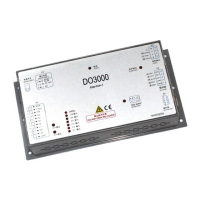
User’s Guide of DO3000 Door Operator
Lead the green future All rights reserved © OTIS 10/48
The modification of parameters is done.
2.4 Debugging Description
2.4.1 Precaution for door operator debugging:
1. System address settings
2. The elevator is in the maintenance state, ST code is 001 (ST1 is 0, ST2 is 0, ST3 is 1).
3. The door operator is installed and the wiring is correct. Before the power-on, push the hanger plate,
and the door moves under resistance; unplug the three-phase power line plug of motor, and then
push the hanger plate, and the door runs smoothly, i.e. there is no mechanical jamming.
4. The controller of this door operator matches 1.2A rated current motor and synchronous door coupler
by default. If you need to switch to asynchronous door coupler and 0.8A rated current motor, you need
to change the Door Coupler Type in the M-3-3-1 to 0, and the Rated I in the M-3-3-3 to 0.8A.
Note: Because the controller has the outage anti-collision function, there is obvious resistance
when the hanger plate is pushed before the power-on.
2.4.2 Basic debugging steps:
2.4.2.1 Power-on of door operator
Turn on the power switch of controller, and if the controller power indicator goes on, the controller power is
normal.
2.4.2.2 Learning
1. Operation of enclosure panel
Push the hanger plate to the middle, press the learning button on the enclosure and hold it for 3s until it
starts to move. The door operator automatically conducts the angle learning and door width learning.
During the angle learning, the hanger plate seeks the optimum position through the continuous inching,
and directly transfers to the door width learning. Door width learning process is as follows: close
close arrive open open arrive close close arrive
In case of the malposition or reverse open/close action, check the abnormality description.
2. Server operation
Server operation separates the angle learning from door width learning, and the angle learning should be
carried out prior to the door width learning.
Specific steps are as follows:
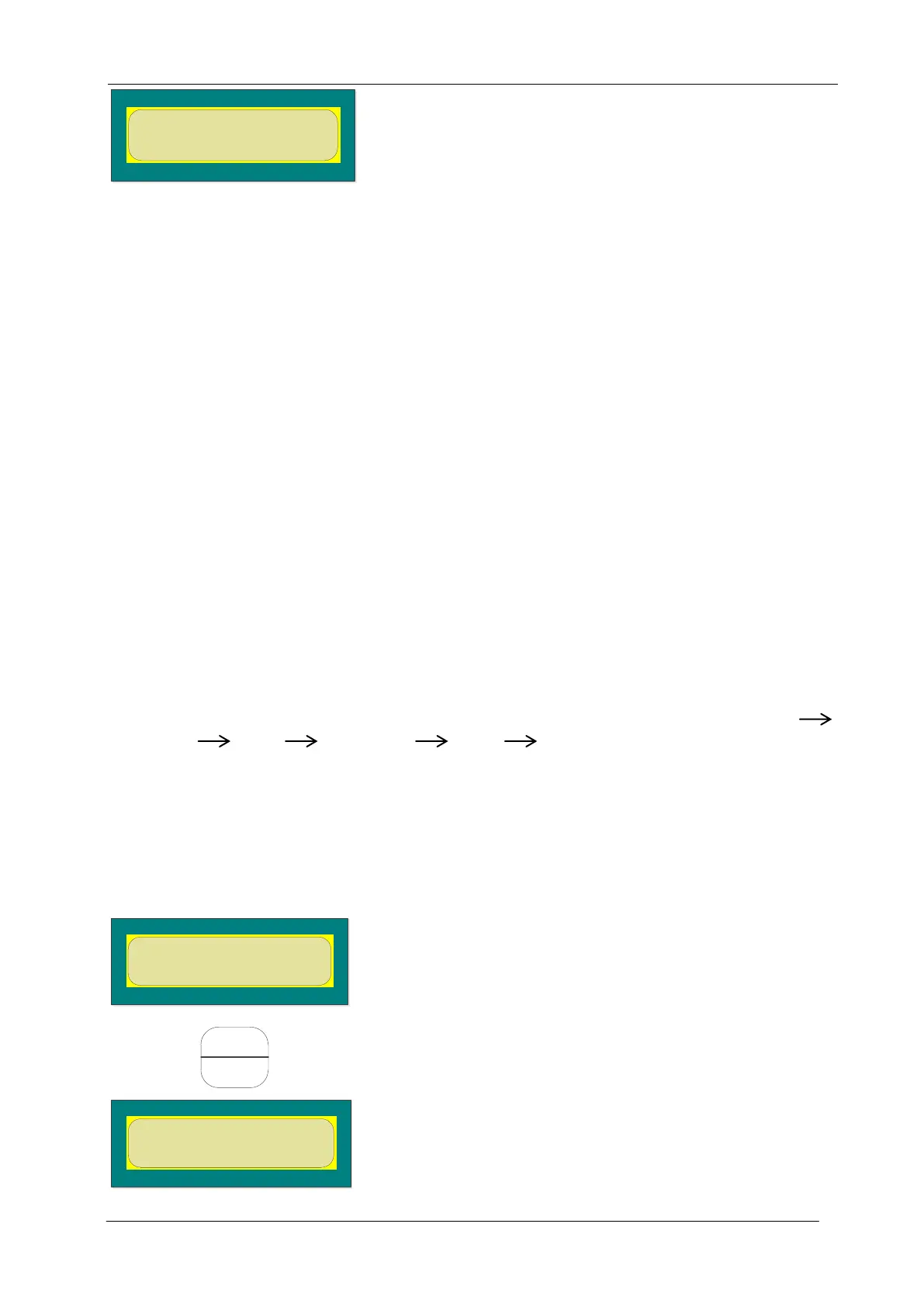
First push the door to the middle position, and the server enters menu 34 as follows:
LearnAngle = 1
LearnWidth = 2
Then press and enter the door operator angle learning option as shown below:
Angle Learning?
YES=1 NO=2


 To Next Page
 Loading...