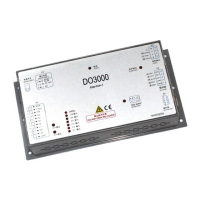
User’s Guide of DO3000 Door Operator
Lead the green future All rights reserved © OTIS 11/48
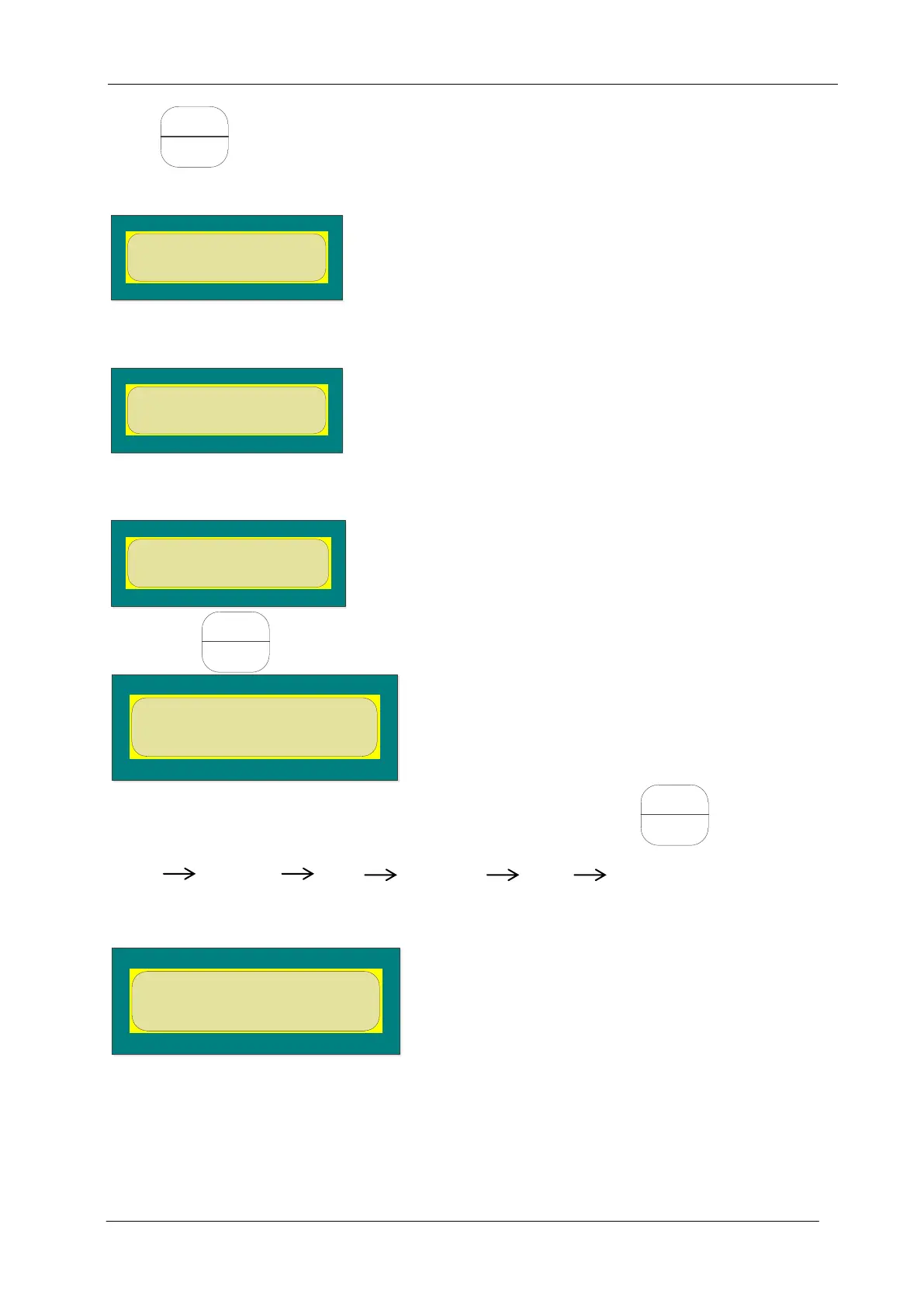
Press again, and the hanger plate obtains the initial angle through the continuous inching.
After the completion, the server displays the following:
It means that the angle learning is done and the following operations may be conducted.
If the server displayed is as follows:
It means the failure of angle learning, check the abnormality description.
After the completion of angle learning, enter menu 34 to see the display as follows.
LearnAngle = 1
LearnWidth = 2
Then press and enter the door operator angle learning option as shown below:
Confirm whether the angle learning is done, and if it is completed, press , so that the door
operator conducts the door width learning as follows:
Close close arrive open open arrive close close arrive
In case of the malposition or reverse open/close action, check the abnormality description.
When the door operator stops moving, the server displays:
It means that the door width learning is completed. However, make sure whether the door is
opened/closed in place and whether the open/close actions are reversed.
2.4.2.3 Demo operation of door operator
Enter menu 32 to see the display as follows:


 To Next Page
 Loading...