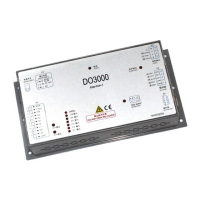
User’s Guide of DO3000 Door Operator
Lead the green future All rights reserved © OTIS 9/48
ProfilePara = 1
SystemPara = 2
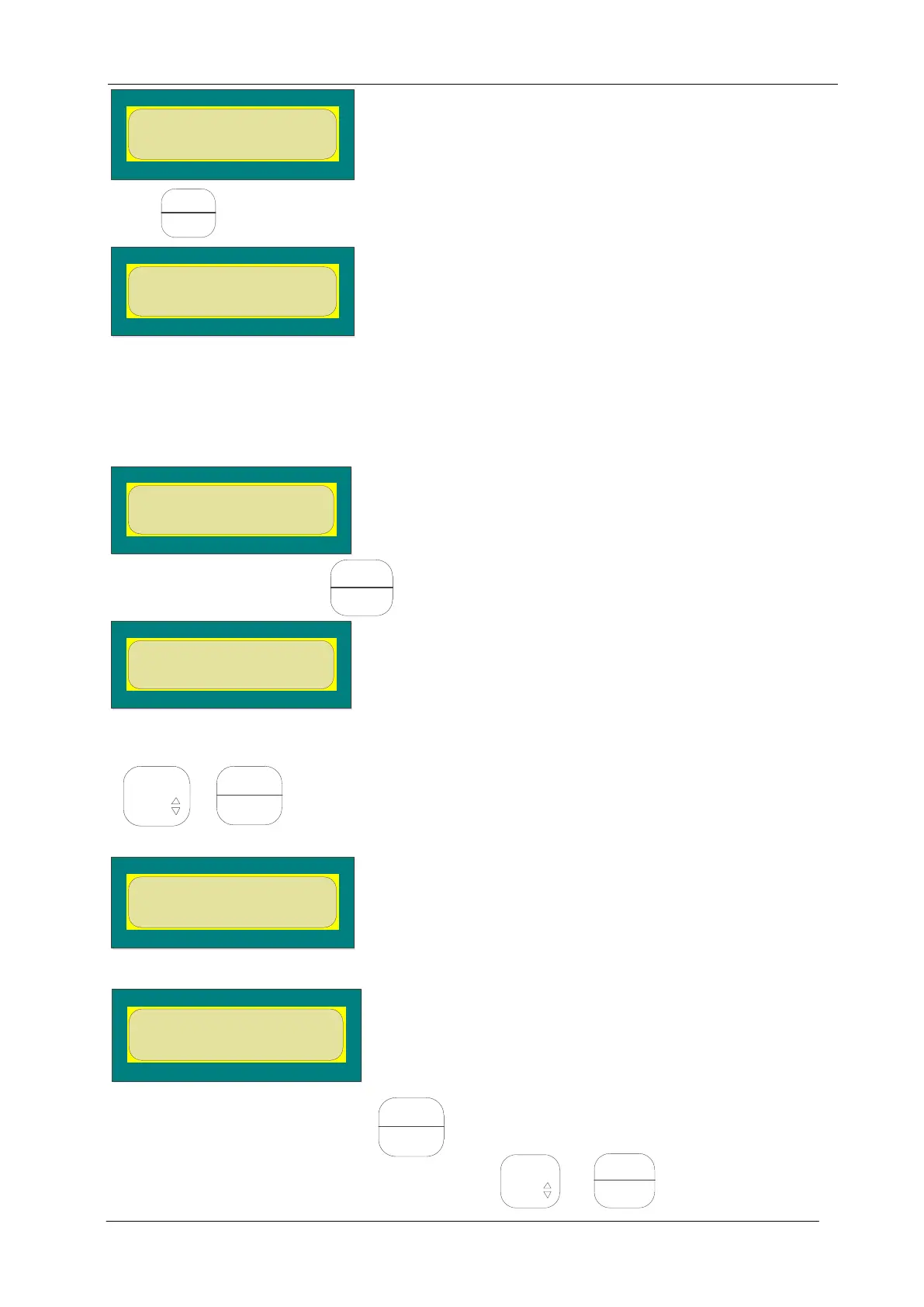
Press to enter the following interface:
2.3.3 Parameters modification
The display interface of the server can display up to two rows of data. The data displayed by parameter
menu is current data. You can modify this parameter according to the following method: (if the buffer
distance of opening should be modified, change it from 5 to 1)
First enter the curve parameter menu according to the previous step as shown below:
Then click the Go Back button until it appears as follows:
You can see the original value of 5, and modify the parameter through the combination key of
+ as shown below:
Input the modified value at this time as follows:
Op_CreepDis ,mm
Data:5 <1
If the input is wrong, clear it by clicking .
If the input is correct, confirm it with the combination key + . It displays the following:


 To Next Page
 Loading...