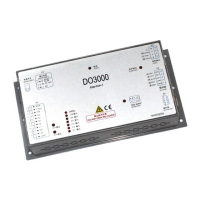
User’s Guide of DO3000 Door Operator
Lead the green future All rights reserved © OTIS 30/48
DOOR-Menu
Drive =3
Password
o:0000= n:
8888
Press +
to confirm; Menu interface turns into:
DOOR-Menu
Drive =3
Password
o:0000= n:
Enter the password 4321
DOOR-Menu
Drive =3
Password
o:0000= n:
4321
Press +
to confirm; Menu interface turns into:
DOOR-Menu
Drive =3
Password
o:0000= n:
Press and return to main menu.
In case of no operation for server in 5 min, enter the password again.
3.4.2.3 Learning
Step 1. Enter the menu M3311, change the operating mode comand source into “0”.
Step 2. Enter the menu M3312, change the feedback mode into “0”.
Step 3. Enter the menu M334, press Enter key to conduct learning.
Note: The learning should be conducted strictly in accordance with above steps. If the learning is directly
conducted without steps 1 and 2, door operator may fail and only can return to normal after the outage
(wait for the power indicator to completely go off) and power-on again.
Specific operations are as follows:
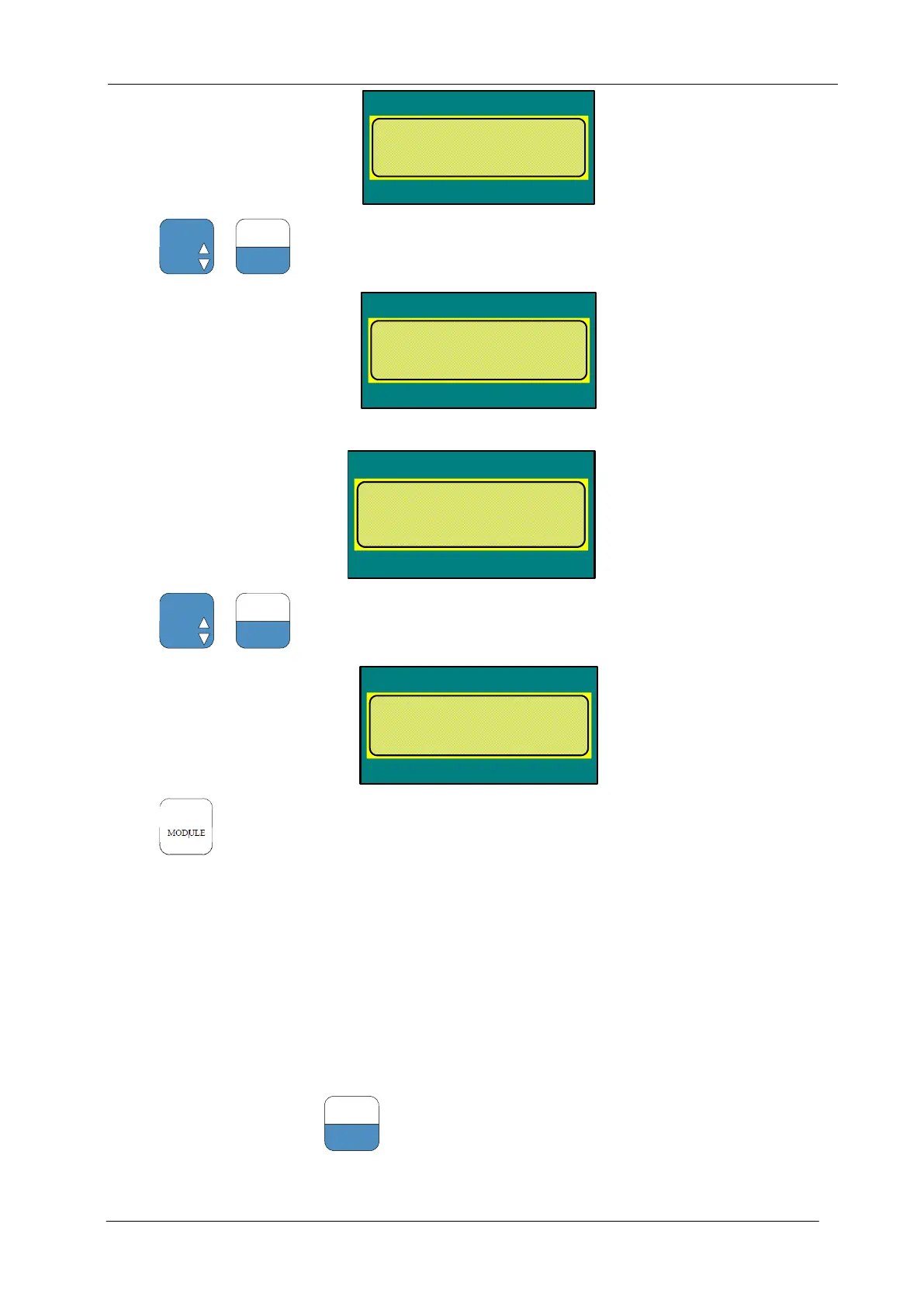
Enter the menu M3311, press
to select the following parameters. If it is not 0, set it to 0:


 To Next Page
 Loading...