User’s Guide of DO3000 Door Operator
Lead the green future All rights reserved © OTIS 32/48
DOOR-Menu
Drive =3
Learn is finished
Press to return to main menu.
After the end of learning, i.e. the last close arrive, the motor is at dead status.
After the end of learning, enter the menu M3311 to view “DR half range”; in case of center opening door
operator, this value is equal to about half the open door width +60mm
3.4.2.4 Demo operation of door operator
1. Enter the menu 3312, and determine whether Feedback is 0. If it is not 0, change it into 0.
2. Enter the menu 3311, and change operating mode Run comand source into 2.
3. Enter the menu 313 and press Enter key to conduct the demo operation.
4. Enter the menu 313, go back to Stop press ENTER, and press Enter key to stop the demo operation
Specific operations are as follows:
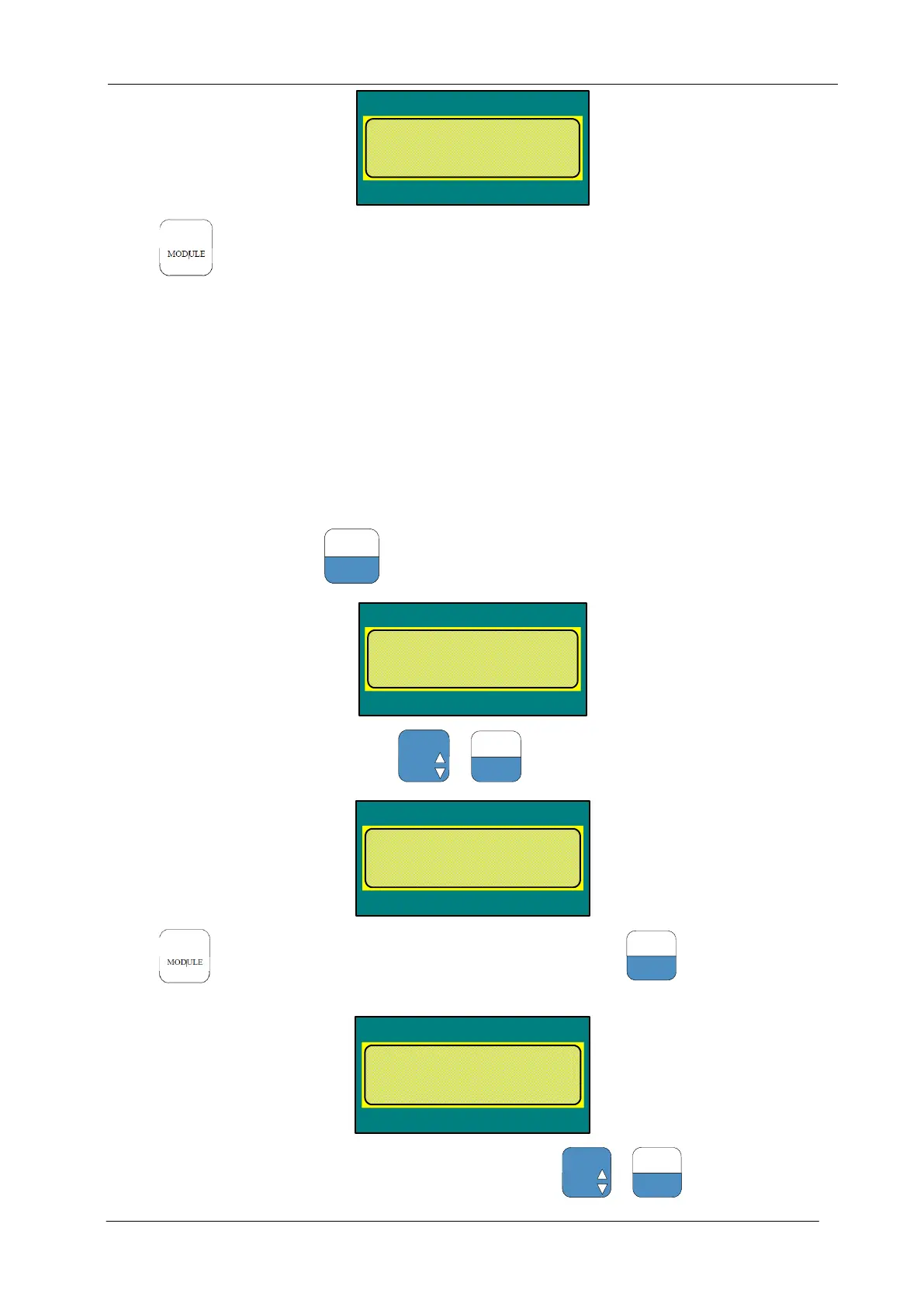
Enter the menu M3312, press
to select the following parameters:
DOOR-Menu
Drive =3
Feedback mode
old:1 new:
If the value is not 0, set it to 0, and press +
to confirm
DOOR-Menu
Drive =3
Feedback mode
old:0 new:
Press to return to main menu, and enter the menu M3311, press
to select the following
parameters:
DOOR-Menu
Drive =3
Run comand source
old: 0 new:
If the value is 0, set it to 2 (if it is not 0, first set it to 0), and press +
to confirm


 To Next Page
 Loading...