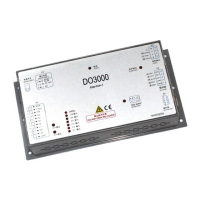
User’s Guide of DO3000 Door Operator
Lead the green future All rights reserved © OTIS 33/48
DOOR-Menu
Drive =3
Run comand source
old: 2 new:
Press to return to main menu and enter the menu M313 with interface as follows:
DOOR-Menu
Drive =3
Key open door
False
Press +
to start the demo operation; door operator continuously opens and closes the
door
Press
to stop it, and select the following parameters
DOOR-Menu
Drive =3
Stop press ENTER
False
Press +
to stop the demo operation, and press to return to main menu
3.4.2.5 Normal settings of door operator
3.4.2.5.1 Settings of HAA24360G1, HAA24360G2, HAA24360G4 ~ HAA24360G7, HAA24360G9 ~
HAA24360G11 controller components
Before the normal settings of door operator, emergency stop button should be reset, top car should be
under the service status and among ST code indicators ST1, ST2 and ST3 on the controller panel, only
ST3 should be on
1. Enter the menu 3311 and change Run comand source into 0.
2. Enter the menu 3312 and change Feedback mode into 1.
3. Enter the menu 3311, and change Run comand source into 6.
Specific operation steps:
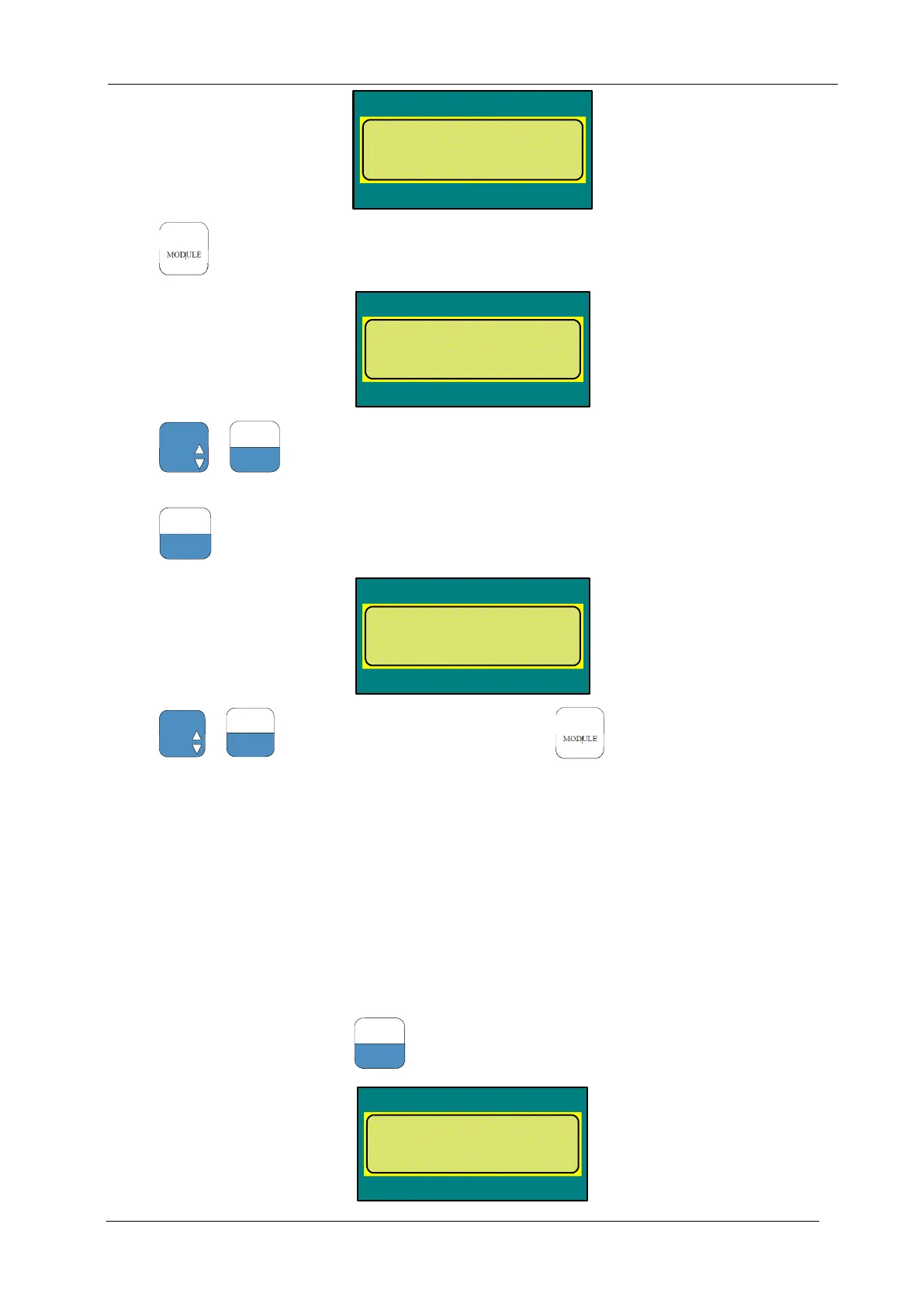
Enter the menu M3311, and press
to select the following parameters:
DOOR-Menu
Drive =3
Run comand source
old: 2 new:


 To Next Page
 Loading...