User’s Guide of DO3000 Door Operator
Lead the green future All rights reserved © OTIS 34/48
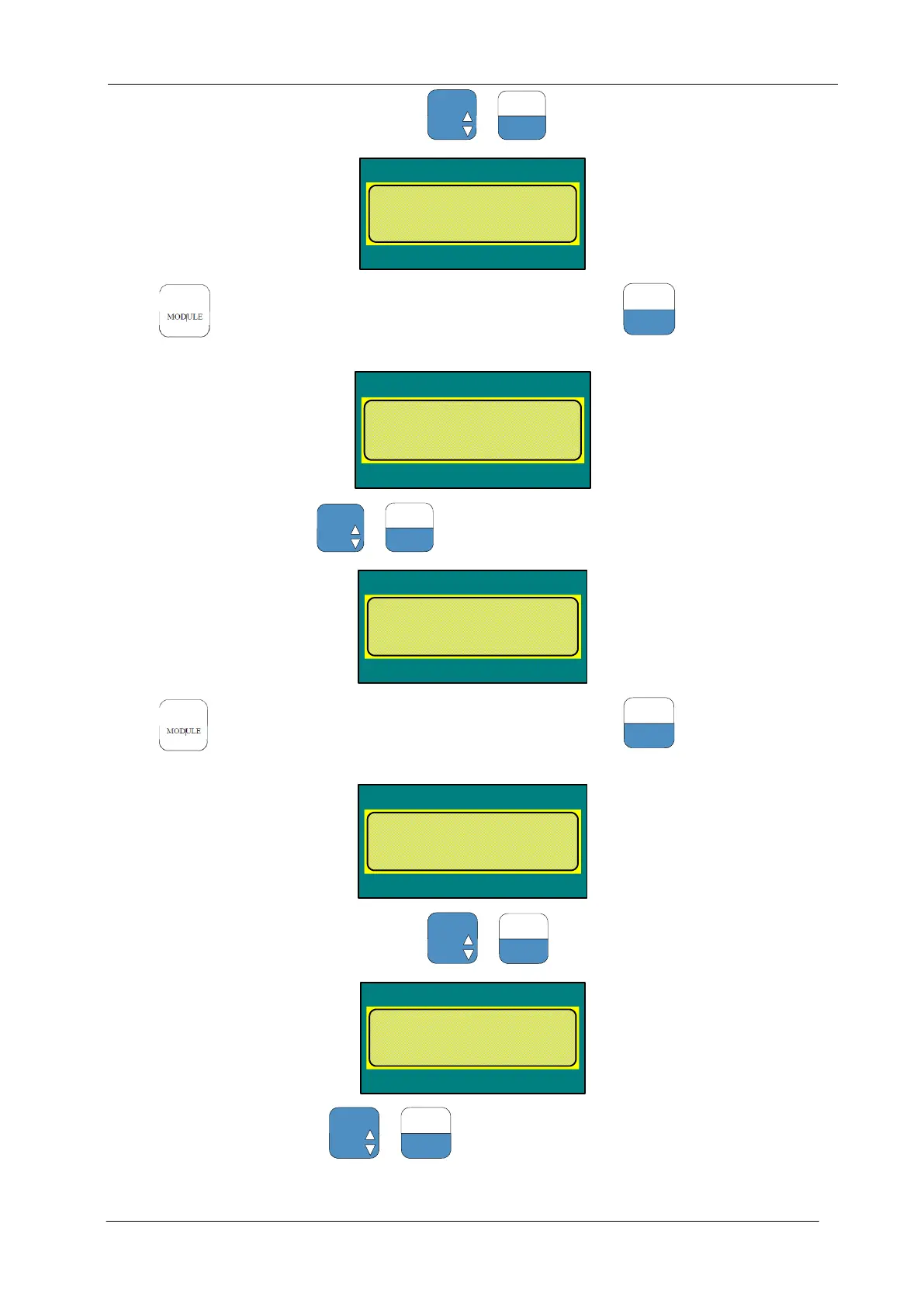
If the value is not 0, first set it to 0, and press +
to confirm
DOOR-Menu
Drive =3
Run comand source
old: 0 new:
Press to return to main menu, enter the menu M3312, and press
to select the following
parameters:
DOOR-Menu
Drive =3
Feedback mode
old:0 new:
Set the value to 1, and press +
to confirm
DOOR-Menu
Drive =3
Feedback mode
old:1 new:
Press to return to main menu, enter the menu M3311, and press
to select the following
parameters:
DOOR-Menu
Drive =3
Run comand source
old: 0 new:
If the value is not 0, first set it to 0, and press +
to confirm
DOOR-Menu
Drive =3
Run comand source
old: 0 new:
Set the value into 6, and press +
to confirm


 To Next Page
 Loading...