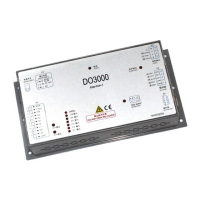
User’s Guide of DO3000 Door Operator
Lead the green future All rights reserved © OTIS 35/48
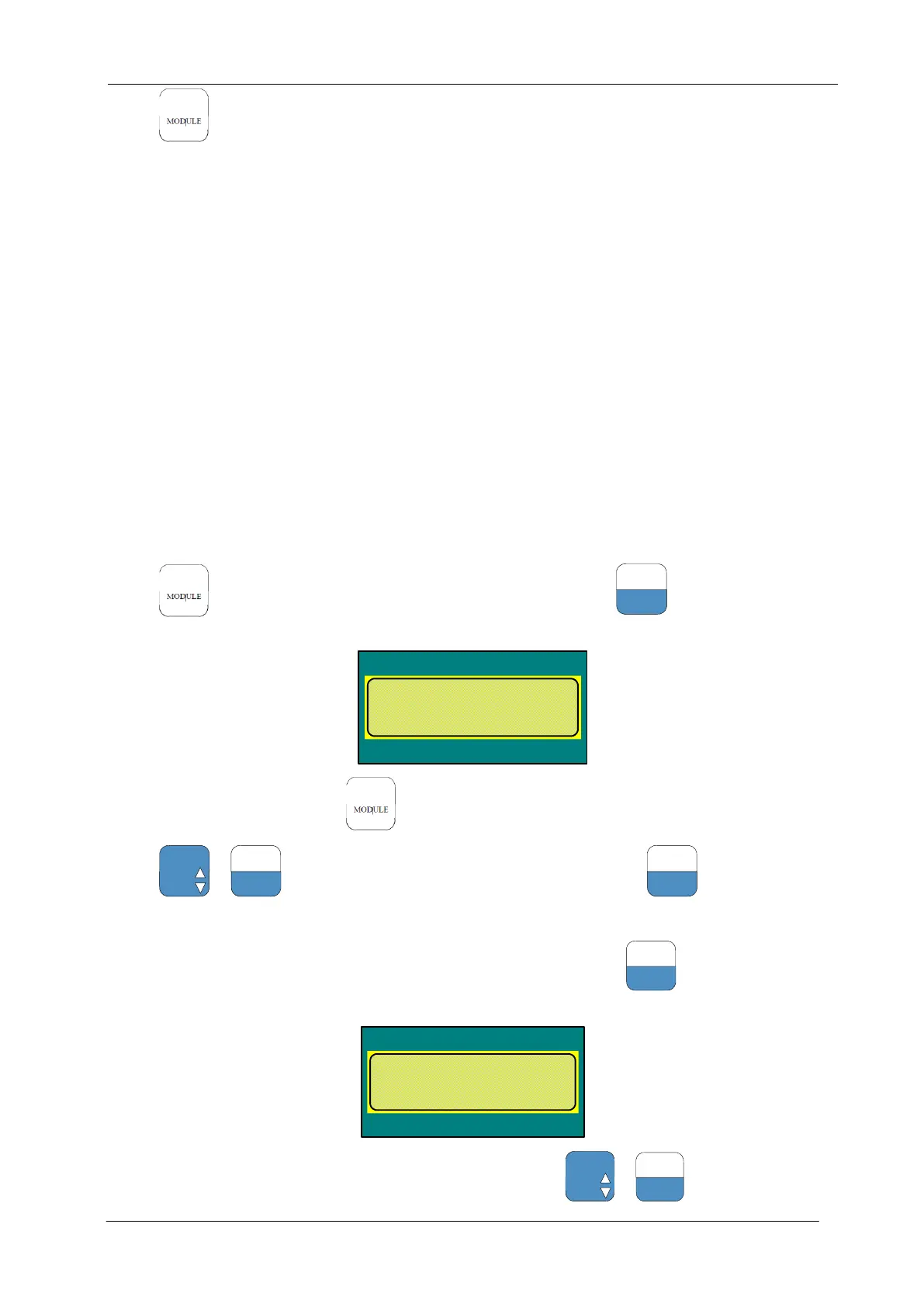
Press to return to main menu; door operator closes door in place and holds the torque
3.4.2.5.2 Settings of HAA24360G3, HAA24360G8 controller components
1. Enter the menu 3311 and change Run comand source into 0.
2. Enter the menu 3311 and change Run comand source into 3.
3.4.3 Advanced debugging steps:
3.4.3.1 Power-on of door operator
If the power indicator goes on after the controller is switched on, the power of controller is normal.
3.4.3.2 Enter the password
Implement it by reference to section 2.4.2.2
3.4.3.3 Positioning
In case of operating mode 0, pull the door to the middle, input 332, press ENTER key. Door moving a little
distance (about two centimeters, if the door does not move, then reposition the door) indicates that the
positioning is complete.
Enter the menu 3313, change the first parameter "Rated Power" to select the motor type. Rated Power is
set to 94.3 for 5.0N • M motor.
After replacing the motor or controller, the motor parameters should be reset.
3.4.3.4 Set the motor rotation direction
Press to return to main menu, enter the menu M3311, press
to select the following
parameters; If it is not 0, set it to 0:
DOOR-Menu
Drive =3
Run comand source
old: 0 new:
Pull the door to the middle, press return to main menu, and enter the menu M311:
Press +
so that the door will move to a direction, and press
to stop it
If the door moves to the open direction, the rotation direction of motor should not be modified.
If the door moves to the close direction, enter the menu M3311 and press
to select the following
parameters:
DOOR-Menu
Drive =3
Rotate dir 1/0
old:0 new:
If the value is 0, change it into 1. Otherwise change it to 0, press +
to confirm and press


 To Next Page
 Loading...