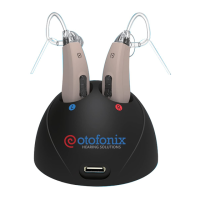
The is designed to change both
volume and programs on your device.
To change the volume:
1. Press and quickly release the upper portion of the
Rocker Switch to increase the volume, while the
lower portion reduces the volume.
2. Indicators you will hear when changing volume:
• Volume 2 - 9: double beep
• Volume 1 & 10: single beep
3. The single beep indicates you have reached the
volume limit.
To change the programs:
1. Press and hold Rocker Switch for 3 seconds.
2. You will first hear the beep as if you were changing
volume, just keep holding the Rocker Switch down
to change programs.
Press up to increase the volume.
Press down to decrease volume.
Changing Volume & Programs
12


 To Next Page