Unit: N.M
Front shock shaft
tightening nut
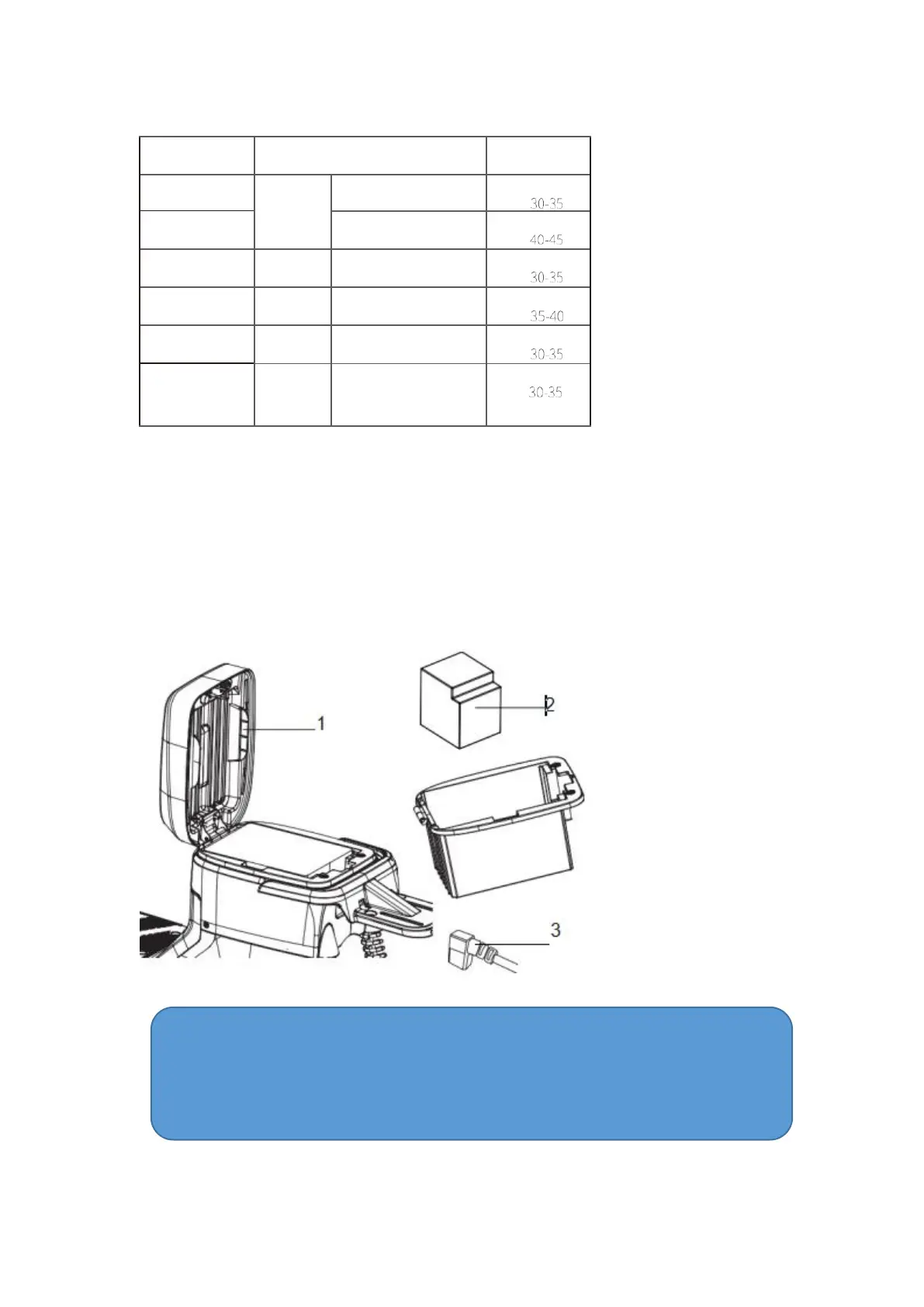
Schematic Diagram of Battery Installation
How to install battery
1. Open the seat cushion and turn off the air switch;
2. Put the battery in the seat bucket;
3. Connect the battery plug to make it stable. Open air switch; lower seat cushion.
Warn
Battery installation is dangerous. During installation, professional installers (distributors
designated by the company) must be responsible for installation. Unauthorized operation
leads to an accident, and the user shall bear all the consequences.



 To Next Page