Page 33Page 32
900-0125-12-02 Rev A
©2017 OutBack Power Technologies. All Rights Reserved.
MATE3s Settings
AGS (Testing)
M-1. AGS continued
• AGS Functional Test
Before any further programming, conrm that the generator is working properly. Using the generator’s own
controls, manually turn it on and then shut it off.
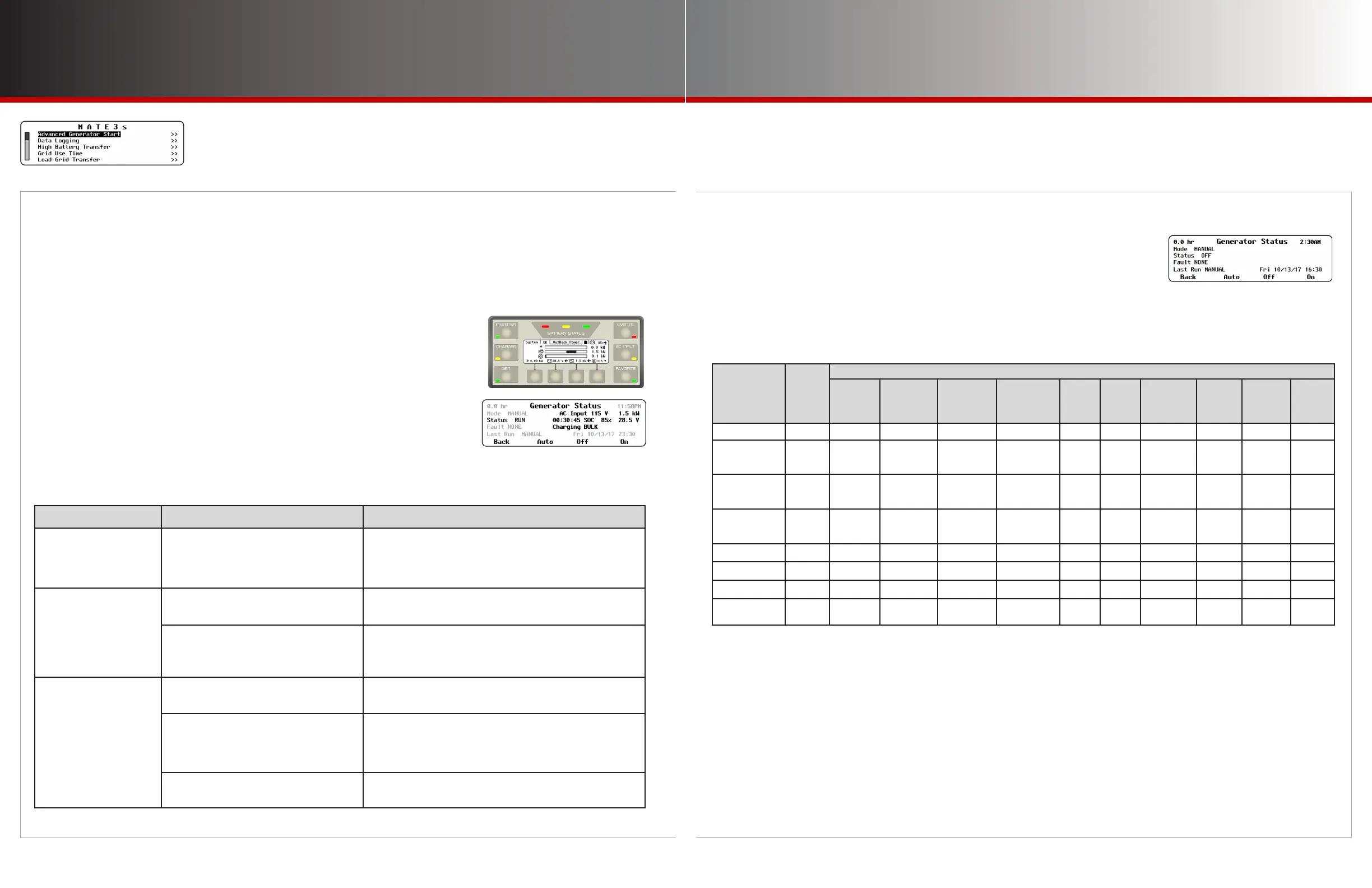
Next, test the remote start functionality. Go to the Generator Status screen using the GEN hot key.
To test the AGS function through the MATE3s:
1. Press the GEN hot key to bring up the Generator Status screen.
2. Press the <ON> soft key and wait for the generator to start running.
3. Press the <OFF> soft key to shut the generator off.
4. Press the <AUTO> soft key to put the generator in AUTO mode.
(Automatic functions need to be tested separately.)
5. Press the <BACK> soft key to return to the Home screen.
• AGS Troubleshooting
If the generator fails to start or connect, there are many possible reasons. The steps below provide
initial guidance for troubleshooting.
Symptom Possible Cause Possible Remedy
AGS sends a command
but the generator does
not start.
Open circuit between AUX connection and
generator.
Ensure the generator will start using its own controls. Ensure
it will start using the <ON> soft key in the GEN hot key
screen. Check all conductors, including external relays,
contactors, or other devices.
AGS starts the generator
but AGS Fault appears
anyway.
Generator output is not reaching inverter
input.
Check all circuit breakers and switches. Measure AC voltage
at inverter input terminals.
Generator output does not meet inverter
requirements.
Check generator voltage and frequency.
To clear an AGS fault, go to the GEN hot key screen. Press
the <OFF> soft key.
AGS does not send a
start command under
expected conditions.
AGS is not enabled.
Check Mode in the GEN hot key screen. Ensure AGS
Enabled is set to Y. (See page 27.)
The AGS timers have not been activated
by the present conditions.
Check to make sure at least one AGS timer is active. (See
page 31.) If the timers are not active, check the AGS
settings. Compare all settings against the Start and Stop
Reasons table to the right.
A Stop condition is active. This could
include Quiet Time.
Compare all settings against the Start and Stop Reasons
table to the right.
• Start and Stop Reasons
After AGS has started the generator, the GEN hot key screen shows
the reason for starting under Last Run. The rst two columns in
the table below are a list of start reasons.
The remaining columns display the possible reasons for the generator to stop. The possible stop reasons
are connected to the start reasons. For example, a generator which started due to Load kW can stop due to
reduction of load kilowatts, due to Quiet Time, or manually. However, it will not stop due to battery state of
charge (SOC) or any of the other reasons.
START
REASONS
Global
Rebulk
STOP REASONS
Inverter
in Float
or Silent
Stop SOC
%
Stop at
100%
SOC
FN-DC
Charge
Parms Met
(CPM)
Below
Load
kW
Quiet
Time
Exercise
Time
Expires
Manual
Stop
High
Batt
Voltage
Below
Load
kW
2 Min Batt V Yes Stop Stop Stop Stop
2 Hour Batt V Yes Stop
Stop if days
since CPM
< setting
Stop if days
since 100%
> setting
Stop if days
since CPM
> setting
Stop Stop Stop
24 Hour Batt V Yes Stop
Stop if days
since CPM
< setting
Stop if days
since 100%
> setting
Stop if days
since CPM
> setting
Stop Stop Stop
Start SOC % Yes Stop
Stop if days
since CPM
< setting
Stop if days
since 100%
> setting
Stop if days
since CPM
> setting
Stop Stop Stop
Load kW Stop Stop Stop
Exercise Stop Stop Stop
Must Run Start Yes Stop Stop Stop
Manual Yes
If Auto
selected
If Auto
selected
Stop
NOTES
“Setting” refers to the Interval Days setting in the State-of-Charge (SOC) Start screen as depicted on page 29.
“CPM” (Charged Parameters Met) refers to the full-charge parameters of the FLEXnet DC (FN-DC) Battery Monitor as defined on page 24.
The FN-DC must be installed in the system.
The conditions of the Inverter In Float or Silent column will stop the generator if the inverter reaches these charging stages before the
conditions of the other columns take effect.
The conditions of the Stop SOC% column apply as long as Days Since Parms Met does not exceed Interval Days. The generator will be shut
off upon reaching the Stop SOC% setting as shown on page 29.
The conditions of the Stop at 100% SOC column apply if Days Since Parms Met equals or exceeds Interval Days. The generator will ignore
the Stop SOC% setting and continue running until the battery SOC is at 100%. (This function does not operate if Enable Full Charge is set at N,
or if the Interval is set at 0.)
The conditions of the FN-DC Charge Parms Met (CPM) column apply when Days Since Parms Met equals or exceeds Interval Days and
Enable Full Charge (100% SOC) is disabled as noted above. These conditions also apply if for any reason the charge parameters are not met
when the batteries reach 100% SOC as noted above. The generator will continue to run until the FN-DC’s charge parameters have been met.



 To Next Page
 Loading...