S3 User Guide 31 PN 875-0196-000 Rev C1
Chapter 3: Basic Operation
Viewing Job and Guidance Status Information
The S3 has several operational status indicators that appear on the Map screen or on
individual tabs and buttons for quick reference.
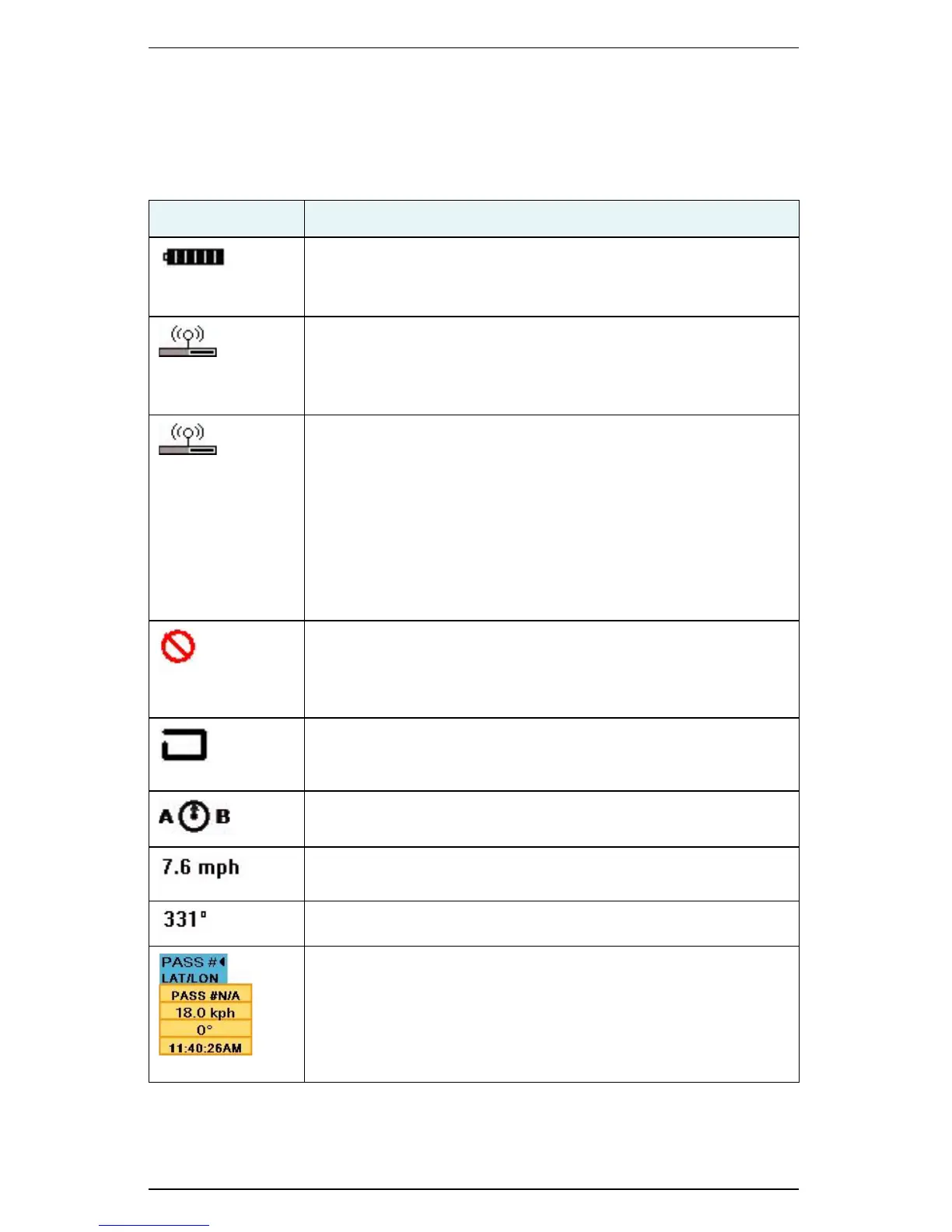
Table 3-2: Job and guidance status information
Indicator Description
Local base battery status
(Only appears when using an RTK signal from a BaseLineX station)
Displays the charge remaining on the local base station battery.
Radio Tower (top part of icon)
(Only appears when using an RTK signal from a BaseLineX station)
Indicates that the S3 is receiving corrections for the local base
station (pulsates when it receives a signal).
Radio Communication Status Bar (base of icon)
(Only appears when using an RTK signal from a BaseLineX station)
The rover radio in the vehicle must receive consistent correction
signals from the base station for up to 15 minutes to achieve RTK
lock.
• Status bar is full when it has received consistent base
corrections for 15 minutes
• Status bar is clear if communication is lost with the base
station for 5 seconds or more
Headland
Indicator is on any time the antenna crosses into a previously
applied area. You set the headland audible alert feature On or Off
on the Vehicle tab.
Perimeter
Indicator is on and blinking anytime the system is recording a
perimeter.
Logging Pivot
Blinks when the S3 logs the initial pivot pass.
Speed
Rate at which the vehicle is traveling.
Direction of travel in degrees.
Pass Number
Once the A-B line is set, all passes are numbered. Pass 1 is to the
right of the A-B line, and Pass -1 to the left. Touch the Pass # button
to display the current pass number, speed, direction, and time.
This button toggles between pass information and location
information (see next row in this table).


 To Next Page
 Loading...
