S3 User Guide 59 PN 875-0196-000 Rev C1
Chapter 5: Differential Correction Types
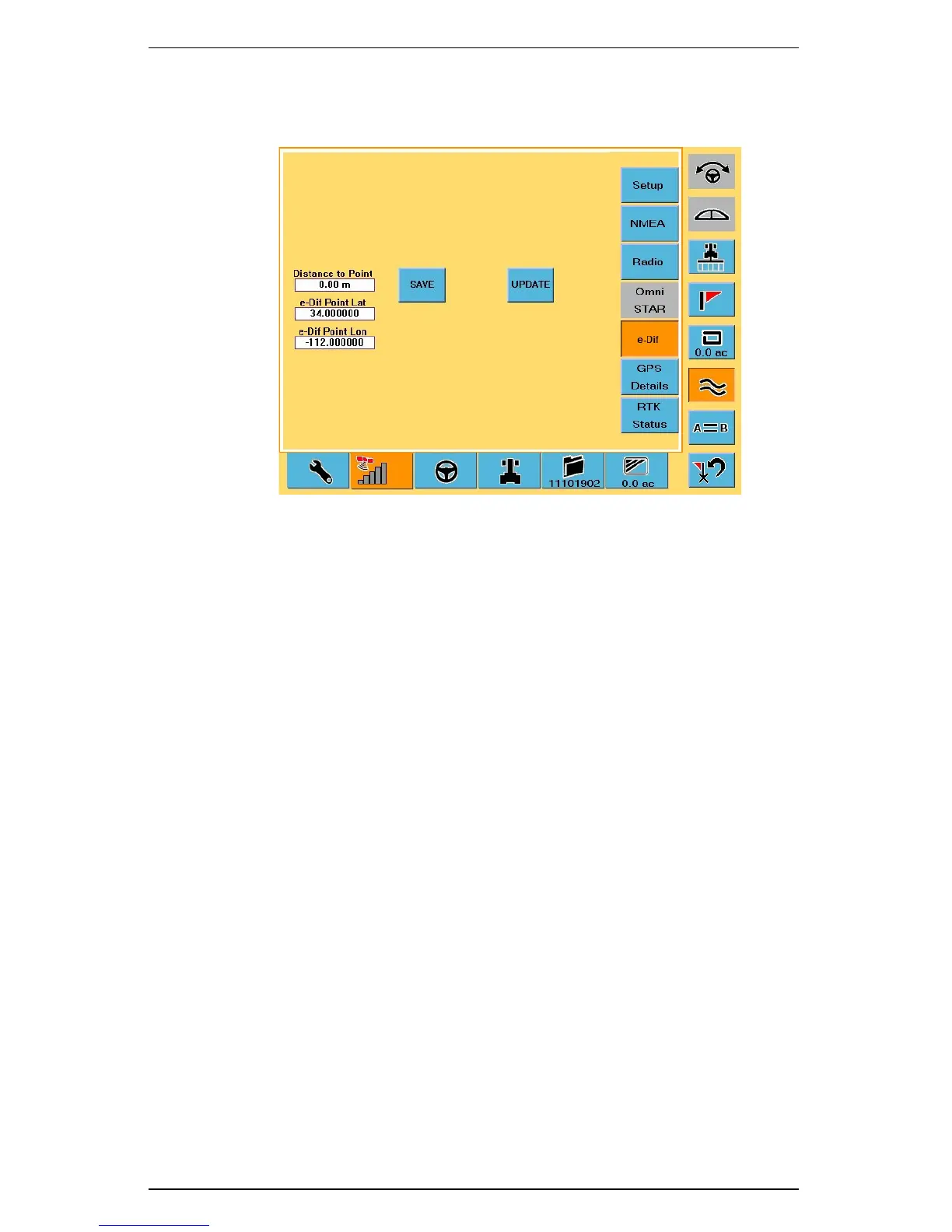
7. To u c h t h e GPS tab and then touch the e-Dif button to display the e-Dif Setup
screen. Confirm you have reached the exact location using the Distance to
Point field.
8. Touch the Update button. The S3 resets the e-Dif correction.
9. Resume guidance by touching either the Straight Guidance control button
or the Contour Guidance control button.



 To Next Page