S3 User Guide 81 PN 875-0196-000 Rev C1
Appendix C: S3 Screen Description Reference
Vehicle Tab
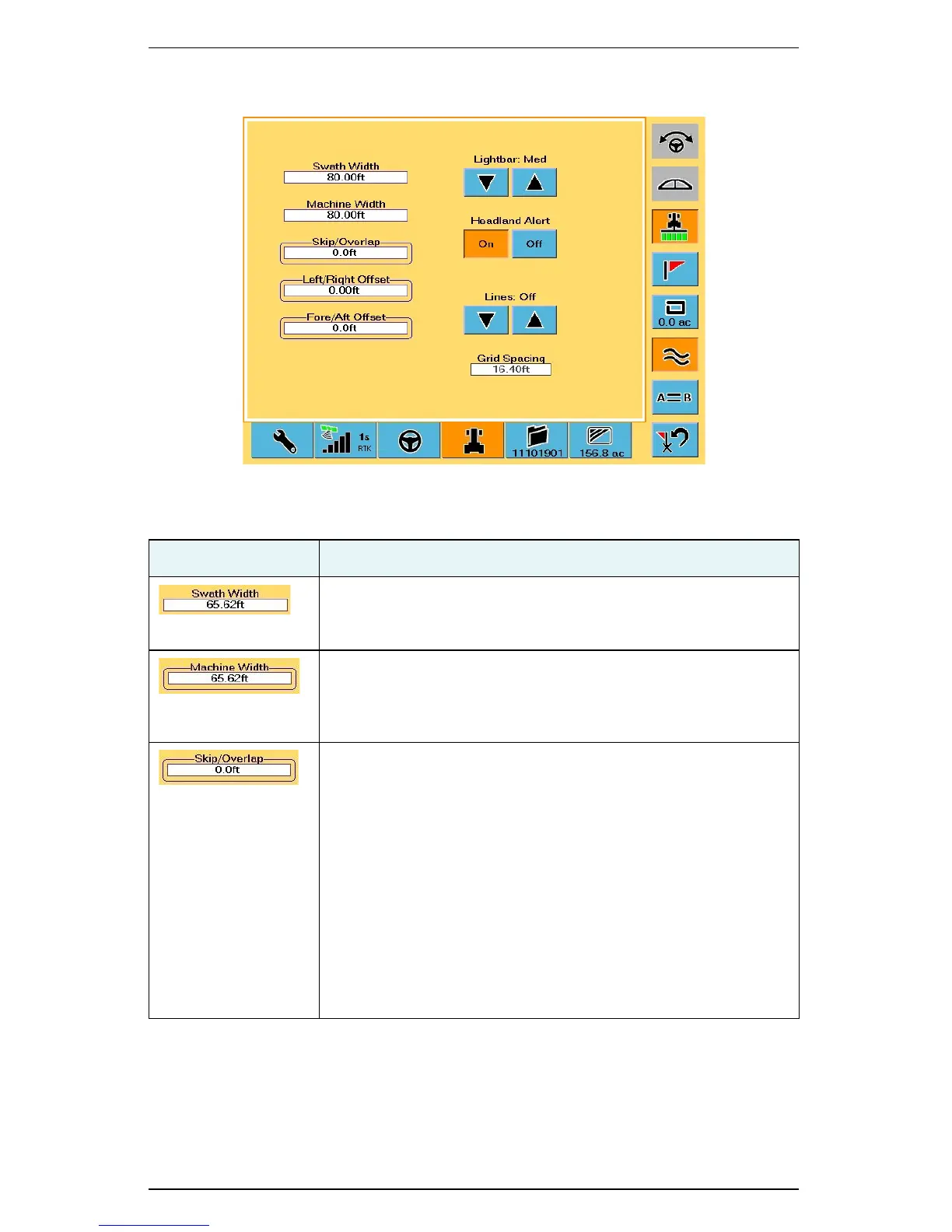
Table C-10: Vehicle screen button and field descriptions
Button/Field Description
Swath Width
S3-generated value that is the sum of the Machine Width and the
Skip/Overlap values.
Machine Width
Width of the vehicle or implement for the current job. Touch this
field to display the Edit Machine Width window where you enter
the machine width and then touch OK.
Skip/Overlap
Set this value to drive a pattern where rows intentionally skip or
overlap.
Touch this field to display the Edit Skip/Overlap window where
you touch the appropriate button (Skip or Overlap), enter a value,
and then touch OK. When you touch the Skip button or Overlap
button the Edit Skip/Overlap window visually displays a skip or
overlap. For an example of setting field values on the S3 see
“Setting the Fore/Aft Offset” on page 23.
When you enter a skip or overlap the Map screen shows this as an
area between swaths in the green coverage lines, where a skip is
as the white area between swaths and an overlap is the dark
green overlap between swaths.


 To Next Page
 Loading...
