POWER UP
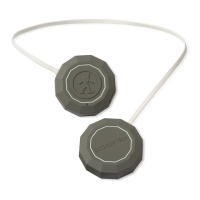
For best results, fully charge your CHIPSTM 2.0 using the
supplied 3.5 mm to USB charging cable before use.
You can manage/check your CHIPSTM 2.0 battery by the
fuel gauge that appears on your smartphone.
The indicator light located on the right ear piece will
ash red to indicate a low battery.
Once the CHIPS
TM 2.0 are plugged into the micro-USB,
the indicator light will turn red. It will turn off once the
CHIPS are completely charged.
NOTE: It takes 2.5 hours to give your CHIPSTM 2.0 a full
charge.


 To Next Page