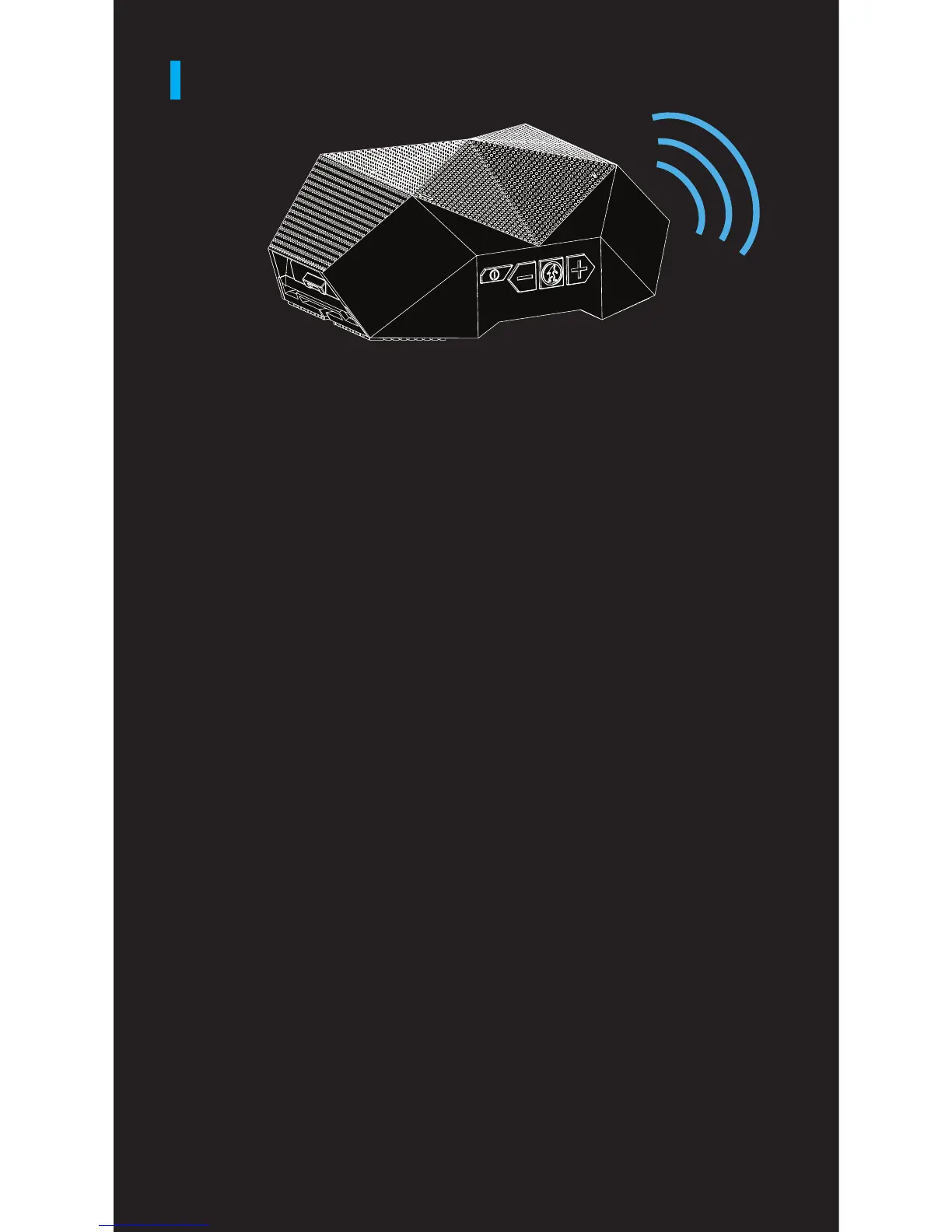
SINGLE PLAY SPEAKER PAIRING
Power On / Off
ON: Hold the Power Button for 2-3 seconds or until
the LED light flashes blue and the voice prompt
states “Power on”.
OFF: Hold the Power Button for 3-4 seconds or until
the LED light flashes blue and the voice prompt
states “Power off”.
Enter Pairing Mode
When powered on hold the “-” and “+” buttons
simultaneously for 2-3 seconds and you will hear
“Pairing” and the LED light will flash blue 3 times
then pause and repeat.
Pairing Turtle Shell 3.0 to Device
Open the Bluetooth settings on your device. If you
have put your Turtle Shell® 3.0 into pairing mode,
it should be listed as “ODT Turtle Shell® 3.0” as an
available device to pair. Connect with the Turtle
Shell® 3.0. The voice prompt will state “Paired”
when the Turtle Shell 3.0 and your device are
connected.


 To Next Page