1
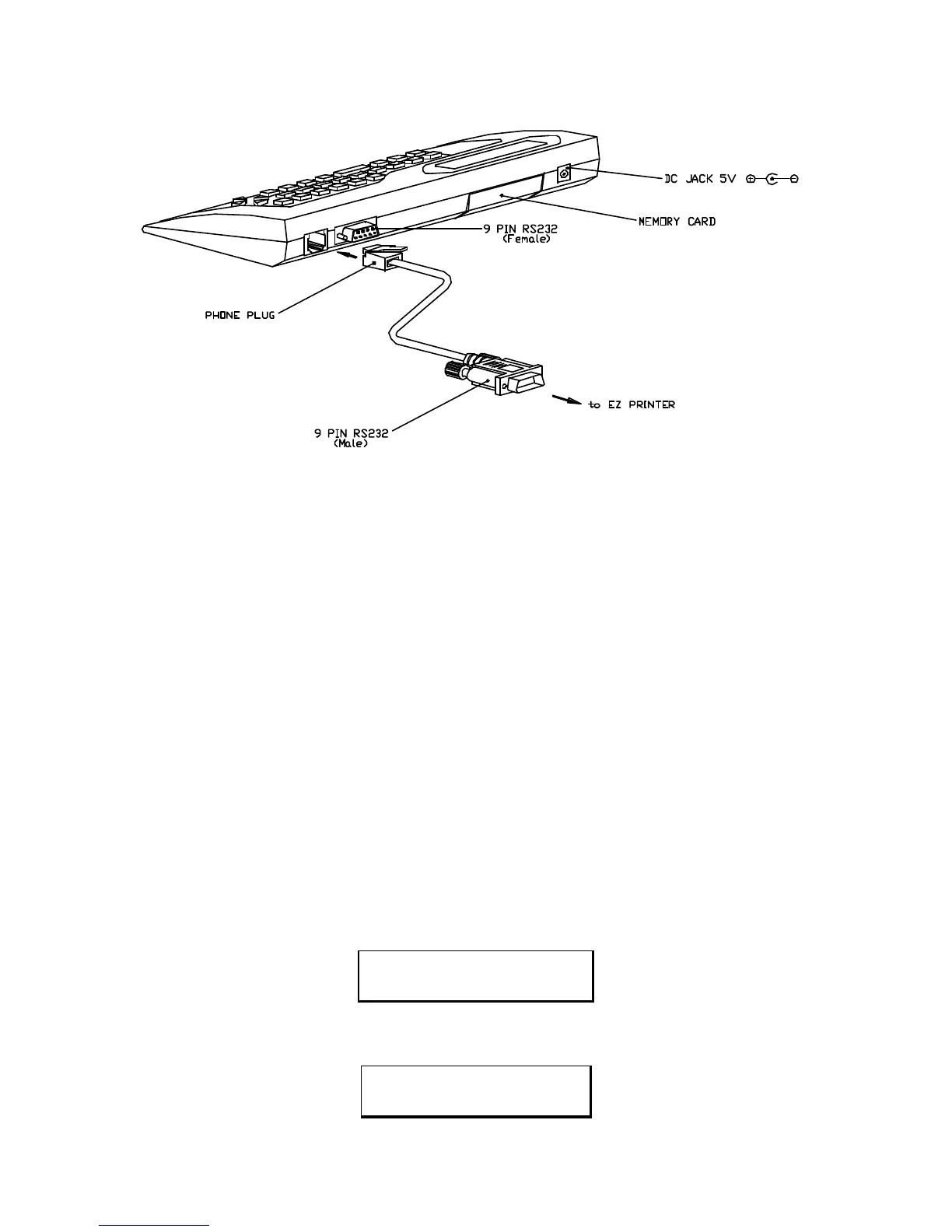
1. DIAGRAM FOR SET UP
2. INTRODUCTION
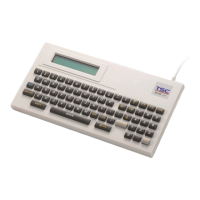
The KP-200 Stand-alone keyboard control Terminal supports four types of operation.
a. EDIT MODE OPERATION.
The operator can design or edit label formats by themselves. The label formats can be
stored in an interchangeable memory module. A maximum of eight formats may be
stored in each nterchangeable memory module.
b. PRINT MODE OPERATION.
Print the restored label format on the EZ-2 or EZ-4 Thermal Printer.
c. ERASE MODE OPERATION.
Delete an individual label format.
d. ERASE ALL MODE OPERATION.
Erase entire contents of interchangeable memory module.
3. POWER ON SEQUENCE
Connect the KP-200 keyboard to the EZ-2 or EZ-4 9 pin RS232 port with the interface
cable provided.
Power on the printer display show Product name and Version number. The LCD
display will show:
GODEX
KP-200 VER 1.0
After approximately 2 seconds the LCD will change to display the four types of
operation. The LCD display will show:
[1] EDIT MODE
[2] PRINT MODE ?


 To Next Page