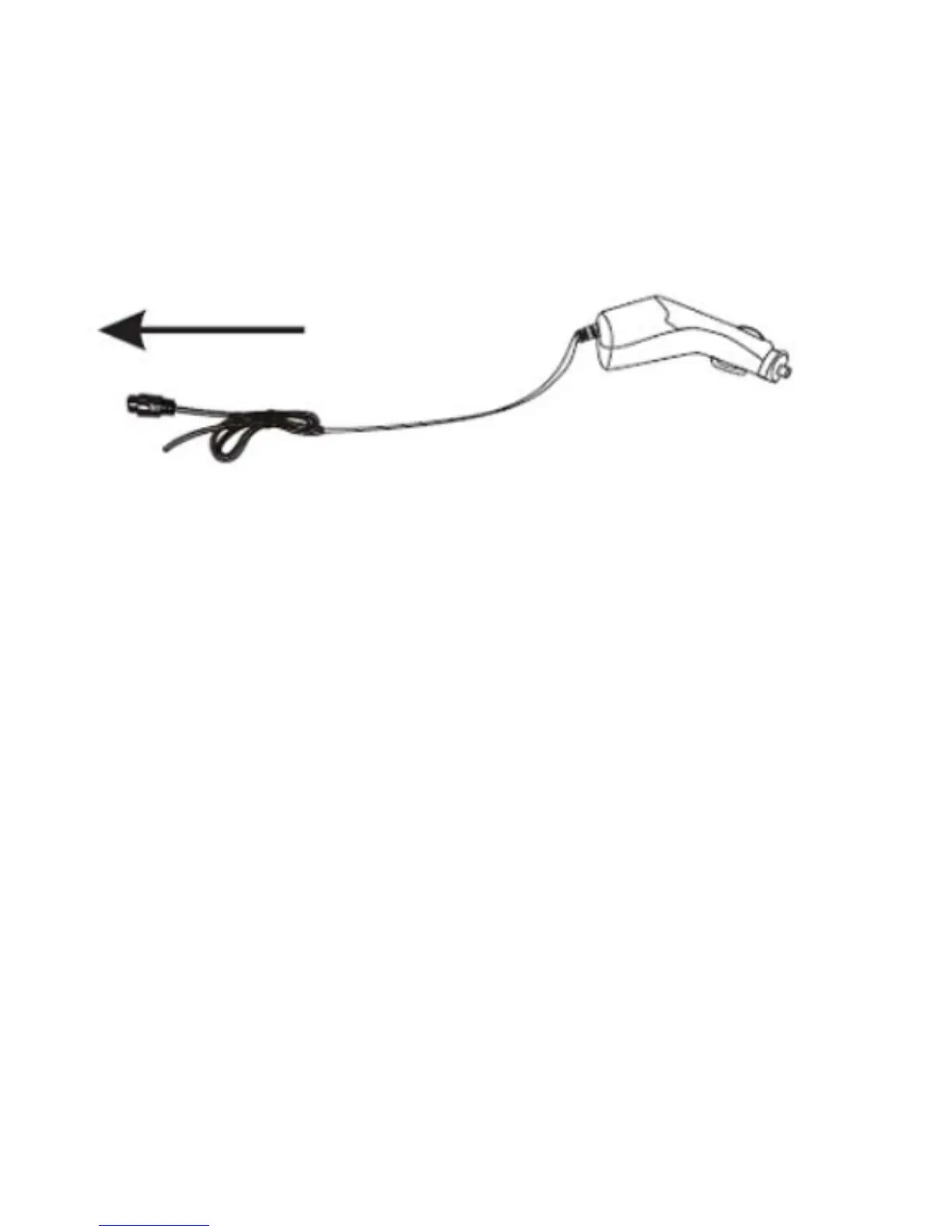
charger. It is not necessary to turn on the camera in order to charge it.
Memory card insertion / removal
1. Insert a TF memory card into the camera card slot according to the indicated direction, and
make sure that it is properly secured.
2. In order to remove the card from the slot, push it gently to unlock it and then pull it out.


 To Next Page