Note:
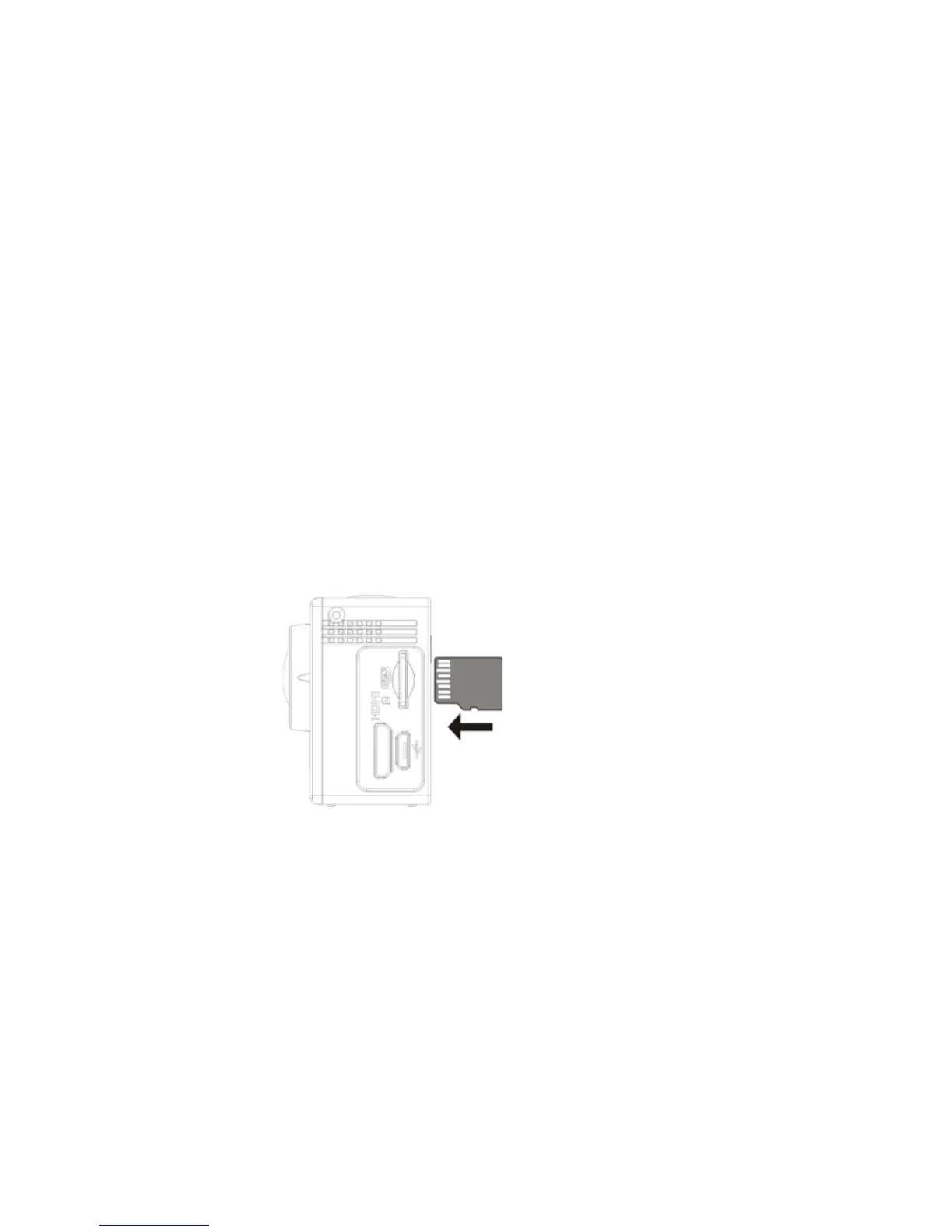
1. If the camera is on, it turns off automatically just after the card insertion. In order to start to
use it, you need to turn the camera on again.
2. If a memory card is not recognized, remove it and then insert it into the camera card slot
again. If it does not work, please try to use another card.
3. We recommend using MicroSD cards with a Speed Class 6 or 10.


 To Next Page