EN
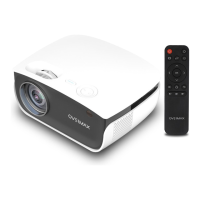
Remote control (fig. 2)
1. On/o key
2. Display proportions select key
3. Direction keys
4. Homepage
5. Menu
6. Volume down
7. Settings
8. Rotate screen
9. Select source
10. Confirm
11. Return key
12. Volume up
13. Mute
How to install
Standard settings
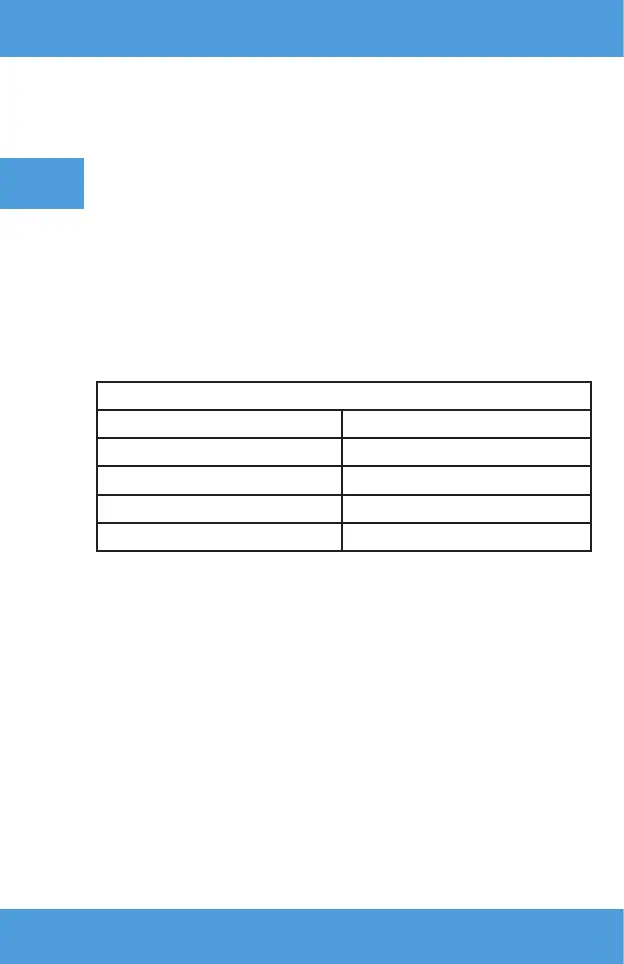
See the table below to adjust the size of picture and projector distance.
Ratio 16:9
Picture size (inches) Distance (m)
50 1.55
70 2.17
100 3.10
120 3.72
•
When installing, place the projector on astable surface or suspend under
ceiling. Do not cover or block air holes.
•
If the distance between the projector and screen is lower than the
minimum or is too large, the picture may be blurred.
How to use the device
Switching on and o
• When the projector is connected to the source of power, it switches into
standby mode. The control light glows in red.
• To switch the projector or or o, press the on/o key at the top of the
housing or press on/o key on the remote control. The projector is ready
for operation when the control light turns blue.


 To Next Page