EasyManua.ls Logo

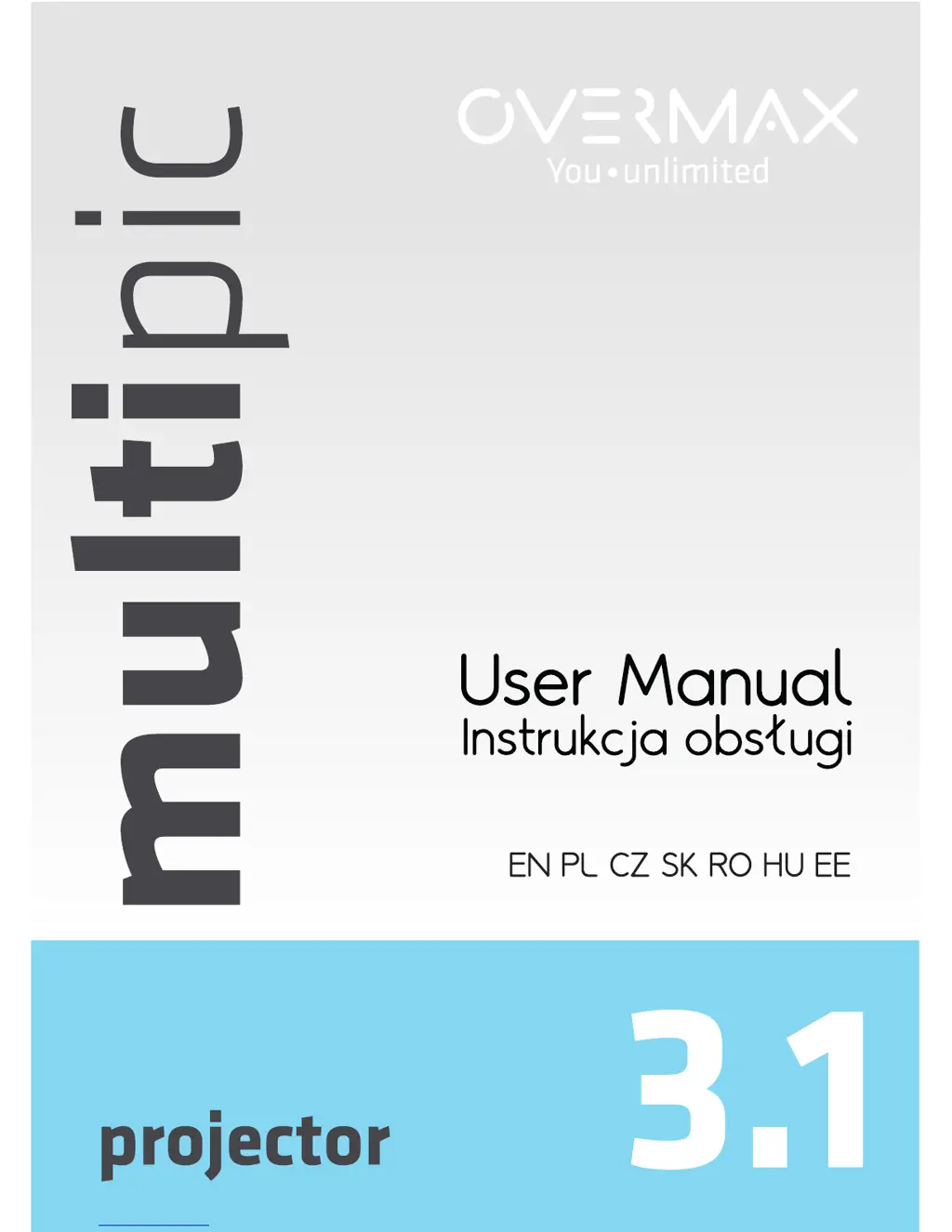
Overmax multipic 3.1 - User Manual

Overmax multipic 3.1
88 pages
Print Icon
To Next Page IconTo Next Page
Loading...

Questions and Answers

  • B
    Brandon RobertsAug 2, 2025
    Why does my Overmax Projector show no image?
    • G
      Gregory HamptonAug 2, 2025
      If your Overmax Projector displays no image, there might be several reasons. First, ensure that you have selected the correct input source. Next, verify that there is an actual input signal being sent to the projector. Also, check that the input cable is properly connected. Finally, if you are using PC mode, make sure that the PC output frequency is set to 50-60Hz.
  • W
    websterteresaAug 12, 2025
    What to do if the Overmax Projector remote control is not working?
    • A
      Andrew ReevesAug 12, 2025
      If the remote control is not turning on your Overmax Projector, first, ensure that the main power switch on the projector is turned on. If it is on, then replace the batteries in the remote control, as they may be low or completely drained. Finally, make sure you are aiming the remote control directly at the IR point on the projector.
  • C
    Curtis JohnsonAug 21, 2025
    How to fix Overmax Projector when the indicator light doesn't work?
    • M
      Mr. Steven HensonAug 21, 2025
      If the indicator light on your Overmax Projector does not turn on when you turn on the power, there could be a couple of issues. Initially, check the connection of the power cable to ensure it is properly connected. If the connection is good, the power switch fuse may be broken and require replacement.

Summary

Safety Precautions

General Operating Safety

Essential safety guidelines for operating and maintaining the projector to prevent damage or injury.

Installation and Operation

Installation Guidelines

Proper placement and environmental considerations for projector installation.

Powering On and Off

Step-by-step instructions for turning the projector on and off safely.

Operational Warning

Critical warning about projector fan operation and potential overheating issues.

Troubleshooting

Common Issues and Solutions

Table listing common projector problems and their potential causes.

Interface and Connectivity

Installation Methods and Warnings

Installation and Environmental Warnings

Critical warnings about projector mounting, operating temperature, and environment.

Remote Control

Remote Functionality

Detailed explanation of buttons and their functions on the projector remote control.

Menu Settings

System Settings and Multimedia

Overmax multipic 3.1 Specifications

General IconGeneral
Projection TechnologyLCD
Power SupplyAC 100-240V, 50/60Hz
Resolution800x480
Aspect Ratio16:9
Keystone Correction±15 degrees
InputsHDMI, USB, AV, VGA
Speaker2W

Related product manuals