EN
To play multimedia from pendrive or external drive,
follow the steps below:
a) Connect the drive to USB-A port at the back
of the housing.
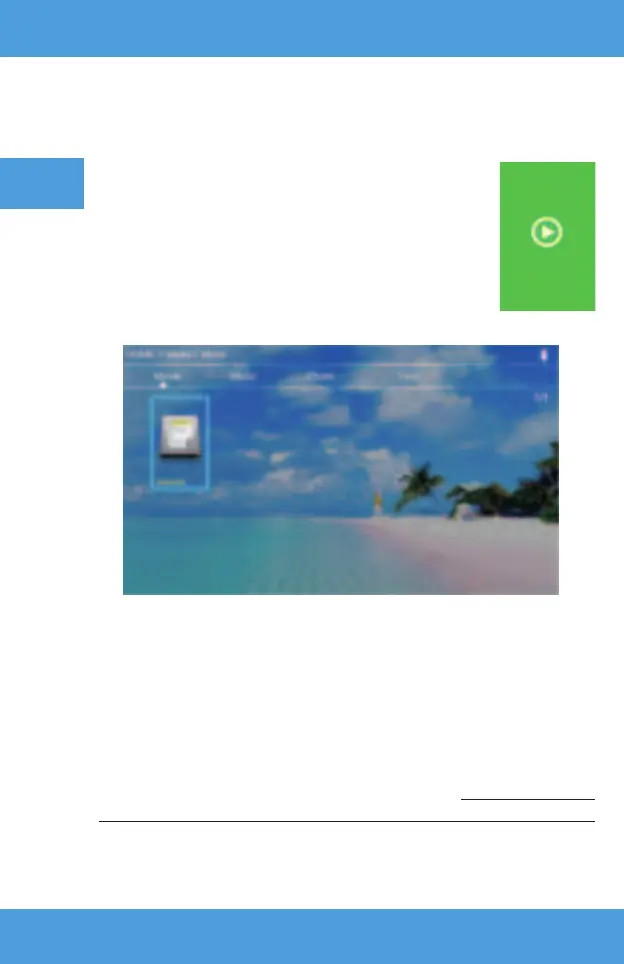
b) Use directional keys on the remote control to select
sections (Media) and confi rm with (OK) key on the remote.
The projector is equipped with a wireless Wi-Fi connection unit which allows
displaying image from mobile device without cables. Only mobile devices
compatible with MIRACAST technology can transmit image to the projector.
If the drive has been detected properly, you will be able to browse its content
by categories: fi lms, music, pictures, text.
The fi les in these categories may be browsed and displayed on the screen.
To navigate between them, use directional keys on the remote control and
confi rm your choice with (OK) key.
8. Connection to external drive
9. Wireless video connection to mobile devices
Sound: sound mode (standard, messages, music, theater), bass, high tones,
balance, equalizer.



 To Next Page